
Crestron AirMedia receivers connect to a room display and let people present wirelessly from laptops, phones, tablets and USB-C Connect Adaptors, with Microsoft Teams and Zoom conferencing on the 3100 and 3200 models. You can buy AirMedia in Ireland from 1Install, an authorised Crestron Elite Partner, supplied on its own or installed and programmed.
All 9 products
-
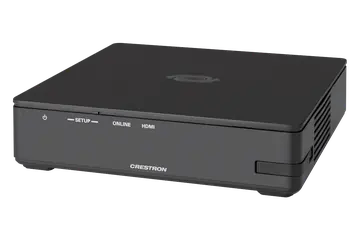 AM-3100-WF
AirMedia Receiver 3100 with Wi-Fi Network Connectivity, International
€1,121 plus VAT
AM-3100-WF
AirMedia Receiver 3100 with Wi-Fi Network Connectivity, International
€1,121 plus VAT -
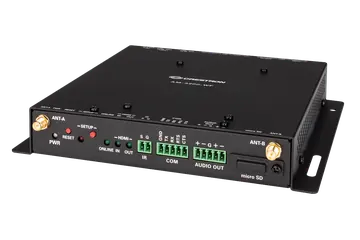 AM-3200-WF
AirMedia Receiver 3200 with Wi-Fi Network Connectivity, International
€1,773 plus VAT
AM-3200-WF
AirMedia Receiver 3200 with Wi-Fi Network Connectivity, International
€1,773 plus VAT -
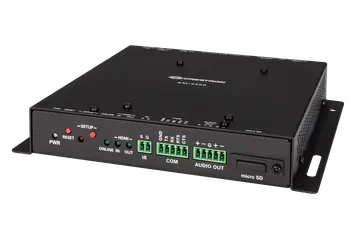 AM-3200
AirMedia Receiver 3200
€1,694 plus VAT Choose version
AM-3200
AirMedia Receiver 3200
€1,694 plus VAT Choose version -
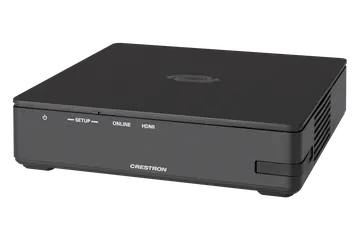 AM-3000-WF
AirMedia Receiver 3000 with Wi-Fi Network Connectivity, International
€762 plus VAT
AM-3000-WF
AirMedia Receiver 3000 with Wi-Fi Network Connectivity, International
€762 plus VAT -
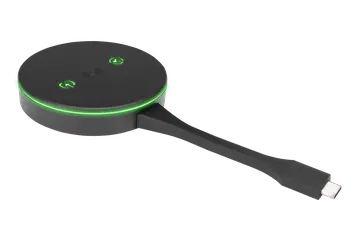 AM-TX3-100
AirMedia Series 3 Connect Adaptor
€561 plus VAT
AM-TX3-100
AirMedia Series 3 Connect Adaptor
€561 plus VAT -
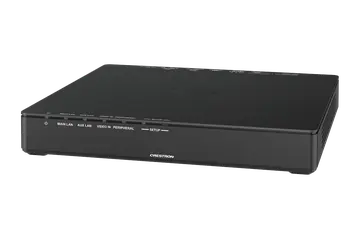 AM-TX3-200
AirMedia Series 3 Connect Endpoint
€707 plus VAT
AM-TX3-200
AirMedia Series 3 Connect Endpoint
€707 plus VAT -
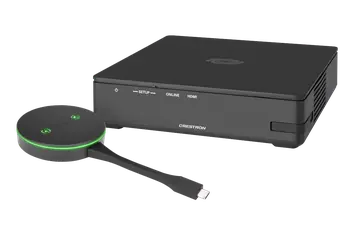 AM3-111
AirMedia Series 3 Kit with AM-3100-WF Receiver and AM-TX3-100 Adaptor, International
€1,682 plus VAT
AM3-111
AirMedia Series 3 Kit with AM-3100-WF Receiver and AM-TX3-100 Adaptor, International
€1,682 plus VAT -
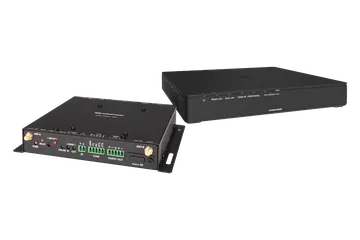 AM3-222
AirMedia Series 3 Kit with AM-3200-WF-I Receiver and two AM-TX3-200 Endpoints, International
€3,179 plus VAT
AM3-222
AirMedia Series 3 Kit with AM-3200-WF-I Receiver and two AM-TX3-200 Endpoints, International
€3,179 plus VAT -
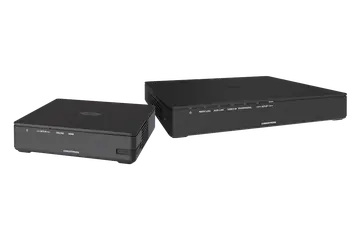 AM3-121
AirMedia Series 3 Kit with AM-3100-WF-I Receiver and AM-TX3-200 Endpoint, International
€1,828 plus VAT
AM3-121
AirMedia Series 3 Kit with AM-3100-WF-I Receiver and AM-TX3-200 Endpoint, International
€1,828 plus VAT
Which AirMedia receiver do I need?
All four AirMedia Series 3 receivers drive the room display over HDMI (HDCP 2.2, EDID and CEC), show up to four sources at once with AirMedia Canvas and can be managed through XiO Cloud. They differ in conferencing, wired inputs and Wi-Fi.
- AM-3000-WF: wireless presentation from laptops, phones, tablets and Connect Adaptors, with built-in digital signage, in a compact plastic unit 127 mm square.
- AM-3100-WF: adds wireless conferencing with Microsoft Teams and Zoom, using USB conferencing peripherals on its USB 2.0 and USB 3.0 host connections.
- AM-3200: adds a wired HDMI input (up to 1080p60), dual LAN, a balanced audio output and RS-232 and IR display control, in a metal chassis that can fix to a rack rail. It has no Wi-Fi, so wireless presentations reach it over the Ethernet network.
- AM-3200-WF: the AM-3200 with Wi-Fi added, so it can also pair with Connect Adaptors at up to 4K30.
Choose a 3100 or 3200 model for rooms that host video calls, and a 3200 model when someone also needs to plug in by cable.
Should I choose the AM-TX3-100 adaptor or the AM-TX3-200 endpoint?
People can present with the AirMedia apps, Apple Screen Mirroring or the Chrome Extension, but a Connect Adaptor or Endpoint shares with no software or drivers to load. Both work with Windows 10, Windows 11 and macOS 11 or newer, and both share at up to 4K30.
- AM-TX3-100 Connect Adaptor: a USB-C adaptor powered by the laptop (2.5 W typical), with touch buttons for sharing and peripherals. Up to eight can be paired with one receiver.
- AM-TX3-200 Connect Endpoint: a fixed sharing point that accepts USB-C, or HDMI plus USB, and links to the receiver by Wi-Fi Direct, infrastructure Wi-Fi or a wired network. It comes with a bracket for mounting under a table or in a podium, and runs on PoE, a PW-2420RU power pack or the laptop's USB-C port.
Kits bundle both halves: the AM3-111 (AM-3100-WF-I and one AM-TX3-100), the AM3-121 (AM-3100-WF-I and one AM-TX3-200) and the AM3-222 (AM-3200-WF-I and two AM-TX3-200).
How does AirMedia fit into a meeting room system?
In a typical room the receiver is fixed near the display, connected to it by HDMI, and takes power and data from a PoE+ network switch port. Presenters connect over the network, over Wi-Fi on the WF models, or through a paired adaptor or endpoint.
The receiver handles display control through CEC on its HDMI output, or through RS-232 and IR on the AM-3200 and AM-3200-WF. Occupancy detection and personal device control add simple room automation, and the receivers can be integrated into a wider connected system. For basic display power and volume buttons, the ZUMMESH-KP10AMBATT battery keypad links to the receiver through a ZUMMESH-AVBRIDGE connected by USB.
For hybrid meetings, USB conferencing peripherals connect to the host ports on the AM-3100-WF, AM-3200 or AM-3200-WF, and presenters use them wirelessly for Microsoft Teams or Zoom. When no one is presenting, built-in digital signage can show content from Appspace or other web-based signage providers, and XiO Cloud lets your IT team provision and manage every receiver remotely.
What should I check when replacing or adding an AirMedia receiver?
- Adaptor compatibility: the AM-TX3-100 pairs with the Wi-Fi network capable receivers (AM-3000-WF, AM-3100-WF and AM-3200-WF) using the receiver's SETUP button, so choose a WF model if presenters will use adaptors.
- Power: every receiver runs on PoE+ (IEEE 802.3at Class 4) or on the PW-2412WU 24 VDC power pack, sold separately. Typical draw is 13.5 W for the 3000 and 3100 and 14 W for the 3200 models.
- Mounting: the AM-3000-WF and AM-3100-WF are 31 mm high and stand freely or surface mount. The AM-3200 models have a metal chassis with flanges that also fits a single rack rail.
- Part number: the AM-3200 is also listed as the AM-3200-GV Government Version, and the WF receivers are supplied as international (-I) versions, so match the label on the old unit.
- Set-up: a new receiver needs its network, display control and management settings configured, and existing adaptors paired to it again.
Need it installed? Our Crestron certified engineers install, set up and programme everything we supply. A 4 hour visit is €440 and a full day €880, plus VAT.
Prefer to talk? Dublin 01 906 9326 Cork 021 202 8107 WhatsApp us
Crestron installed by 1Install
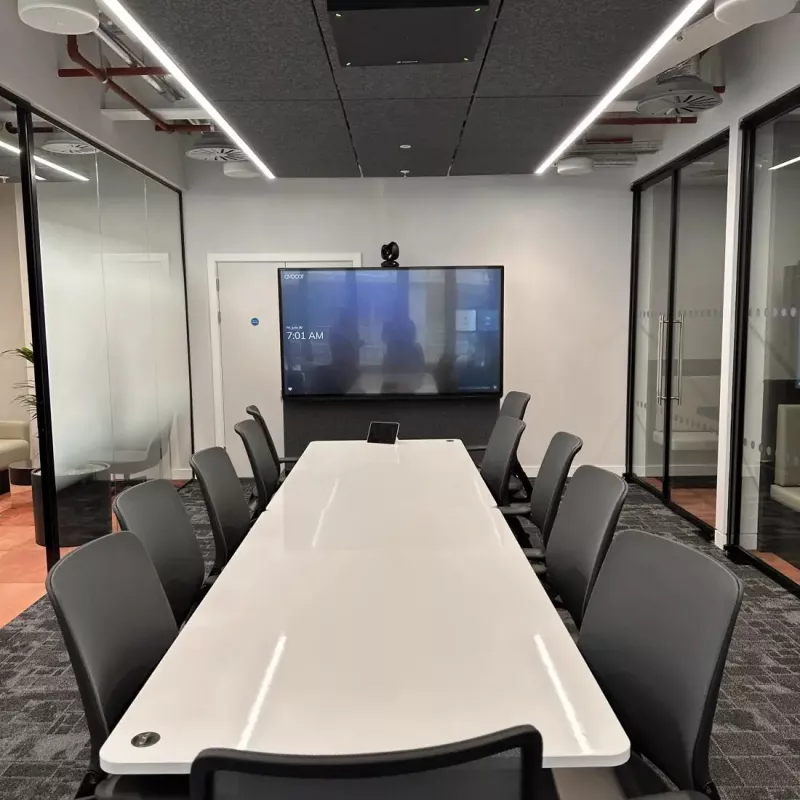
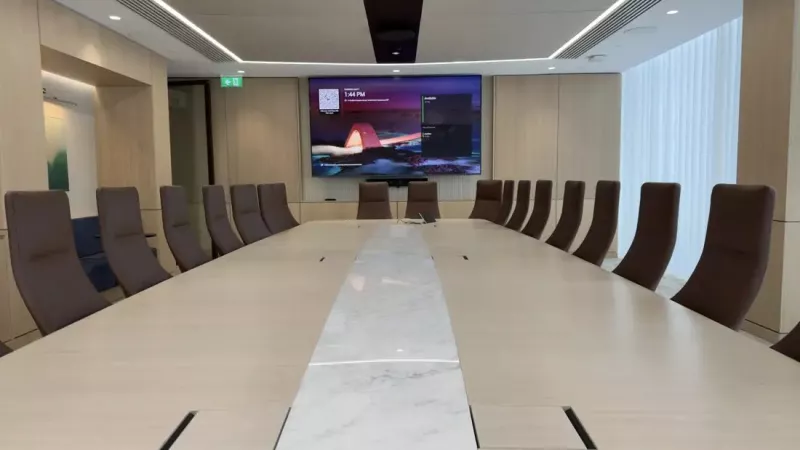
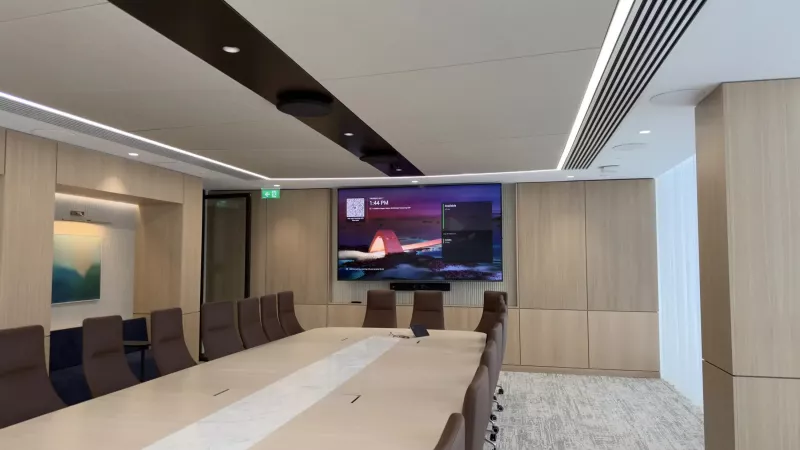
We supply, install and programme Crestron in homes and businesses across Ireland. These photos are from our own installations. See more in our projects, or budget a whole system with our Quote Builders for homes and meeting rooms.
Questions about Crestron AirMedia wireless presentation
What is the difference between the AM-3000-WF and the AM-3100-WF?
Both are compact AirMedia Series 3 receivers with Wi-Fi, AirMedia Canvas for up to four sources, digital signage and XiO Cloud support, and both take 13.5 W typical. The AM-3100-WF adds wireless conferencing: USB conferencing peripherals connect to its USB 2.0 and USB 3.0 host connections, so presenters can run Microsoft Teams or Zoom meetings from a laptop using the equipment in the room.
What is the difference between the AM-3200 and the AM-3200-WF?
Both are the AirMedia Receiver 3200, with a wired HDMI input up to 1080p60, dual LAN, a balanced audio output and RS-232 and IR display control. The AM-3200-WF adds Wi-Fi network connectivity, which lets it pair with AirMedia Connect Adaptors such as the AM-TX3-100 and accept their content at up to 4K30. It is also slightly deeper, at 177 mm against 163 mm.
Which receivers work with the AM-TX3-100 Connect Adaptor?
The AM-TX3-100 pairs wirelessly with the Wi-Fi network capable AirMedia Series 3 receivers: the AM-3000-WF, AM-3100-WF and AM-3200-WF. Up to eight adaptors can be paired with one receiver. When it is paired with an AM-3100-WF or AM-3200-WF, the adaptor also gives the presenter access to the conferencing peripherals connected to that receiver.
How many people can share to one AirMedia receiver at once?
AirMedia Canvas can show up to four sources on the display at the same time when people present using the AirMedia Applications, Apple Screen Mirroring or the Chrome Extension. Separately, up to eight AirMedia Connect Adaptors can be paired with a single Wi-Fi network capable receiver, so a larger team can keep adaptors ready on the table.
Which devices can present to an AirMedia receiver?
The receivers accept wireless presentations from Apple iOS, Android, Windows 10, Windows 11, macOS and Chrome OS devices, so laptops, smartphones and tablets can all share. The AM-TX3-100 adaptor and AM-TX3-200 endpoint support Windows 10, Windows 11 and macOS 11 or newer, and neither needs any software or drivers on the laptop.
What resolution does AirMedia Series 3 support?
Wireless AirMedia presentations are received at up to 1920x1080 at 30 Hz. Content from an AirMedia Connect Adaptor or Endpoint can reach 3840x2160 at 30 Hz, with the final resolution set by the receiver's HDMI output. On the AM-3200 and AM-3200-WF, the wired HDMI input accepts up to 1920x1080 at 60 Hz.
How are AirMedia receivers powered?
Each receiver can be powered over the network by PoE+ (IEEE 802.3at Class 4), or by the PW-2412WU power pack, which supplies 24 VDC at 1.25 A and is sold separately. Typical consumption is 13.5 W for the AM-3000-WF and AM-3100-WF, and 14 W for the AM-3200 and AM-3200-WF.
Can AirMedia be used for Microsoft Teams and Zoom meetings?
Yes, on the AM-3100-WF, AM-3200 and AM-3200-WF. These receivers have USB 2.0 and USB 3.0 host connections for USB conferencing peripherals, and people join Teams or Zoom meetings wirelessly from their laptop using the AirMedia Application on Windows 10 or Windows 11. Paired Connect Adaptors and Endpoints also give presenters access to those peripherals.
Why are some Crestron prices shown and others on request?
Where Crestron publishes an advertised price in Ireland, we show it, before VAT and including VAT. For other products Crestron asks dealers to give the price directly, so add them to your quote list and we will send a written quote.
Can 1Install install and programme these Crestron products?
Yes. 1Install is an authorised Crestron Elite Partner with offices in Skerries, Co. Dublin and Cork. We supply everything in this category on its own or installed and programmed. Visits are €440 for 4 hours or €880 for a full day, plus VAT.