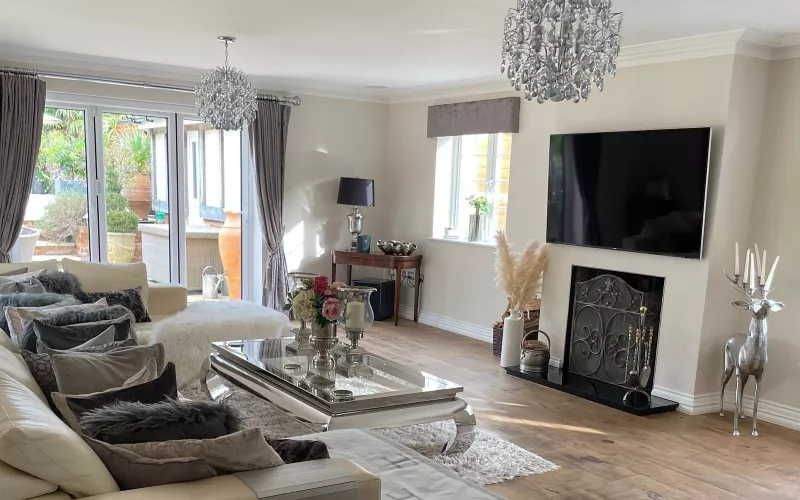
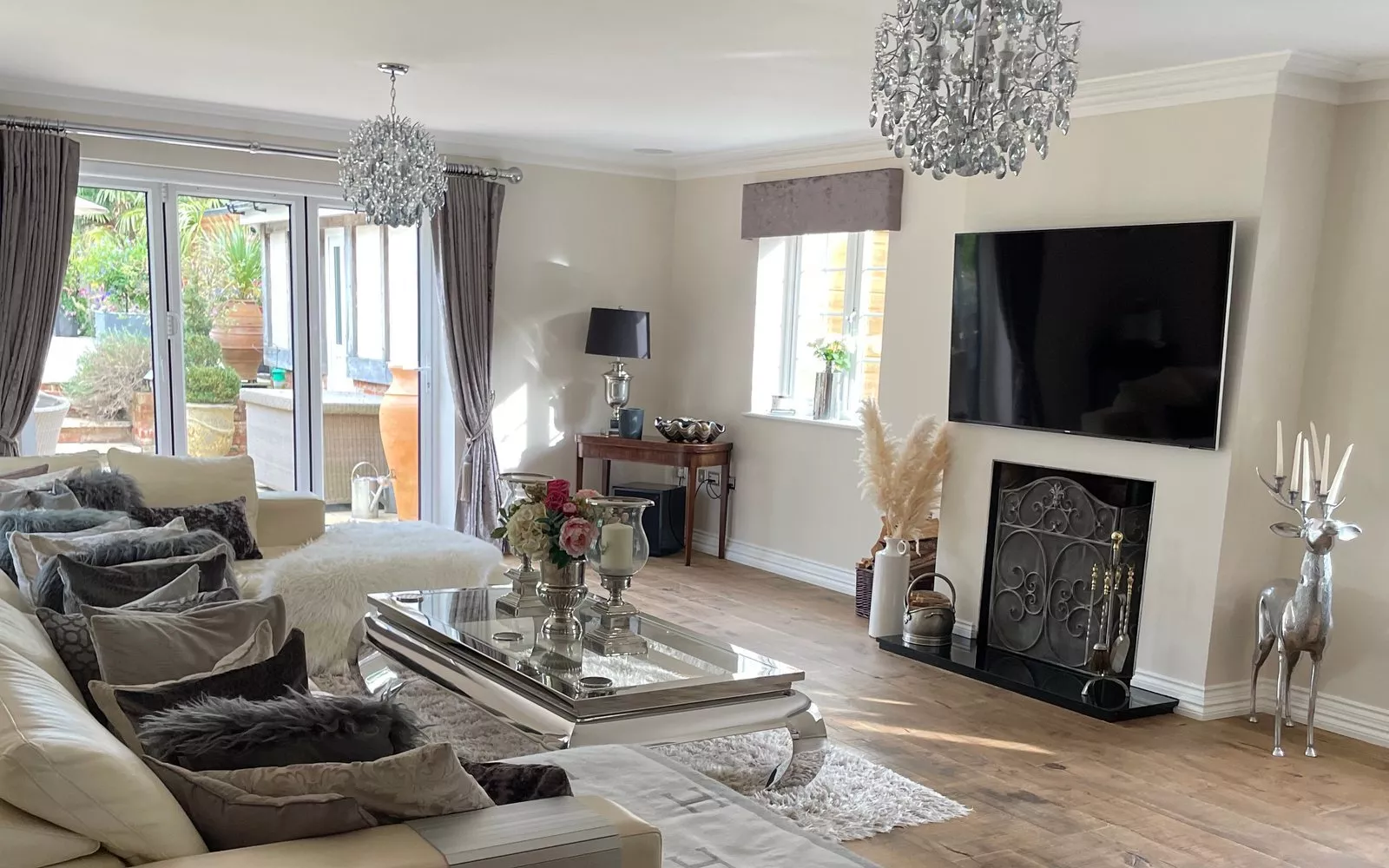
TV wiring in a new house comes down to one rule: every place a screen might ever hang needs power, network cabling and a clear route back to the comms cabinet before the plasterboard goes on. Decide the TV positions at first fix, run the cables to a back box behind each screen, and the set top boxes, streamers and games consoles can live out of sight in the rack. Do that and the walls stay clean, and you can change the TV, the provider or the whole system later without lifting a floorboard.
This guide is for people building their own home in and around Dublin, whether that is a one off house in north County Dublin, a replacement dwelling in the suburbs or a new home on a family site in Meath or Kildare. It covers what each TV point needs, how the picture gets to the screen, and what to tell your electrician before first fix.
Why TV wiring belongs in the first fix plan
A TV is the one piece of technology almost every room ends up with, yet it is often the last thing anyone thinks about on site. The result is familiar: a single socket and an aerial point at skirting height, a cable dangling down the wall to a box on a shelf, and a soundbar plugged in with its lead in full view. In a finished house with smooth plaster and painted walls, fixing that means chasing and making good.
The positions also depend on things that are fixed early. The fireplace, the windows, the joinery and the wall lights all decide where a screen can go, so the TV points belong on the same drawings as the lighting. Our lighting design guide for self builders explains how those drawings come together, and our first fix wiring guide covers the cabling for the rest of the house.
What every TV point needs
We treat each TV position as a small bundle of cables rather than a single outlet. This is what we ask the electrician to run to a typical living room TV point:
| Cable or item | Why it is there |
|---|---|
| Double socket behind the screen | Power for the TV and one other device, hidden by the screen |
| Two Cat6 cables to the comms cabinet | One for the TV's network connection, one for HDMI over Cat6 or a spare |
| Aerial coax cable to the aerial distribution point | Free to air channels on the TV's own tuner |
| A flexible conduit from the TV back box to low level | So a cable can be added later without opening the wall |
| Socket and cable at the soundbar or speaker position | A soundbar under the screen without a lead on show |
| Solid fixing in the wall | Noggins or a ply backing in a stud wall for the bracket |
A bedroom or a kitchen screen needs less: a socket, one or two Cat6 cables and an aerial point usually cover it. The key is that every cable goes back to the comms cabinet, so you are never stuck with the box in the room.
Aerial, satellite or streaming?
Most Irish homes now watch a mix of free to air channels, a pay TV service and streaming apps, and the TV wiring should allow for all three. Saorview's own help pages recommend a professionally installed UHF roof aerial for the best reception, and say an attic aerial may be possible in some areas. On a new build it is far easier to run the aerial cable from the roof space to the comms cabinet while the roof is open than to add it later.
From the comms cabinet, the aerial feed is split to every TV point. If you want a satellite dish as well, plan its position and run its cables to the same place. Streaming only needs the network, which is why the Cat6 cables matter most: a wired connection to each TV is far more reliable for 4K streaming than Wi-Fi through block walls.
HDMI over Cat6: keep the boxes in the rack
The neatest way to wire a living room is to keep the boxes out of it. The set top box, the streaming device and the games console sit in the comms cabinet or in a cupboard nearby, and a pair of small HDMI extenders sends the picture over Cat6 to the screen. An ordinary HDMI lead struggles over long runs, while HDMI over Cat6 carries a 4K picture from the rack to a TV at the other end of the house without trouble.
The same approach lets one source reach several rooms. A matrix in the rack can send any box to any screen, so the kitchen TV can show what is on in the living room. If you are planning a larger system or a dedicated room, our page on home cinema installation in Dublin shows what goes into one.
The TV wall
Where the screen sits flat on the wall, the details matter more than the cables themselves.
- Height. Agree the screen height with whoever is designing the room, then place the back box so the screen hides it completely. A recessed back box lets the TV sit closer to the wall.
- Recess or joinery. If the TV will sit in a recess or in joinery, the joiner needs the screen size, the bracket and the cable positions before they build.
- Conduit. A conduit from the back box to a low level outlet or the floor void means a new cable is a five minute job, not a decorating job.
- Above a fireplace. Ask the stove or fire supplier how much heat reaches the wall above, and keep the back box clear of any flue.
Your TV wiring checklist, room by room
| Room | What to run at first fix |
|---|---|
| Living room | The full TV point above, plus speaker cables if you want surround sound |
| Kitchen and family room | Socket, two Cat6 and aerial at the screen position, often on a wall clear of the cooker and the extractor |
| Main bedroom | Socket, Cat6 and aerial opposite the bed, or at the foot of the bed for a lift |
| Children's rooms and the playroom | Socket and Cat6, even if there is no TV yet |
| Home office | Cat6 and power for a screen on the wall for video calls |
| Garden room or patio | A duct from the house with Cat6 and power, laid with the groundworks |
| Comms cabinet | Space for the aerial splitter, HDMI extenders, the sources and a network switch, with power and ventilation |
Who does the work
On most self builds the electrician runs the TV wiring to our drawings, and we fit the screens, the extenders and the sources and set everything up at second fix. Kieran McGuire, who founded 1Install, is an electrician, as are several of our team, so we plan TV points the way they are actually wired and can walk your electrician through them on site. Our survey and design service gives them a drawing of every screen and a cable schedule. For TV sound in the same rooms, see our speaker wiring guide for Dublin self builders.
Questions we are often asked
How many cables should go to each TV point?
For a main living room we run two Cat6 cables, an aerial cable and power, plus a conduit for later. A bedroom TV usually needs one or two Cat6 cables, an aerial cable and power.
Do I still need an aerial if I stream everything?
It is worth having. An aerial gives free to air channels even when the broadband is down, and the cable costs little to run while the roof is open.
What is HDMI over Cat6?
It is a pair of small boxes that send an HDMI picture along a network cable. It lets the set top box and other sources stay in the comms cabinet while the TV hangs on the wall with nothing beside it.
Can I wire for a TV now and buy it later?
Yes. Fix the positions, run the cables to labelled back boxes and buy the screens once the house is finished. Screen sizes change, but the cables stay the same.
Where should the comms cabinet go?
Somewhere central, dry and ventilated, such as a utility room, a hot press free of the cylinder or a cupboard under the stairs. Every TV, access point and speaker cable runs back to it.
Every TV point relies on the home network for streaming, so plan the two together. Send us your floor plans and we will mark the access points, list the Cat6 runs back to the comms cabinet and send a priced kit list, free and with no obligation. Our free Wi-Fi design for self builders explains how it works.
Book a consultation or call our Dublin office on 01 906 9326.
- Log in to post comments