For Microsoft Teams Rooms in a Dublin office, buy for the size of each room rather than one kit for all: a single video bar in a small room, added microphones in a mid sized one, and a camera with ceiling audio in the boardroom. Before any of it arrives, make sure every room has a wired network point and enough bandwidth, because that is what most poor calls come down to.
Dublin offices have changed shape since hybrid working took hold. Where there was once one large boardroom, there are now rows of small rooms and phone booths, plus a couple of bigger spaces for town halls and client meetings. Each of those rooms needs a different Teams Rooms set up, and the network behind them matters as much as the camera on the wall.
What to buy for each room
The table below is how we usually match equipment to rooms when we survey an office. Furniture, glass and ceiling height can move a room up or down a row.
| Room | Seats | What we usually fit | Controller |
|---|---|---|---|
| Focus room or booth | 1 to 3 | A compact video bar under a single screen | Small touch panel on the table |
| Huddle room | 3 to 5 | An all in one video bar with the compute built in | Touch panel on the table |
| Meeting room | 6 to 10 | A video bar or separate camera, plus table or ceiling microphones | Touch panel, sometimes a second at the far end |
| Boardroom | 10 to 20 | Speaker framing camera, ceiling microphones and speakers, two screens | Touch panel, often with lighting and blinds on the same panel |
| Town hall or training space | 20 and more | Several cameras, presenter and audience microphones, a sound system for the room | Panel for the presenter and a technician's panel |
Our huddle room and meeting room pages show typical layouts.
Which brands
We install certified Microsoft Teams Rooms equipment from Neat, Logitech and Yealink, and we choose by the room rather than by brand loyalty. Logitech's newest bars are covered in our post on the Rally Bar 2 for Dublin meeting rooms. What matters most is that the camera can see every seat and the microphones can hear every voice.
Microsoft Teams Rooms need a good network first
This is the part that is easy to skip and expensive to fix later. Microsoft's own guide to preparing your environment for Teams Rooms recommends about 10 Mbps up and down for each room, and strongly recommends a wired connection for stability. Where a room has to use Wi-Fi, the same guide asks for wireless channel use under 50 per cent and a signal of minus 60 dBm or better between the device and an access point.
Two other lines in that guide catch out a lot of offices. Teams Rooms do not support proxy authentication, so the devices must be exempted from it before they go live, and if your proxy uses internally signed certificates, the certificate chain has to be installed on each device. If your IT is run by a managed service provider, bring them into the project early.
A simple network checklist
- A live data point behind the screen and one at the table, on the right network.
- Bandwidth for every room in use at the same time, not just one.
- Meeting room devices exempted from proxy sign in.
- Power at the screen, the table and anywhere a microphone or panel will sit.
Dublin buildings and what they mean for the install
Office space in Dublin ranges from Georgian buildings off Merrion Square and Fitzwilliam Street, where walls and ceilings are protected, to glass towers in the Docklands and business parks in Sandyford and Citywest. In older buildings we run cables in surface containment or through floor voids and choose wireless microphones where needed. In newer buildings the challenge is usually glass walls and hard floors, which echo, so we plan acoustic treatment alongside the AV.
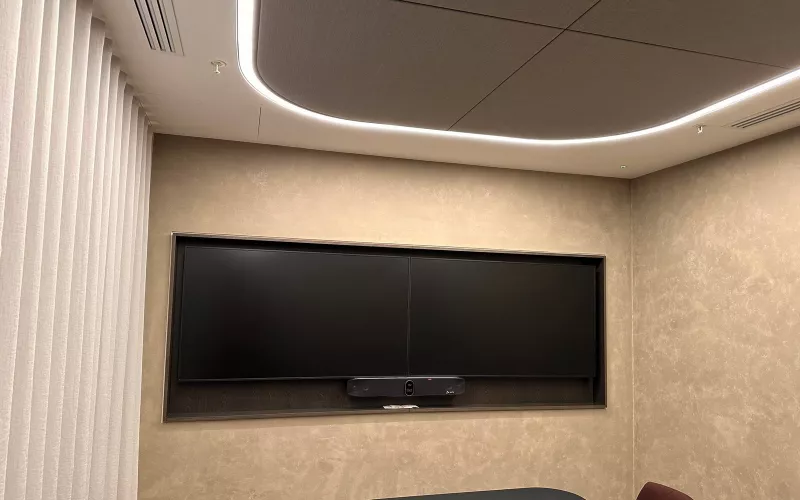
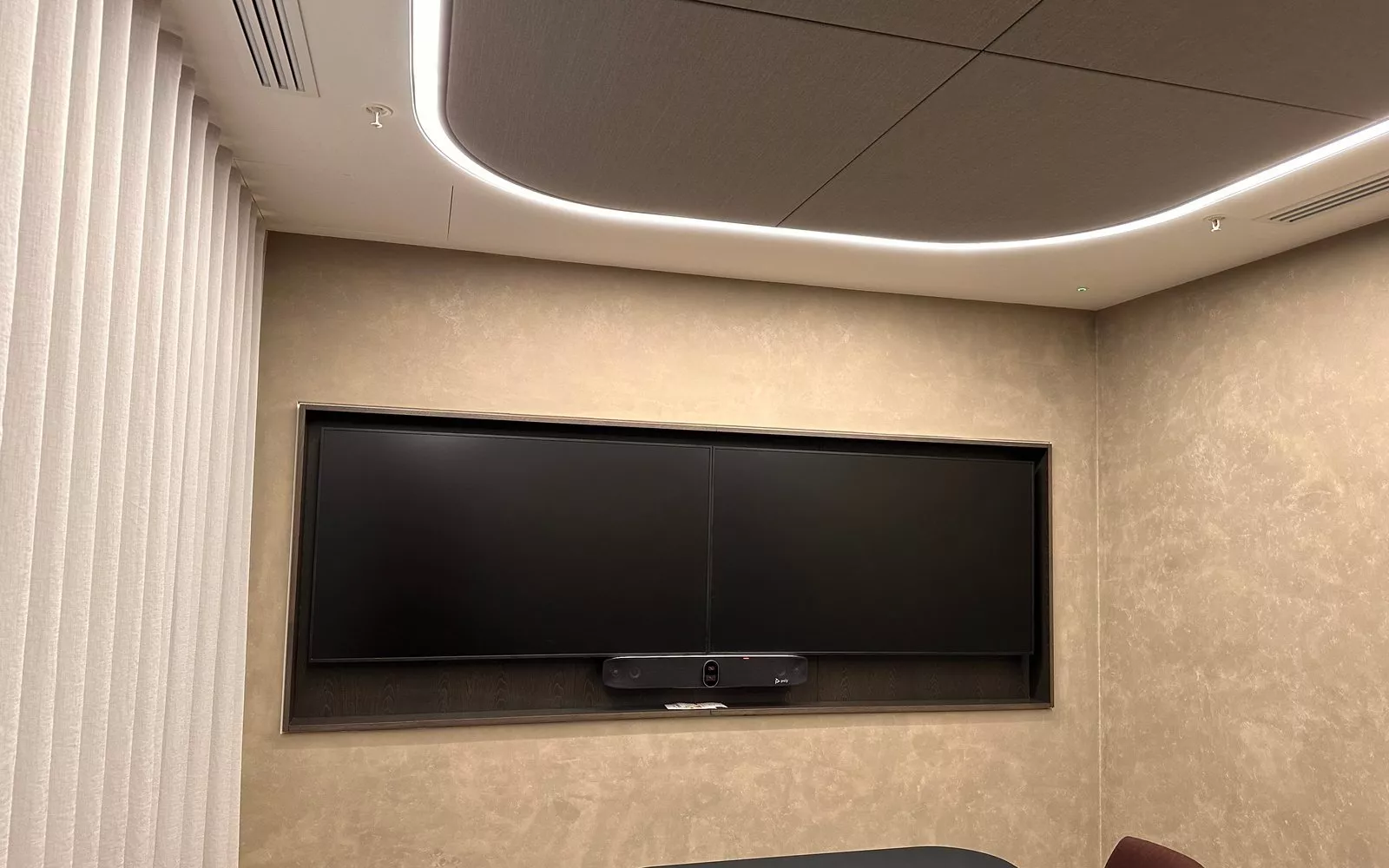
Our recent Dublin city centre work includes meeting rooms with video bars over twin screens and a boardroom video conferencing system.
Already have Teams Rooms?
Older Android devices may stop receiving updates. Our post on checking Teams Rooms on Android 10 and 11 explains what to look for. Often the screens, cabling and mounts can be kept and only the bar or compute is changed.
How a project runs
We survey the office, then send an online proposal with drawings room by room. We supply and install the equipment outright, so the business owns it, set up each room account, test from every seat and train your staff. After handover, 1Install Care covers updates and support. Our Teams Rooms installation page for Dublin has more detail, and the Quote Builder gives a budget for each room in minutes.
Questions we are often asked
How much internet do we need for several rooms?
Microsoft recommends about 10 Mbps up and down per room. Add up the rooms likely to be in calls at the same time, and leave room for everyone else in the office.
Can Teams Rooms run on Wi-Fi?
They can, but a wired connection is strongly recommended. We only use Wi-Fi when cabling is not possible, and then we check the signal in the room first.
Do you work after hours?
Yes. Boardrooms and busy floors are often done in the evening or at weekends so the office keeps working.
Can you add Teams to our existing boardroom audio?
Often, yes. If the ceiling microphones and speakers are in good order, we can connect them to a certified Windows Teams Rooms system.
Who looks after the rooms once they are installed?
We can, through 1Install Care, or we can hand over to your IT team with full documentation.
Planning new meeting rooms or replacing old ones in a Dublin office? We will survey the rooms and the network and recommend the right Microsoft Teams Rooms equipment for each.
Book a consultation or call our Dublin office on 01 906 9326.
- Log in to post comments