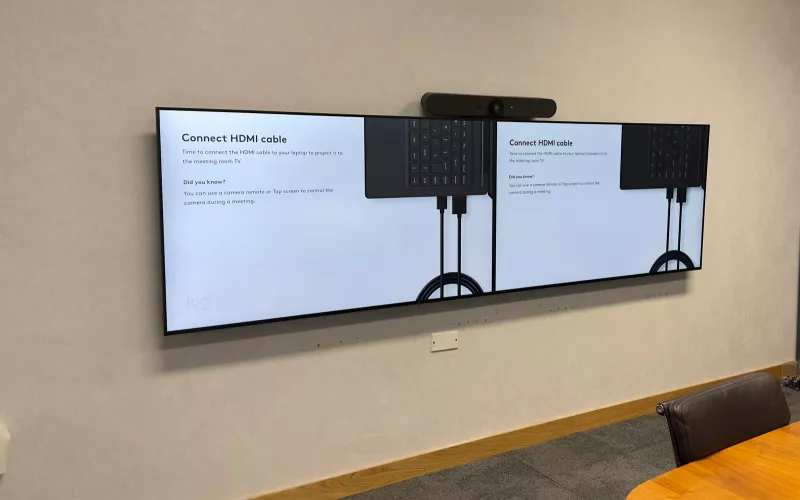
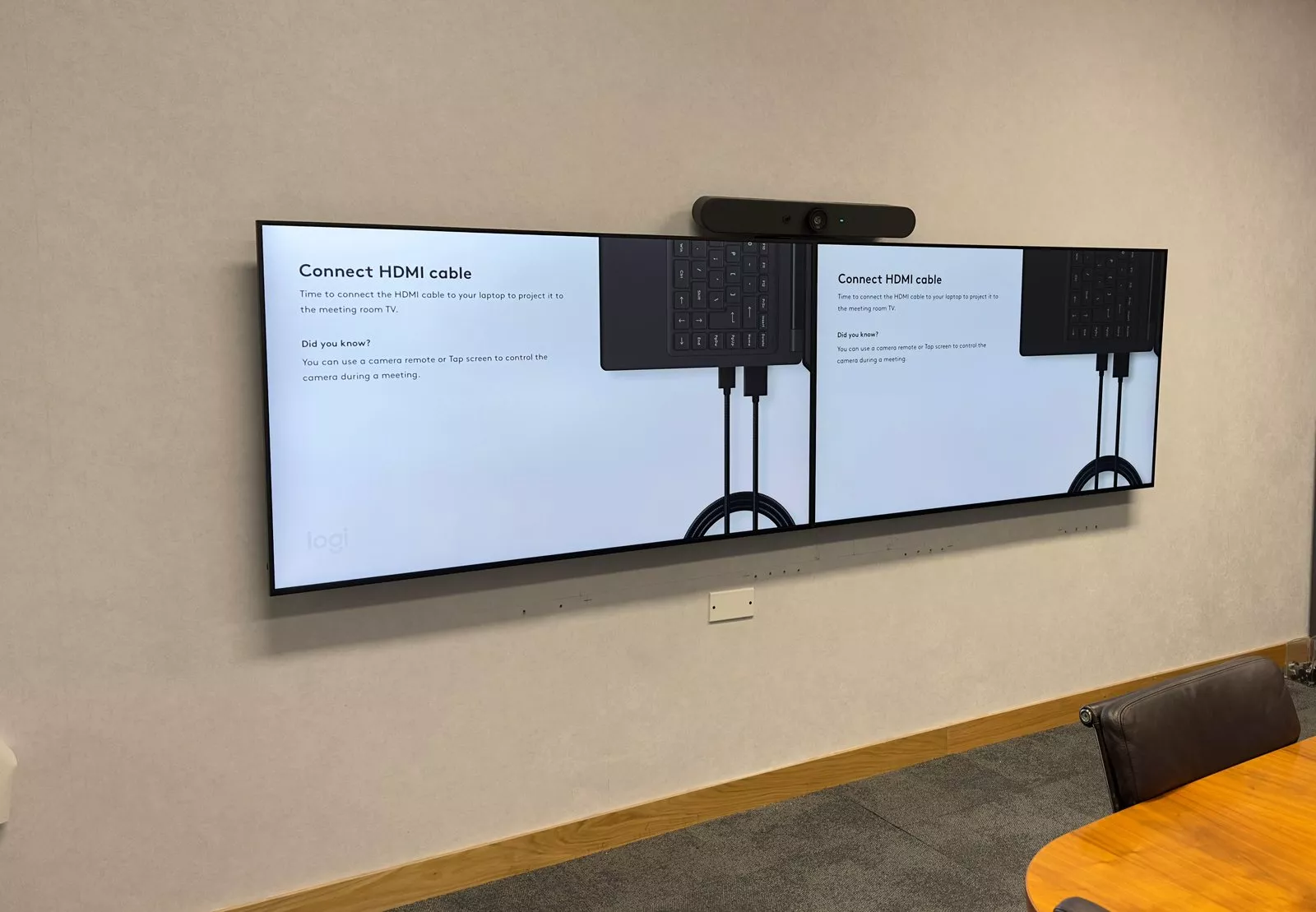
Meeting room technology works best when every room behaves the same way, so people can walk into any of them and start a meeting. In November 2024 we worked on the meeting rooms of an office in Dublin city centre, and these photos, taken over that week, show some of the finished rooms: Logitech video bars above the screens, a Logitech Tap on the table and a Crestron touch panel in one of the rooms.
Twin screens with a video bar above
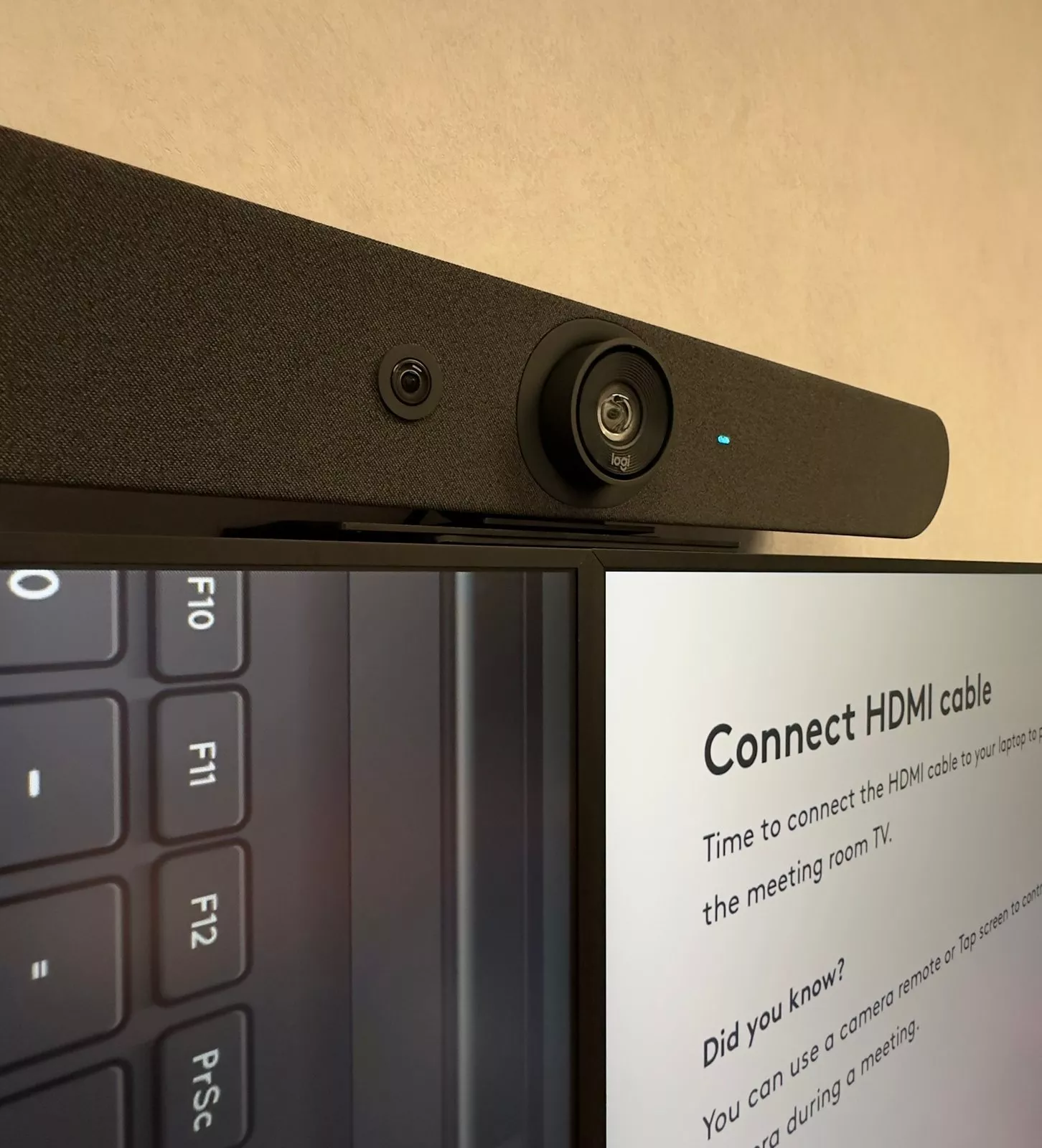
In one room, two screens sit side by side on the wall with a Logitech video bar mounted above the join, so the camera sees the table from the middle of the wall. When nobody is presenting, the screens show the Logitech guide to connecting a laptop with an HDMI cable, so a visitor knows what to do as soon as they sit down.
A Logitech Tap on the table
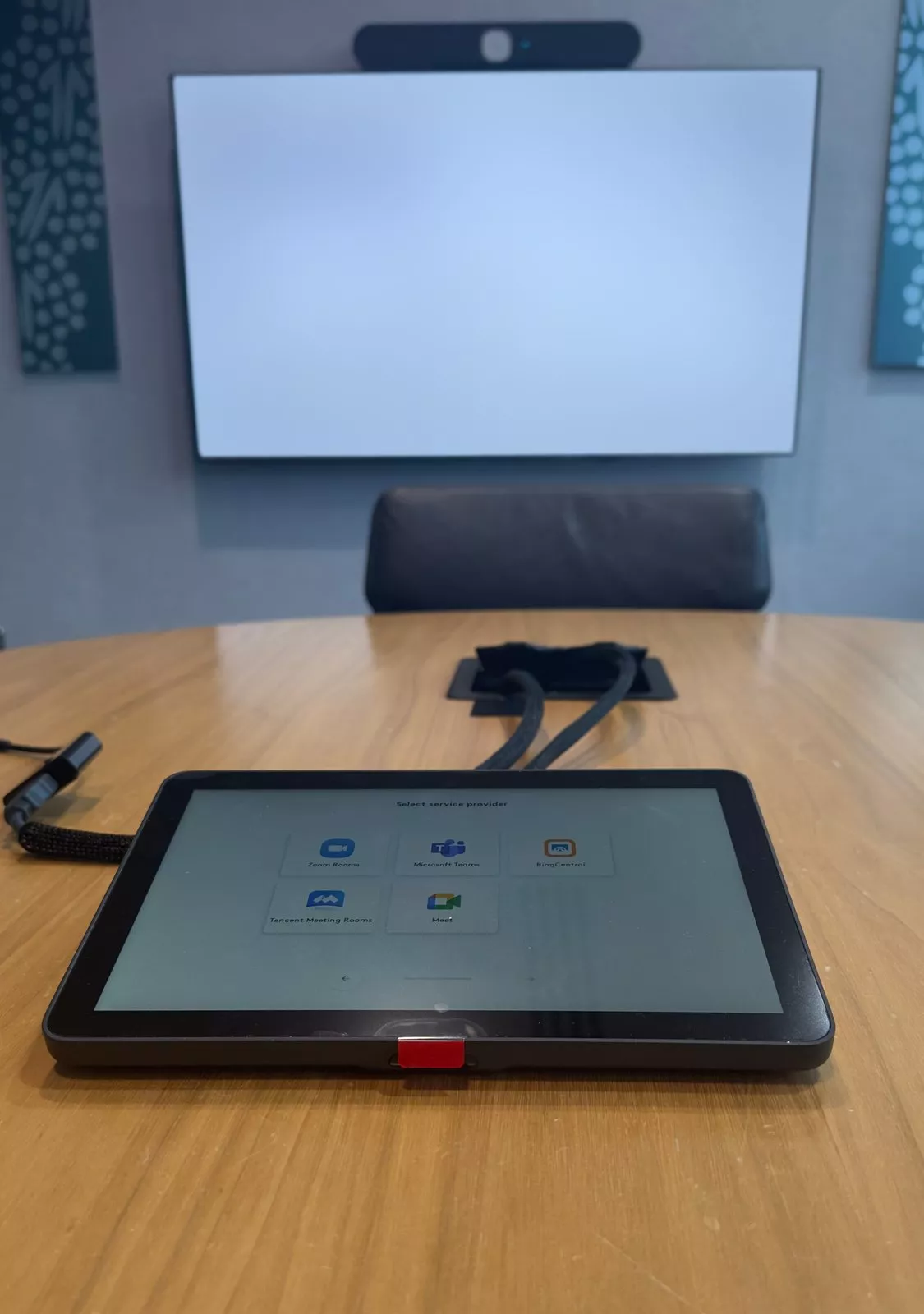
Another room has a round timber table with a Logitech Tap touch controller in front of a cable box in the table top. While we set it up, the Tap asked which meeting service the room should use: Zoom Rooms, Microsoft Teams, RingCentral, Tencent Meeting Rooms or Google Meet. The same Logitech equipment works with each of them, so the choice comes down to the service the business already uses. Our earlier post on a meeting room video bar installation shows another Logitech room in Dublin.
Crestron control with clear source names
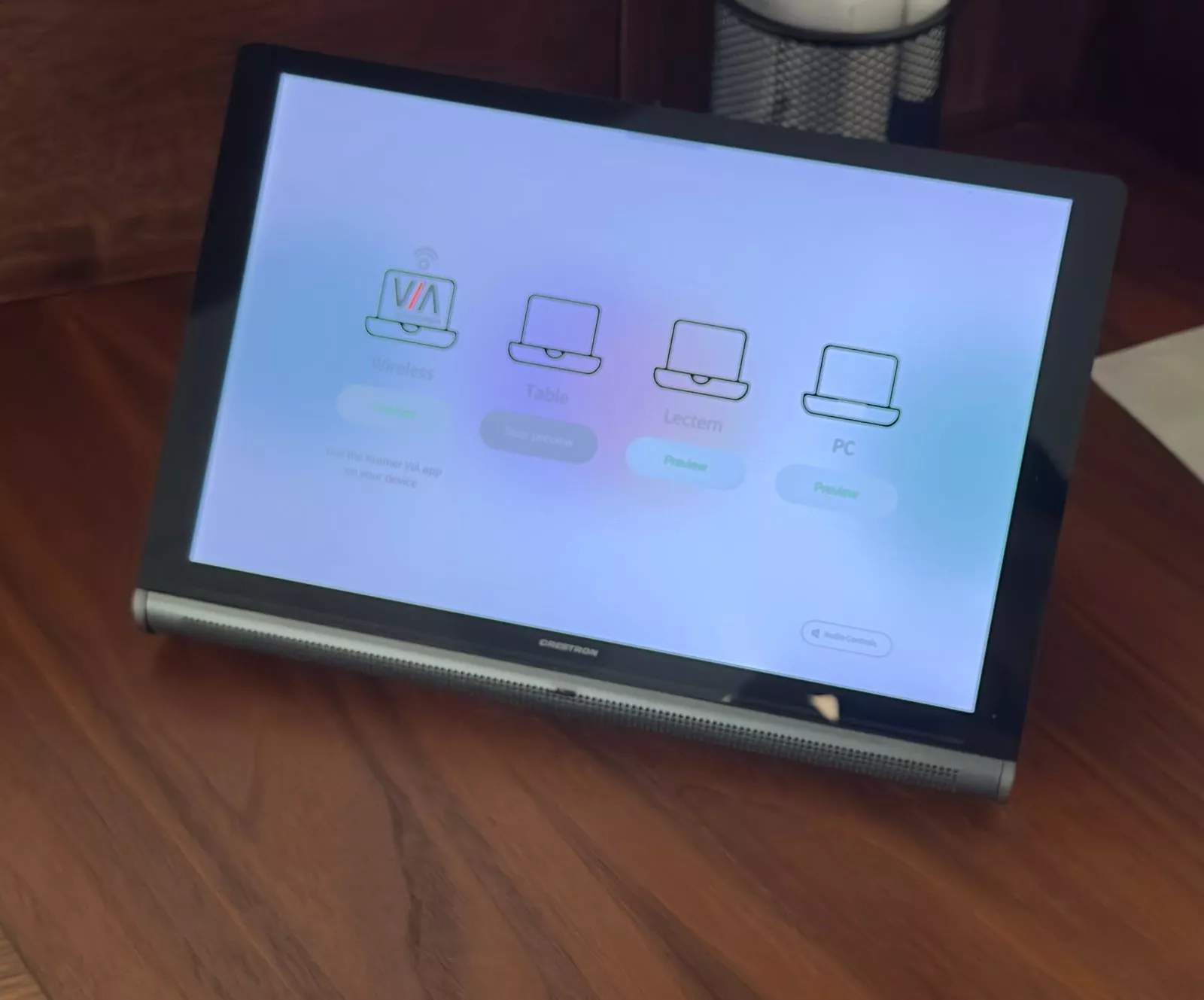
One room is run from a Crestron touch panel on a dark timber desk. Its home page offers four sources, each with its own preview button: wireless sharing through the Kramer VIA app, the table, the lectern and a PC, with the audio controls in the corner. Plain names like these mean nobody has to guess which input is which.
A screen framed in timber
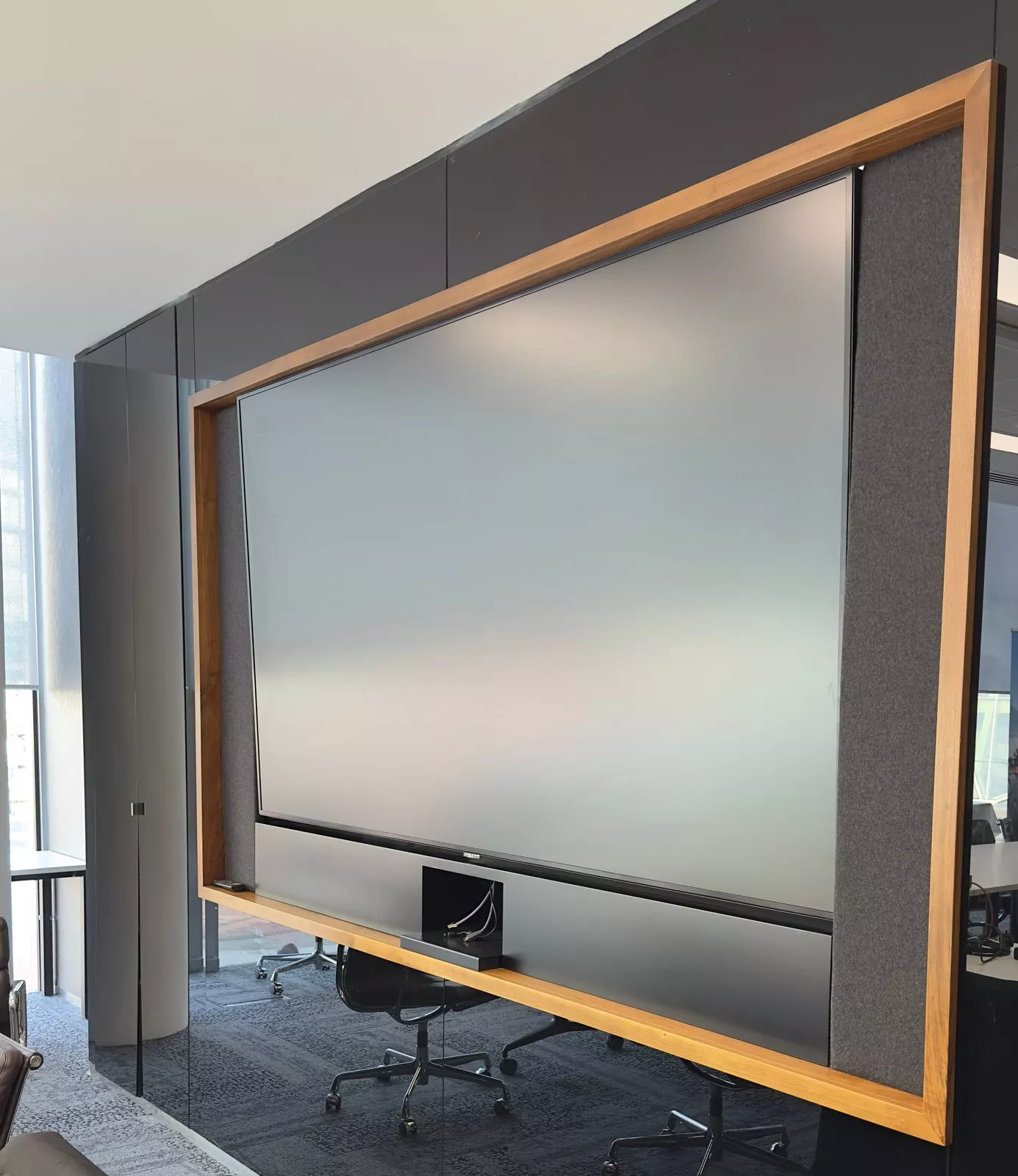
In a room with black glass walls, a large screen sits inside a timber frame with grey fabric panels on each side, so it reads as part of the wall rather than a box hung on it.
Planning meeting room technology
Start with the meeting service the business uses, then size the screens and the video bar to each room, and plan the cable routes before the walls and tables are finished. A touch controller on the table keeps a small room simple, while a control system such as Crestron suits a room with several sources to switch between. Logitech's page on the Logitech Tap covers the controller used here.
Our pages on meeting room AV, video conferencing and Crestron explain the options in more detail.
The rooms in pictures
More finished rooms are in our Gallery.
Planning new meeting rooms?
Tell us how many rooms you have and which meeting service you use, and we will suggest a setup for each one. Get in touch, or ring 01 906 9326 in Dublin or 021 202 8107 in Cork.
- Log in to post comments