Electric gate wiring is a groundworks job, not a finishing job: the ducts to the gate piers have to go in while the driveway is still a trench, long before anyone chooses a gate. Lay two ducts with draw cords, bring power and a Cat6 cable to each pier, and the gate motors and a video intercom can be fitted at the end of the build without breaking up a finished drive. Miss that window and the choice is a saw cut through new paving or a wireless intercom that drops out when you need it.
This guide is for people building their own home in and around Dublin, whether that is a detached house on a suburban infill site, a replacement dwelling behind an existing wall or a one off house on family land in Fingal, Meath or Kildare. It covers what to put in the ground, what goes into the piers, how the intercom reaches the house and who should fit each part.
Why electric gate wiring starts at groundworks
On most Dublin sites the entrance is one of the first things built and one of the last things finished. The pillars go up early so the site can be secured, then the drive is filled, rolled and paved months later. Every cable the gates will ever need has to cross that drive, so the time to plan it is when the groundworker is digging the services trench for water and the electricity supply.
It also helps to decide early whether you want swing gates or a sliding gate, because the motor sits in a different place for each. Swing gates use arms or underground motors at the hinge side of each leaf; a sliding gate uses a single motor on a base beside the opening and needs a clear run along the wall for the leaf to travel. Your gate supplier can confirm the motor position, and the ducts should end exactly there.
What to put in the ground
This is the list we give the groundworker and the electrician for a typical Dublin entrance with a vehicle gate and a pedestrian gate.
| Item | Where it runs | Why |
|---|---|---|
| A power duct | From the house or garage to the main gate pier | Carries the mains supply for the gate motors and the intercom power |
| A separate data duct | From the comms cabinet route to the same pier | Keeps the Cat6 away from the mains cable and leaves room for more later |
| A short duct across the opening | Under the drive between the two piers | Links the motor on one side to the photocells and motor on the other |
| Ducts to the motor positions | From the pier to each motor or the sliding gate base | So the gate installer can connect without lifting paving |
| A draw cord in every duct | All of the above | Cables can be pulled through in minutes at second fix |
| Marked duct ends and a sketch with measurements | On the drawings and on a photo | So nobody digs blind once the drive is finished |
Your electrician will choose and size the mains cable and its protection to suit the motors and the length of the run. We mark the routes on the drawings so the groundworker, the electrician and the gate installer are all working from the same plan.
The gate piers: what goes inside them
A pier is the easiest place to hide cables and the hardest place to add them later. While the blocks are going up, ask for:
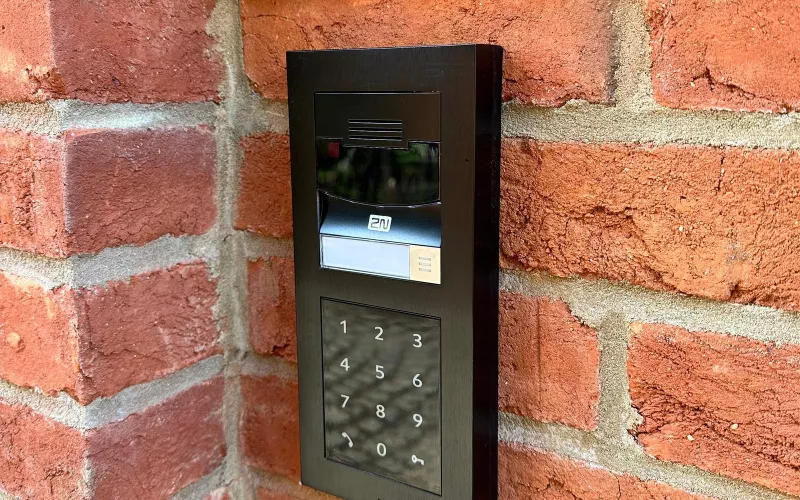
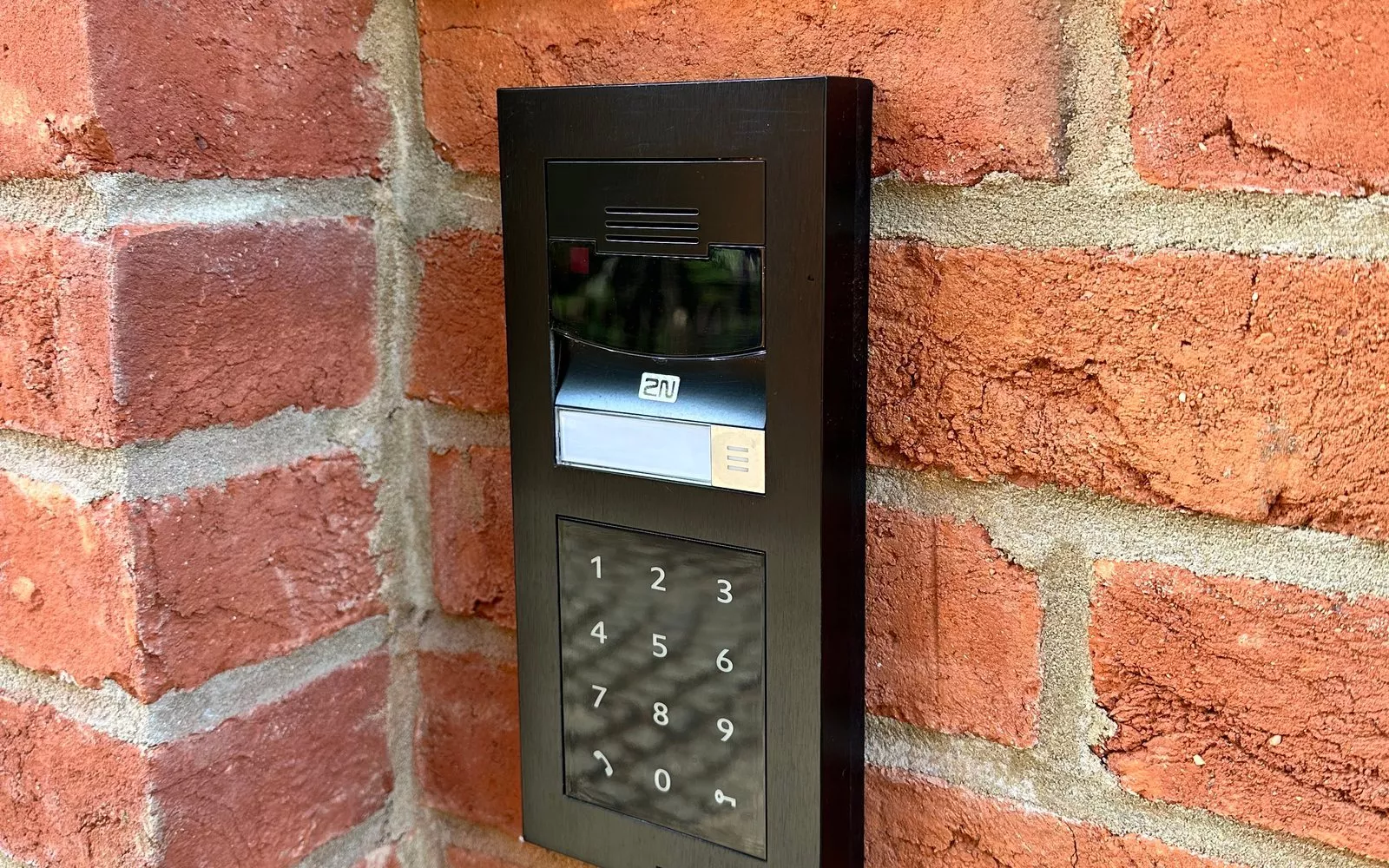
- A recessed back box for the intercom panel on the side visitors will approach, at a height that suits a driver leaning out of a car window as well as someone on foot. A flush panel set into the pier looks far better than a box screwed onto the face.
- A conduit up through the core of the pier from the duct entry to the intercom position, so the Cat6 does not run in the cavity where it cannot be reached.
- A spot for a keypad or key fob reader if family members will come and go on foot.
- Space for an isolator close to the motor control unit, so the gates can be made safe for servicing.
- Cables to pier lights, if you want them, run now and controlled with the rest of the outside lighting.
The video intercom: wired back to the house
A video intercom at the gate needs a reliable connection to the house, and the most reliable connection is a Cat6 cable. Most modern IP intercoms can be powered and connected over that one cable, so the panel at the pier does not need its own mains supply. The cable runs back to the comms cabinet, where the network switch sits, and from there the call can ring a screen in the kitchen, a touch panel in the hall and the phones of everyone in the house.
That is where the intercom becomes part of the smart home rather than a separate box. A visitor presses the button, the call appears on the wall panel or the app, and one tap opens the pedestrian gate or the vehicle gate. Our home automation page shows how the gates, lighting, heating and cameras come together in one place, and the same Cat6 to the pier can carry a camera covering the entrance.
Wireless intercom kits do exist, but a block pier, a long drive and a Dublin winter are not kind to a radio link. If the gates are far from the house or the comms cabinet, tell us at design stage and we will plan the route accordingly.
Who fits what, and the PSA licence
A powered gate is a heavy machine that moves on its own, so its safety devices matter: photocells across the opening, safety edges where the leaf could trap someone, and force limits set and tested on site. In Ireland, installing powered gates is licensed security work. S.I. No. 489 of 2025 added the Private Security Authority's powered gates standard, PSA 80:2025, to the licence for installers of access control equipment, applying to new applicants from 31 October 2025 and to existing licence holders at their next renewal. Before you sign with a gate installer, ask for their PSA licence and check it on the PSA's public register.
1Install is PSA licensed for intruder alarms and CCTV. On a gate project we plan the ducts and cables, wire the entrance, fit the video intercom and connect it to the network and the smart home, and we work alongside the licensed gate installer who supplies and commissions the gate motors. Our security wiring guide for self builders covers the alarm and cameras that usually share the same comms cabinet.
Plan it once, on one set of drawings
Gates touch more trades than almost anything else on a self build: the architect, the groundworker, the block layer, the electrician, the gate supplier and the intercom installer. Our founder, Kieran McGuire, is an electrician, and so are a few of our team, so the mains supply, the data cabling and the controls are planned by people who wire them every week. Our survey and design service puts the gate ducts, the pier boxes and every other cable on one set of drawings with a cable schedule, and our first fix wiring guide explains the comms cabinet that the gate cabling goes back to. If you are planning a charger on the same drive, our EV charger wiring guide for Dublin self builds shows how to share the trench.
Questions we are often asked
Can I add electric gates later if I only fit manual gates now?
Yes, as long as the ducts, the power and the Cat6 are already in the ground and the piers. Choose gates and hinges that can take a motor later, and the change is a day's work rather than a dig.
How many ducts should go to the gate?
At least two from the house, one for power and one for data, plus a duct across the opening between the piers. Ducts are cheap compared with digging up a finished drive, so a spare is always worth it.
Do I need a separate mains supply at the intercom panel?
Usually not. Most IP video intercoms take their power over the Cat6 cable from the network switch, so the only mains supply at the entrance is the one for the gate motors.
Can I answer the gate from my phone when I am not at home?
Yes, with an intercom that supports an app and a good internet connection. Calls can ring your phone anywhere, and you can see the visitor and open the gate for a delivery.
Who is responsible for gate safety?
The gate installer fits, sets up and tests the safety devices, and should hold a PSA licence for powered gates. Ask for the paperwork when the gates are handed over and for a service plan after that.
The intercom, the cameras and the app all depend on a solid home network, so plan the Wi-Fi at the same time as the gates. Send us your floor plans and we will mark the access points, list the Cat6 runs back to the comms cabinet and send a priced kit list, free and with no obligation: our free Wi-Fi design for self builders explains how.
Book a consultation or call our Dublin office on 01 906 9326.
- Log in to post comments