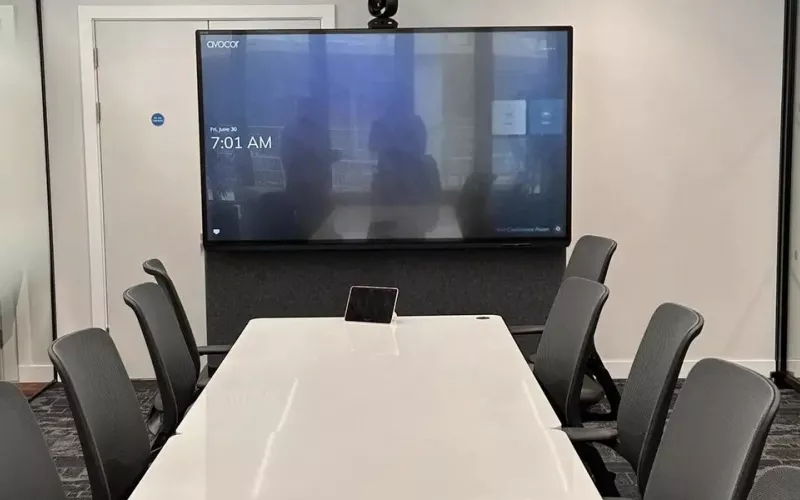
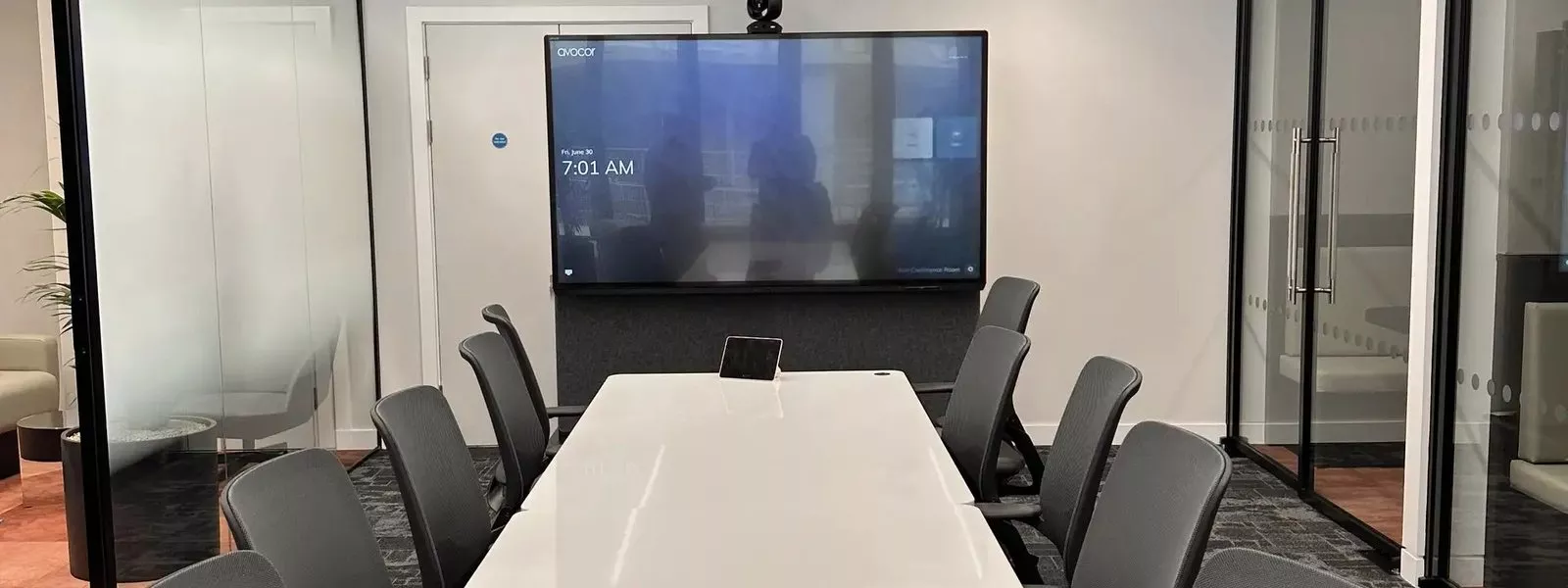
Cross-Platform Meeting Connect is Microsoft's planned upgrade, announced with Zoom on 20 October 2026, to how a Teams Room behaves when it joins a Zoom meeting, adding HDMI sharing, a two screen layout and synced mute on top of today's Direct Guest Join. Zoom expects it in the first half of 2027, so the useful work for a Dublin office now is to switch on and test Direct Guest Join properly, because that is the base the new features build on.
- Microsoft announced Cross-Platform Meeting Connect on its Teams Blog on 20 October 2026, as joint work with Zoom.
- Zoom's Zoomtopia 2026 news gives the timing as expected in the first half of 2027.
- Direct Guest Join is available today and, according to Microsoft Learn, works with Teams Rooms Basic or Teams Rooms Pro.
- At the time of writing, Microsoft lists Direct Guest Join at up to 720p, one front of room display and no HDMI sharing.
- Microsoft lists Webex, Zoom and Google Meet for joining from a button on the console, and Zoom and Google Meet for joining by meeting ID.
What Cross-Platform Meeting Connect adds
Microsoft's announcement describes a room that keeps working the way people expect when the meeting belongs to Zoom. The planned pieces are sharing a laptop through the room's HDMI input, seeing content others share, a participant list on the screen, read only chat that can be shown or hidden, the touch console and room buttons kept in step with the meeting for mute, unmute and end call, and a layout for two screen rooms with content on one display and people on the other. Video is planned at up to 1080p for a Teams meeting on Zoom Rooms, with the actual quality depending on policies, hardware and the network.
Microsoft is also clear about the limits. A guest meeting will still not be the same as a native one, the work does not bring every enhancement to every platform, and each feature will depend on support from both the room system and the meeting platform.
Your three options for Zoom calls from a Teams Room today
Microsoft's Learn page, on third party meetings in Teams Rooms, compares the two ways a Teams Room can join another platform's meeting now. Read alongside the announcement, a Dublin office has three choices:
1. Direct Guest Join. The room opens the other platform's meeting directly over the internet. No extra calling plan is needed and it works on a Basic or Pro licence. The trade off is the limits in the next section.
2. Cross-platform meetings through SIP. Microsoft's table shows this route with HDMI sharing, two displays and video up to 1080p today, but it needs Teams Rooms Pro and a paid SIP dialling plan from a provider.
3. Wait for Cross-Platform Meeting Connect. If your rooms only join the odd Zoom call, Direct Guest Join now and the new features when they arrive may be all you need.
Direct Guest Join limits at the time of writing
These are the points from Microsoft's table that people in a Dublin boardroom notice most:
- Video sent and received at up to 720p at 30 frames a second.
- One front of room display, so a two screen room uses one screen.
- No content sharing from the room's HDMI input or a content camera, although the room can still see content others share.
- No microphone mute sync between the room and the meeting.
- Direct internet access is required.
The first four are almost exactly the list Cross-Platform Meeting Connect sets out to fix, which is why it makes sense to treat Direct Guest Join as step one.
Setup checklist for Dublin IT teams
Microsoft's Learn page gives the first three steps; the last two are our own advice. In plain terms:
- Let the room mailbox keep external invitations. Microsoft says the Exchange calendar processing rules on the room resource account need changing so that invitations from outside the organisation are processed and their details are not stripped. The page gives the exact command for your Exchange administrator.
- Turn on the platforms you need. This can be done in the Teams Pro Management Portal under the room's Meetings settings, one room at a time or in bulk. On a Teams Room on Windows it can also be done on the touch console under More, then Settings, then Meetings, with the device administrator login; the device restarts afterwards.
- Open the firewall properly. The room connects directly to the other platform's website, so firewalls and web filters must let that traffic through without asking for authentication.
- Test with a real Zoom invitation. Forward a Zoom invitation to the room account and check that the join button appears on the console, then try joining by meeting ID as well.
- Tell people what to expect. Until the new features arrive, presenters in a guest Zoom call need another way to share slides than the table HDMI cable.
If your rooms are part way through a refresh, our guide to Microsoft Teams Rooms for Dublin offices covers what to buy for each room, and our Teams Room installation in Dublin page explains how we work.
Planning a Dublin meeting room around Cross-Platform Meeting Connect
Because the new features use the room's own HDMI input, displays and touch console, a few design choices made today keep the door open. Keep a table HDMI connection even where wireless sharing is the main method. Leave space and cabling for a second display in larger rooms. Give the room device a wired network point rather than relying on Wi-Fi. And keep firmware and the Teams Rooms app current, since a room that is out of date is unlikely to see new features when they ship.
Our pages on video conferencing and meeting room AV show the kinds of rooms we build, and our process explains how a project runs from survey to handover.
1Install designs, supplies and installs meeting rooms, Teams Rooms and video conferencing systems for organisations in Dublin.
Questions we are often asked
Can a Microsoft Teams Room join a Zoom meeting?
Yes. With Direct Guest Join switched on, a Teams Room can join a Zoom meeting from a join button or by entering the Zoom meeting ID.
Do I need Teams Rooms Pro to join Zoom meetings?
No. Microsoft Learn lists Direct Guest Join for both Teams Rooms Basic and Teams Rooms Pro. The SIP route, which shares over HDMI today, needs Pro and a paid SIP plan.
Why can I not share my laptop over HDMI in a Zoom call from our Teams Room?
Because Direct Guest Join does not support sending content from the HDMI input at the time of writing. HDMI sharing is one of the planned Cross-Platform Meeting Connect features.
When is Cross-Platform Meeting Connect coming?
Zoom says it is expected in the first half of 2027. Microsoft's announcement of 20 October 2026 does not give a date.
Will Cross-Platform Meeting Connect make a Zoom call the same as a Teams call?
No. Microsoft says a guest meeting will still differ from a native meeting, but the planned features cover the gaps people notice most.
Book a consultation or call our Dublin office on 01 906 9326.
- Log in to post comments