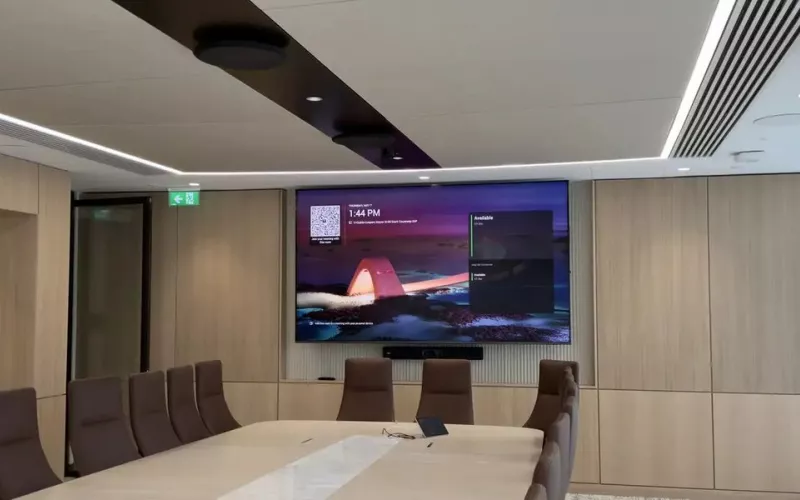
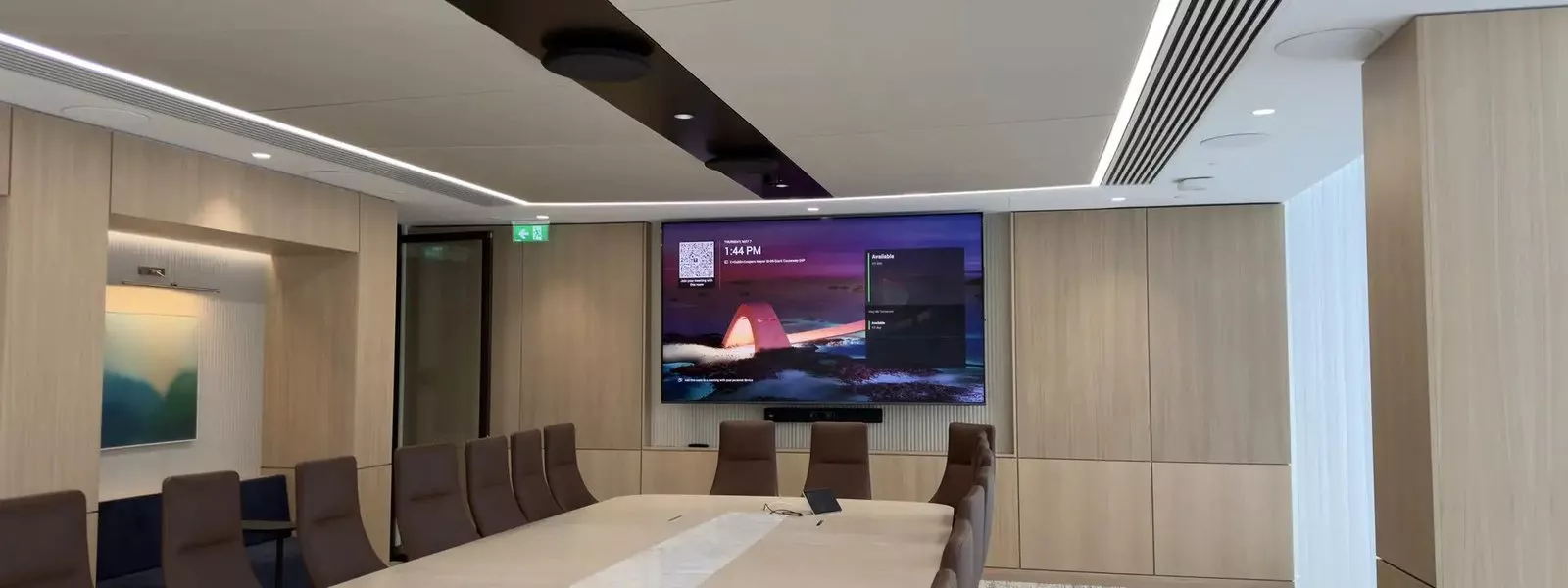
Zoom said at Zoomtopia 2026, on 20 October 2026, that its cross-platform meeting connectivity with Microsoft Teams, which Microsoft calls Cross-Platform Meeting Connect, is expected in the first half of 2027, bringing HDMI content sharing, two display support, 1080p video, participant lists and read only chat to room systems that join the other platform's meetings. For a Cork office with Zoom Rooms that keeps being invited to Teams calls, or Teams Rooms that keep getting Zoom links, it means the room should soon behave more like a normal meeting.
- Zoom announced the Teams connectivity in its Zoomtopia 2026 workplace news on 20 October 2026, the same day Microsoft posted about it.
- Zoom lists HDMI content sharing, dual display support, 1080p video, participant rosters and read only meeting chat.
- Zoom gives the timing as expected in the first half of 2027; Microsoft's post gives no date.
- Microsoft says video for a Teams meeting on Zoom Rooms can reach 1080p, depending on platform policies, the room device and the network.
- The same Zoom news says native Zoom Rooms are now available on a range of compatible Cisco devices.
Cross-Platform Meeting Connect from the Zoom Rooms side
Zoom's own announcement, in its Zoomtopia 2026 workplace news, describes it as room quality interoperability with Microsoft Teams. Microsoft's Teams Blog post says the improvements are designed for both directions, so a Zoom Room joining a client's Teams meeting is meant to benefit, not just a Teams Room joining a Zoom one.
For Cork offices, that matters in both directions. An organisation that standardised on Zoom Rooms still gets Teams invitations from customers and suppliers, and a Teams office still gets Zoom links. Either way the room joins as a guest and, until these features arrive, loses some of what makes it a good room.
Which Cork rooms gain most
| Your room | What changes when the features arrive |
|---|---|
| A Zoom Room that joins client Teams calls | HDMI sharing into the Teams meeting, video up to 1080p, the participant list and chat on screen |
| A Teams Room that joins customer Zoom calls | HDMI sharing into the Zoom meeting, the participant list and chat on screen |
| A two screen boardroom on either platform | Content on one display and people on the other in a guest meeting |
| A room with a touch console | Microsoft plans synced mute, unmute and end call first |
| A room that only ever joins its own platform | Little or nothing |
If most of your calls are internal and on one platform, this announcement is a nice to have. If your sales, project or partner meetings are on the other platform every week, it is worth planning for.
Five questions to ask before you refresh a Cork meeting room
Is there still a cable at the table? The planned sharing works through the room's HDMI input. Rooms that dropped the table cable for wireless sharing only may need it back.
Could the room take a second screen? The two display layout only helps if the room has two displays, so in a larger room it is worth leaving space and cable for one.
Is the room device on a wired connection? Microsoft links the 1080p video to the device and the network. A wired point for the room system is the safer choice.
Is the room kept up to date? Microsoft says each feature will depend on support from both the room system and the meeting platform. A room running old firmware or an old app is unlikely to see new features straight away.
Are you mixing hardware already? Zoom's same announcement says native Zoom Rooms now run on compatible Cisco devices, so a mixed estate is becoming easier to manage. If you are weighing Zoom Rooms against Teams Rooms for new rooms, cross platform joining is one more reason not to choose a platform just because a client uses it.
What it will not change
Microsoft is direct about this: a guest meeting will still be different from a native one, and the work does not take every feature to every platform. Expect the basics people complain about to improve, not a Teams call that is identical to a Zoom call. Neither company has said Cross-Platform Meeting Connect needs new hardware, but neither announcement includes a list of supported devices, so we would check before replacing anything because of it.
How 1Install approaches mixed platform rooms in Cork
We design rooms around how they are used, and a meeting room often has to work well on both Teams and Zoom. That comes down to good audio coverage for every seat, a camera placed for the table, the right screen size, a table connection and a reliable network point. Those choices make any call better, and they are the same ones that let a room take advantage of Cross-Platform Meeting Connect when it arrives.
Our guide to Microsoft Teams Rooms in Cork compares Android and Windows rooms, and our Teams Room installation in Cork page explains the service. For smaller spaces, see our page on huddle rooms; for larger ones, video conferencing. You can price a room with our commercial quote builder.
1Install designs, supplies and installs meeting rooms, Teams Rooms and video conferencing systems for organisations in Cork.
Questions we are often asked
Can a Zoom Room join a Microsoft Teams meeting?
Yes. Microsoft says Direct Guest Join will allow a Zoom Room to join a Teams meeting as a guest, and Cross-Platform Meeting Connect is planned to add HDMI sharing, two screens and 1080p video to that.
When will Zoom Rooms get Cross-Platform Meeting Connect for Teams?
The first half of 2027, according to Zoom. No exact date has been given at the time of writing.
Will a Zoom Room show the Teams meeting chat?
Yes, read only. Zoom lists read only meeting chat, and Microsoft says the room will be able to show it but not send messages.
Should a Cork office pick Zoom Rooms or Teams Rooms now?
Pick the platform your own staff use every day. Cross-Platform Meeting Connect is meant to make the other platform's meetings work better from either kind of room.
Do I need to buy anything for Cross-Platform Meeting Connect?
Not as far as either company has said. Keep the room's software current and talk to us before replacing hardware for it.
Book a consultation or call our Cork office on 021 202 8107.
- Log in to post comments