A good wireless presentation system lets anyone walk into a Cork meeting room or training room, share a laptop, tablet or phone in seconds, and, if needed, run their own video call on the room's camera and speakers. The best value comes from choosing one system for every room, so staff, students and visitors learn it once and IT manages it from one place.
Offices, colleges and training centres around Cork rarely have one kind of room. There is the boardroom with a video bar, a few small rooms, a training room that seats twenty and a canteen screen that gets used for all hands meetings. Fitting a different way of sharing in each room means a different set of instructions on every wall. This guide looks at how one wireless presentation platform can cover them all, using Crestron AirMedia as the worked example; 1Install is a Crestron Elite Partner.
How people connect
Crestron's AirMedia page lists the ways in: Apple AirPlay, Miracast, a web browser or the Crestron AirMedia app, and it says sharing works wired or wireless with no software and no complicated setup. In practice that means:
- Mac, iPhone and iPad users share with AirPlay, as they would at home.
- Many Windows laptops can use their built in casting.
- Anyone else can use the app or a browser.
- A plug in transmitter is available for people who want one click, and Crestron describes its USB-C transmitter as driver free.
Visitor calls on the room's camera and microphones
The question we are asked most by Cork businesses that host clients, suppliers or students is: can a visitor run their own Teams, Zoom or Google Meet call in our room? Crestron says AirMedia lets users join Microsoft Teams, Zoom or Google Meet meetings from any compatible device, with the room's camera, microphones and speakers reached through a single USB connection. That turns a meeting room into a proper video room for anyone, whatever platform their own company uses.
If your rooms already run Microsoft Teams Rooms for your own staff, our guide to Teams Rooms in Cork explains how that fits alongside, and our post on bring your own device rooms covers the visitor side in more depth.
Rooms that look after themselves
Two features on Crestron's page make a difference in a busy building:
- Room automation: Crestron says the room wakes when you arrive and powers down based on occupancy, without external processors or programming. Screens are not left on overnight in an empty training room.
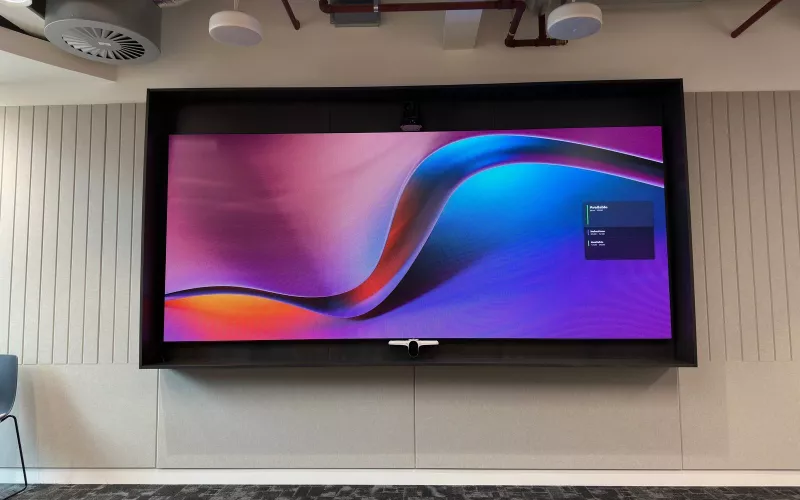
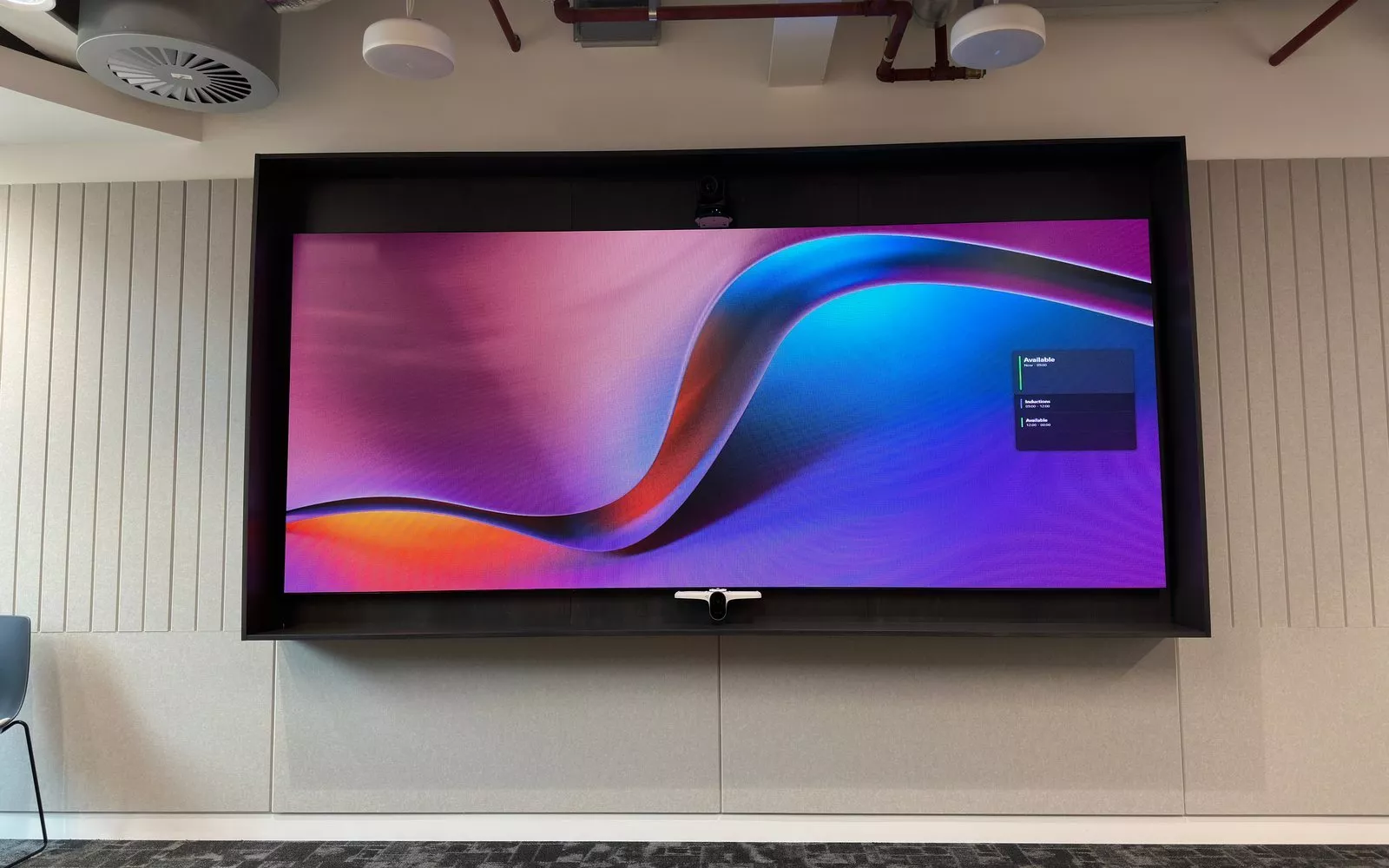
- Signage on the idle screen: the display can show branded content, live room availability and upcoming bookings from Microsoft 365, Google Workspace or Appspace, and steps aside when someone starts presenting.
One wireless presentation system across every Cork room
| Room | What it needs | How wireless presentation fits |
|---|---|---|
| Small meeting room | Quick sharing for two to four people | Receiver at the screen, AirPlay, casting or app |
| Boardroom | Visitor presentations and video calls | Receiver plus room camera and microphones over USB |
| Training room or classroom | Many people sharing in turn | Receiver with a code on screen so the presenter is in control |
| Canteen or open area | Occasional all hands sessions | Receiver on the large display, signage the rest of the time |
Because every room works the same way, the instructions are the same everywhere, and the help desk gets fewer calls.
Managing the rooms from one place
Crestron says AirMedia can be managed through its XiO Cloud platform, which can push updates, change settings and resolve issues remotely. For a business with rooms across a Cork campus or more than one building, that means firmware updates are done from a desk rather than room by room, and a problem can often be looked at before anyone drives over.
The network and cabling
We wire every receiver to the network, make sure the rooms have strong Wi-Fi for the laptops and phones, and agree with your IT team how visitors reach the screens without getting onto the main network. Our wired and wireless networks page explains how we design it. We also leave a cable at the table in each room as the fallback.
For the rest of the room, from microphones to displays, see our meeting room AV page, and for the video side our video conferencing page.
Questions we are often asked
Does everyone need to install an app?
No. Crestron says AirMedia works with AirPlay, Miracast and a web browser as well as its own app, so most people use what their device already has.
Can a visitor use our room camera for their own call?
Yes. AirMedia lets a compatible device use the room's camera, microphones and speakers for Teams, Zoom or Google Meet over a single USB connection.
Will the rooms switch themselves off?
Crestron says the room powers down based on occupancy and wakes when people arrive.
Can we use one system in every room?
Yes, and we recommend it, so the instructions are the same everywhere and IT manages the rooms in one place.
Is a cable still needed?
We fit one in every room as a fallback for the rare day the wireless route will not connect.
If you are planning or upgrading meeting rooms, training rooms or classrooms in Cork, we will look at every room, the network and how people actually use them, and design one wireless presentation set up that suits the lot. See also our Teams Rooms installation in Cork page.
Book a consultation or call Cork on 021 202 8107.
- Log in to post comments