Good digital signage in Dublin starts with a commercial display, not a domestic TV, because signage screens run for long hours, often in bright spots, and a TV is not built or covered for that. Pair the screen with a reliable player, a wired network point and a content plan your staff will keep up, and the system will earn its place for years.
Across Dublin we see the same pattern: a business buys a large TV for the reception or the shop window, it looks great for a few months, then it starts to look tired, the settings get changed by accident and nobody remembers how to update the slides. This guide explains how to avoid that, from choosing the screen to keeping it running.
Why digital signage needs a commercial screen
Samsung's own guide, "Why you shouldn't use consumer TVs for commercial digital signage", sets out the differences plainly. It describes consumer TVs as designed for perhaps eight hours of use a day, while commercial displays are engineered to run around the clock. It also says a consumer TV's warranty will be invalidated if the TV is used for commercial purposes, and that commercial displays usually carry three year warranties against the one year typical of a TV.
| Point | Domestic TV | Commercial display |
|---|---|---|
| Hours of use it is designed for | Perhaps eight hours a day | Around the clock if needed |
| Brightness (Samsung's figures) | Typically 250 nits, up to 400 for HDR models | Up to 2,500 nits |
| Portrait mounting | Not designed for the heat | Designed for the change in air flow |
| Settings | Easy for anyone to change | Can be locked |
| Warranty for business use | Invalidated, per Samsung | Usually three years |
Samsung sells both kinds, so read its guide as a manufacturer's view, but the points match what we see on site. The brightness figure matters most for a screen facing a south facing window or the street, where an ordinary panel looks grey by midday.
The player: built in or separate
The player is the small computer that holds the content. Many commercial displays have one built in, which suits a single screen in a reception or a meeting room corridor. A separate player behind the screen suits a video wall, screens that must play in step, or a business that wants to change screen brand later without changing its content system. We help you choose at the design stage, because it decides the power and data points at the wall.
Planning digital signage in a Dublin building
Most of our Dublin signage work is in offices, shops, hotels and schools, and the building usually sets the plan:
- New office fit outs in the city centre and the Docklands: ask for a data point, a socket and a backing board at each screen position before the ceilings and partitions are finished.
- Older buildings and Georgian offices: surface cable is often not an option, so the screen position follows where cable can be run neatly.
- Shops and showrooms: window screens need the brightness in the table above, and the heat from sun on glass needs to be planned for.
- Schools: screens in halls and corridors carry notices and timetable changes; see our education digital signage page.
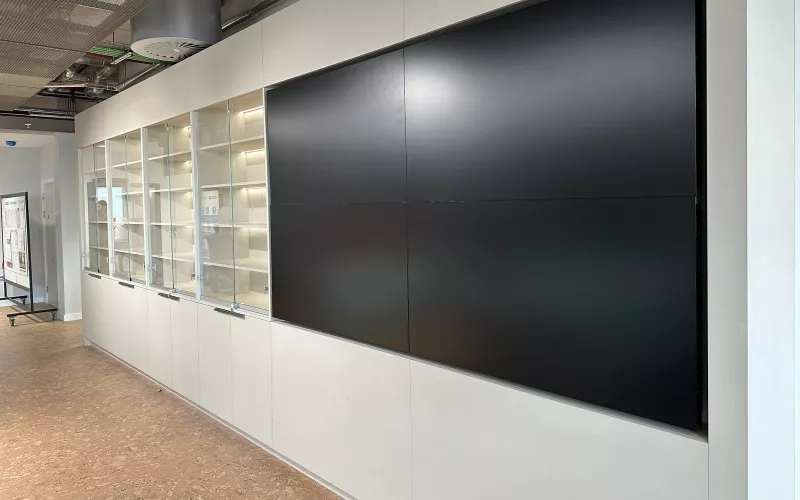
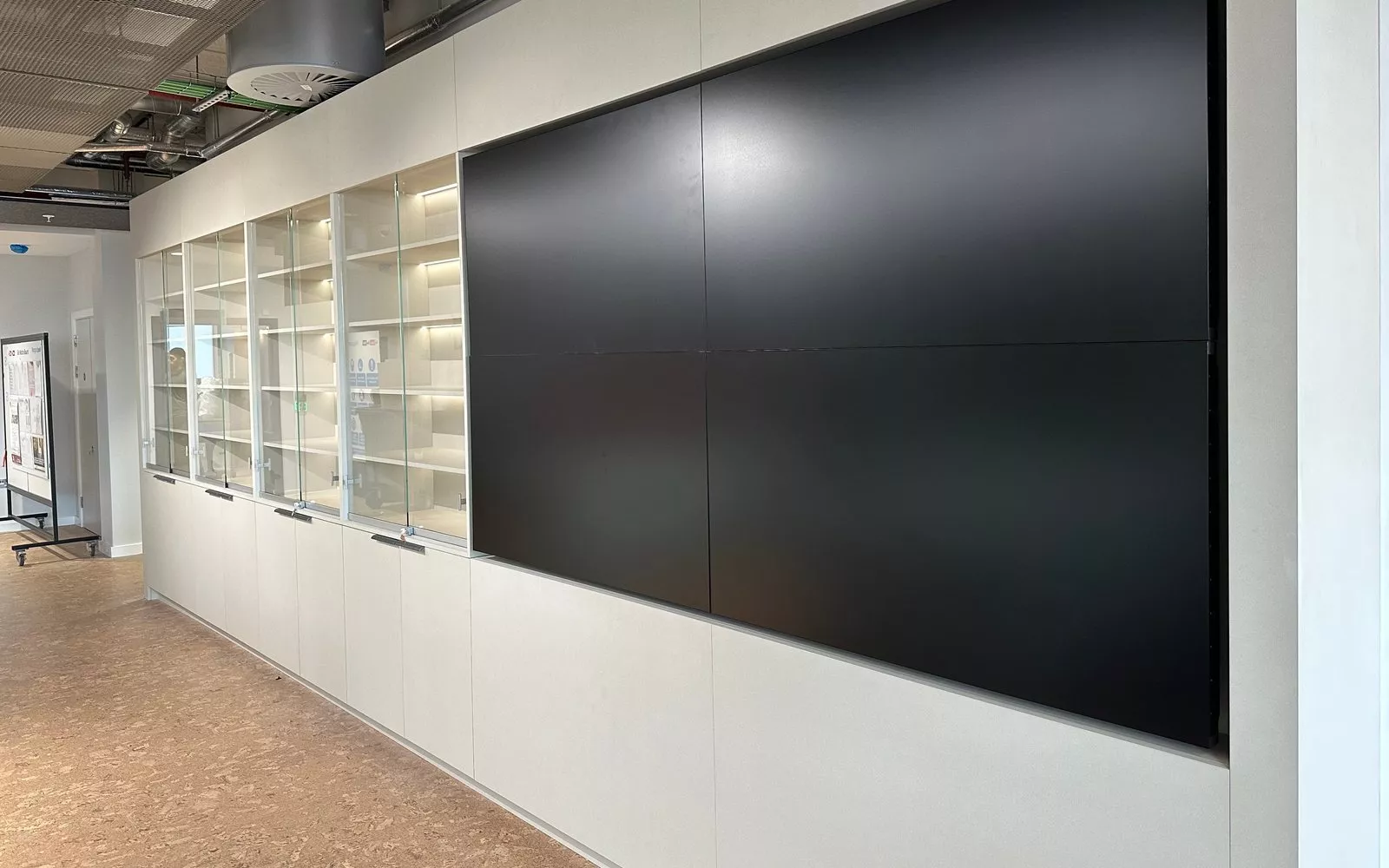
For a feature wall, such as the one in the photo above, a video wall or LED wall gives a seamless image. Our LED wall installation and flat panel displays pages explain the options.
Network: wired, separate and managed
We wire every signage screen where we can, and keep the screens on their own part of the network, so they update reliably and stay apart from staff laptops and guest Wi-Fi. That also lets us see from the office whether a screen has dropped off. Our wired and wireless networks page covers how we design it.
Content your team will keep up
The content system is what your staff use every week, so it needs to be simple. A good set up has templates in your brand, a playlist for each screen or zone, and a schedule so the morning, lunchtime and evening content changes without anyone touching it. Live content, such as room bookings, travel times or a sales dashboard, keeps a screen worth looking at.
Agree before installation who owns the screens and who covers for them. A screen showing last month's offer does more harm than a blank wall.
What digital signage costs to run
The purchase price is the easy figure. Running costs are the content software licence (some systems charge a yearly fee for each screen), the power for long hours, and the time someone spends updating content. A commercial screen avoids the hidden cost of replacing a failed TV with no warranty cover. For support once the screens are in, see our AV break fix support page.
We give a clear price once we have seen the walls, the light and the network. For a quick starting figure on meeting room and display work, try our commercial quote builder.
Questions we are often asked
How bright should a window screen be?
Much brighter than a TV. Samsung puts typical TVs at around 250 nits and its brightest commercial displays at up to 2,500 nits; a screen facing daylight needs to be towards the bright end.
Can a digital signage screen be mounted in portrait?
Yes, if it is a commercial display made for it. Domestic TVs are not designed for the heat in portrait.
Can we update the screens ourselves?
Yes. Content is updated through a web browser or app, and we set up the templates and schedules and show your team how to use them.
Can signage show meeting room bookings?
Yes. Most content systems and room booking panels can show live calendar information, which suits corridors and lift lobbies.
Do you support screens after installation?
Yes. We support the systems we install, and can monitor screens remotely where they are on a managed network.
If you are planning digital signage for a Dublin office, shop or school, we will survey the walls, the light and the network and design a system your team can run. Our digital signage page has more on what we install, and our Teams Rooms installation in Dublin page covers the meeting rooms behind the corridor screens.
Book a consultation or call Dublin on 01 906 9326.
- Log in to post comments