Jabra Reach connects a laptop to a meeting room's screen, camera, microphones and speakers through one USB-C cable, with a single network cable of up to 100 metres doing the work between the table and the display. Announced on 2 September 2026 and due on sale on 5 October, it gives offices in Dublin and Cork a tidy, repeatable way to build rooms where people bring their own laptop to the meeting.
Jabra Reach at a glance
| Feature | What Jabra says |
|---|---|
| What it is | A single cable BYOD (bring your own device) extension system: a table unit and a display unit linked by one network cable |
| Laptop connection | One USB-C cable carrying video, audio, USB and optional power |
| Link between the units | HDBaseT over network cable, up to 100 metres; Cat 6a required for 100 metres at 4K and 60 frames a second |
| Picture | 60 frames a second at up to 4K, from the display unit's HDMI 2.0 output |
| Room devices | Two USB-A ports at the display end for the camera and audio |
| Laptop charging | Optional, up to 100 W, with a USB-C power adapter bought separately |
| Laptop drivers | None to install; supports ChromeOS, or the latest two versions of macOS or Windows |
| Mounting | Wall, table, display or grommet |
| Warranty | Two years |
| On sale | 5 October 2026; US list price $899; no Irish price published |
The figures come from the press release issued by GN, Jabra's parent company, and from Jabra's product page. AV Interactive (avinteractive.com) reported the launch on 2 September 2026.
The problem Jabra Reach solves
In a BYOD room the meeting takes place on the laptop, whatever platform the invitation came from, and the room supplies the big screen and the good camera and sound. The weak point has always been the gap between table and wall. HDMI and USB leads only stretch so far, and the usual answer is a chain of extenders and adapters.
Reach replaces that chain with two boxes and one cable. The table unit takes the laptop's USB-C cable. The display unit feeds the screen over HDMI and connects the camera and audio in the room over USB. The link between them is one cable carrying HDBaseT, an established way to send data and video along network cable.
Jabra's senior vice president for its video business unit, Holger Reisinger, says in the release that Reach works with any room system or video bar. Jabra's verified list names its own PanaCast 50, PanaCast 50 and 55 VBS, PanaCast 40 VBS, PanaCast U30 and Speak2 75, and the Huddly IQ camera.
Three rooms where it makes sense
The huddle room. A four seat room with a USB video bar beneath the screen. A single cable on the table turns it into a room anyone can use without instructions. See how we approach huddle rooms.
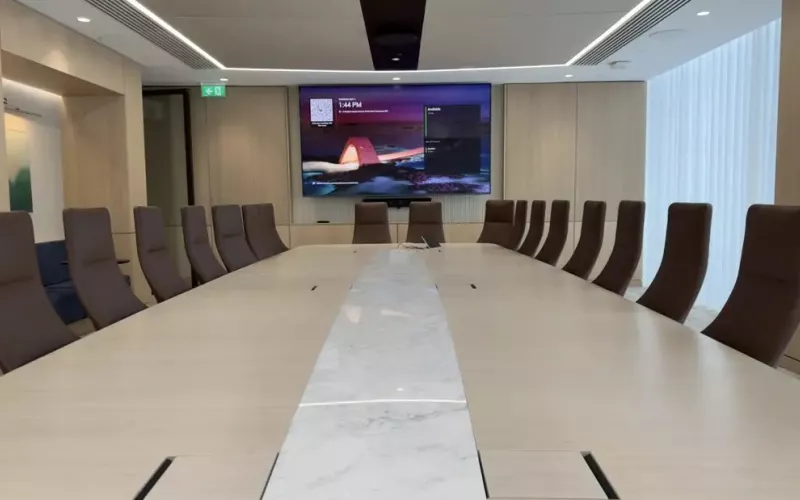
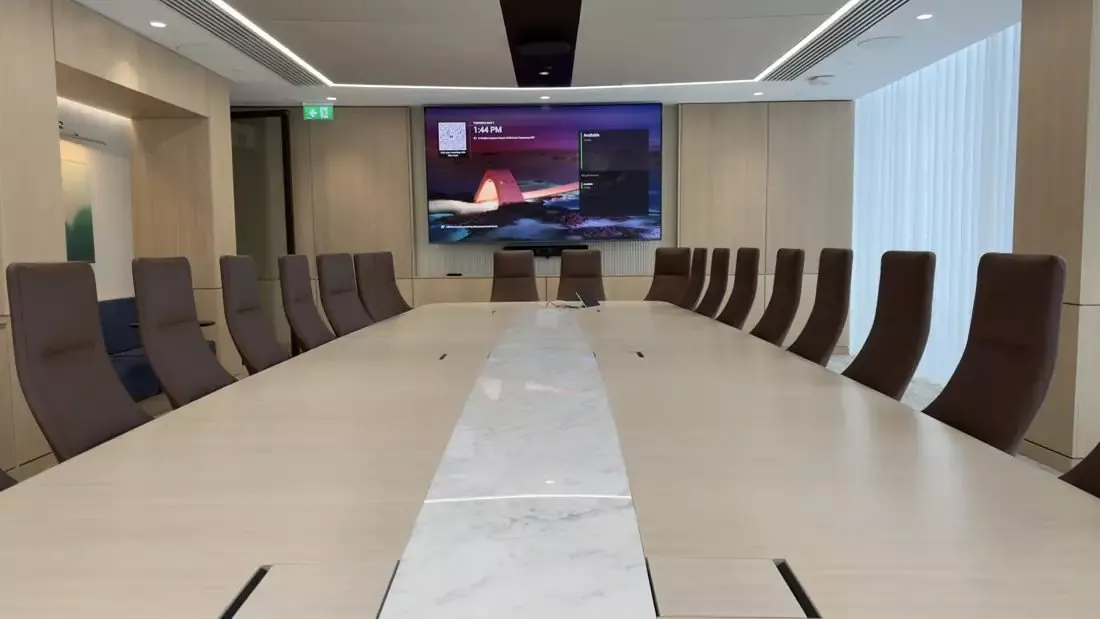
The long boardroom. When the table is several metres from the display, a laptop lead will not cover the distance unaided. With Reach the table unit is fixed under or on the table with its ports concealed, and the cable to the wall is a single network cable (plan for Cat 6a) that can run under the floor.
The training room or classroom. A lecturer or visiting trainer plugs in at the lectern and teaches from their own laptop, on whichever platform the remote students use. We design rooms for schools and colleges as well as for offices.
BYOD room or Teams room?
They are different things, and plenty of offices want both. A Microsoft Teams Room has a computer or Android device of its own, its own calendar and a touch panel with a join button, so nobody needs a laptop to start the meeting. A BYOD room has none of that and relies on the laptop, which means there is no room computer to buy or manage and the room is not tied to one platform.
Jabra says the two approaches can be combined. If a room's PanaCast video bar is configured for Zoom Rooms or for Microsoft Teams Rooms on Android, Reach gives the host a choice: present content into the room's meeting, or hold a BYOD session on the laptop using the room's audio and camera.
If you are deciding which rooms should be which, our pages on Teams Rooms in Dublin and Teams Rooms in Cork explain the fixed room option, and you can budget each type in the meeting room quote builder.
A checklist before you buy Jabra Reach
- Walk and measure the route the cable will take between table and display. Plan for Cat 6a, and for a direct cable between the two units: HDBaseT extenders are normally wired point to point, not through the office network. We would confirm that with Jabra at survey.
- Check that the display has a free HDMI input and that there is a power socket behind it for the display unit.
- List each room's speakerphone, camera and video bar and compare them with Jabra's verified list. Test anything that is not on it.
- Check the laptops. The picture travels over the USB-C port's video output (Jabra lists DisplayPort alternate mode), which some USB-C ports, mostly on older laptops, do not have.
- Decide whether you want laptop charging at the table. Jabra lists it as optional and says no USB-C power adapter for it comes in the box, so one must be bought separately.
- If you manage several rooms, ask about Jabra Plus, Jabra's platform for viewing, managing and updating devices in one place. Its specification lists Jabra Plus with the PanaCast 40, 50 and 55 VBS and the PanaCast U30, and, for other setups, its Jabra Direct software.
Price, availability and the PanaCast updates
Jabra's on sale date for Reach is 5 October 2026, and the only price Jabra has published is $899, a US list price. Nothing has been published for Ireland, and Jabra's Irish product page carries a contact sales button where a price would be. A dollar list price is not an Irish price, so we will quote once local stock and pricing are confirmed.
The same announcement covered four firmware additions for Jabra's PanaCast range, and Jabra says they will roll out through the end of 2026:
- People Count, for insight into the way rooms are used.
- Custom Wallpaper for putting your own branding onto the room display.
- Web UI over USB for browser based setup and device management.
- CLI functionality, which gives IT teams managing many devices a command line.
How 1Install can help
We design, supply and install video conferencing and meeting room AV from our Dublin and Cork offices. For Reach that means a survey of the cable route, a check of your displays, room devices and laptops against what Jabra supports, a tested installation and a handover your staff can follow.
Questions we are often asked
How does Jabra Reach connect a laptop to the room?
At the table unit, one USB-C cable goes into the laptop. A single network cable links that unit to a second one at the display, which feeds the screen over HDMI and connects the room's camera, microphones and speakers over USB. Jabra says the laptop needs no drivers.
How far can the table be from the screen?
Jabra puts the maximum at 100 metres between the two units, and says Cat 6a cable is required to reach that distance at 4K and 60 frames a second.
Is Jabra Reach only for Jabra cameras?
No, though the verified list is mostly Jabra's own: its PanaCast devices and the Speak2 75, plus the Huddly IQ camera. According to the release, Reach works with any room system or video bar, but we would test other makes before relying on them.
Can we use it in a room that already has a Teams or Zoom system?
Jabra says yes, where the room uses a PanaCast video bar configured for Zoom Rooms or for Microsoft Teams Rooms on Android. The host can present into the room's meeting or run their own from the laptop.
Is there an Irish price for Jabra Reach?
Not yet. The only figure so far is the $899 US list price, with sales starting on 5 October 2026. Jabra's Irish product page has a contact sales button and no price, so we will quote when local pricing is known.
Book a consultation or call Dublin on 01 906 9326 or Cork on 021 202 8107.
- Log in to post comments