Digital signage works best in a Cork business when every screen, whether there is one or forty, can be updated and checked from one place. That comes down to three choices: a dependable media player at each screen, content software that schedules itself, and a wired network that lets you see when a screen needs attention.
One screen behind a counter is easy to look after. The trouble starts when a hotel adds screens in the lobby, the bar and the function rooms, or a retailer opens a second shop, or a college puts notices in every building. Suddenly someone is walking around with a USB stick. This guide is about avoiding that, and it is written for the businesses we work with around Cork: shops, hotels, offices, schools and colleges.
The player behind the digital signage screen
The player is the small box, or the computer inside the screen, that stores and plays your content. For a single screen, the one built into a commercial display is often enough. Once there are several screens, a dedicated signage player gives you more control.
The distributor Midwich explains this well in its guide "What is a BrightSign Media Player?". It quotes a specialist describing BrightSign units as industrial grade signage players designed to be on 24/7, 365 days a year. It says the player connects to the screen by HDMI and can sit behind the screen or in a rack, that a free application called BrightAuthor:Connected is used to create, preview, publish and manage presentations, and that a cloud service, BSN.Cloud, lets you group players and give other users permissions.
That last point is the one that matters for a business with several sites or departments: the hotel's events team can look after the function room screens, while reception looks after the lobby.
One screen or many: how the set up changes
| Size of system | Typical set up | Who manages it |
|---|---|---|
| One or two screens | Commercial display with its built in player | One person, from a browser or app |
| A building full of screens | Dedicated players, screens grouped by floor or area | A small team, each with their own group |
| Several sites | Players managed from the cloud, shared templates | Head office sets the look, each site adds local content |
| Video wall or LED wall | Dedicated player or processor feeding the wall | Usually the marketing or events team |
Where Cork businesses use digital signage
- Hotels and venues: welcome screens, the day's events, function room signs that change with each booking.
- Shops and showrooms: offers that change by time of day, product video and brightness for windows that catch the afternoon sun.
- Offices: reception welcomes, company news and room availability on the corridor screens.
- Schools and colleges: notices, timetable changes and event information across several buildings; see our education digital signage page.
- Public buildings: queue information and notices; see our public sector digital signage page.
Scheduling: let the screens update themselves
The best signage needs very little day to day effort. Build a set of templates once, then schedule them: breakfast content until eleven, lunch offers until three, the evening programme after that. Content for an event can be loaded weeks ahead and set to appear on the day. Live feeds, such as calendar bookings, weather or a dashboard, change on their own.
We set this up with you at handover, so the people who will run the screens have done it once with us before they do it alone.
Cabling and power for each screen
Every screen needs power and, ideally, a wired data point at the exact position, plus a solid fixing. In a new fit out or an extension that is simple if it is on the drawings early. In an older Cork building with solid walls, the screen position often follows where cable can go neatly, so we look at that during the survey rather than after the screen arrives.
We put signage players on their own section of the network, away from staff and guest Wi-Fi, so they update reliably and can be checked remotely. Our wired and wireless networks page explains how we design it.
Choosing the screens
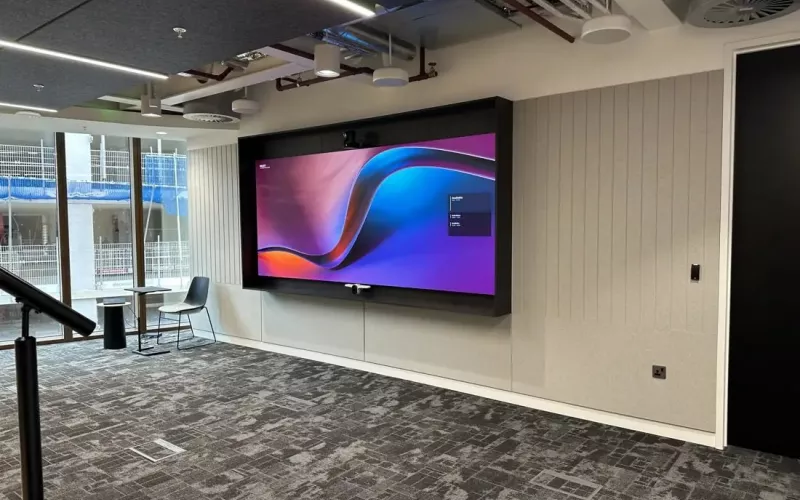
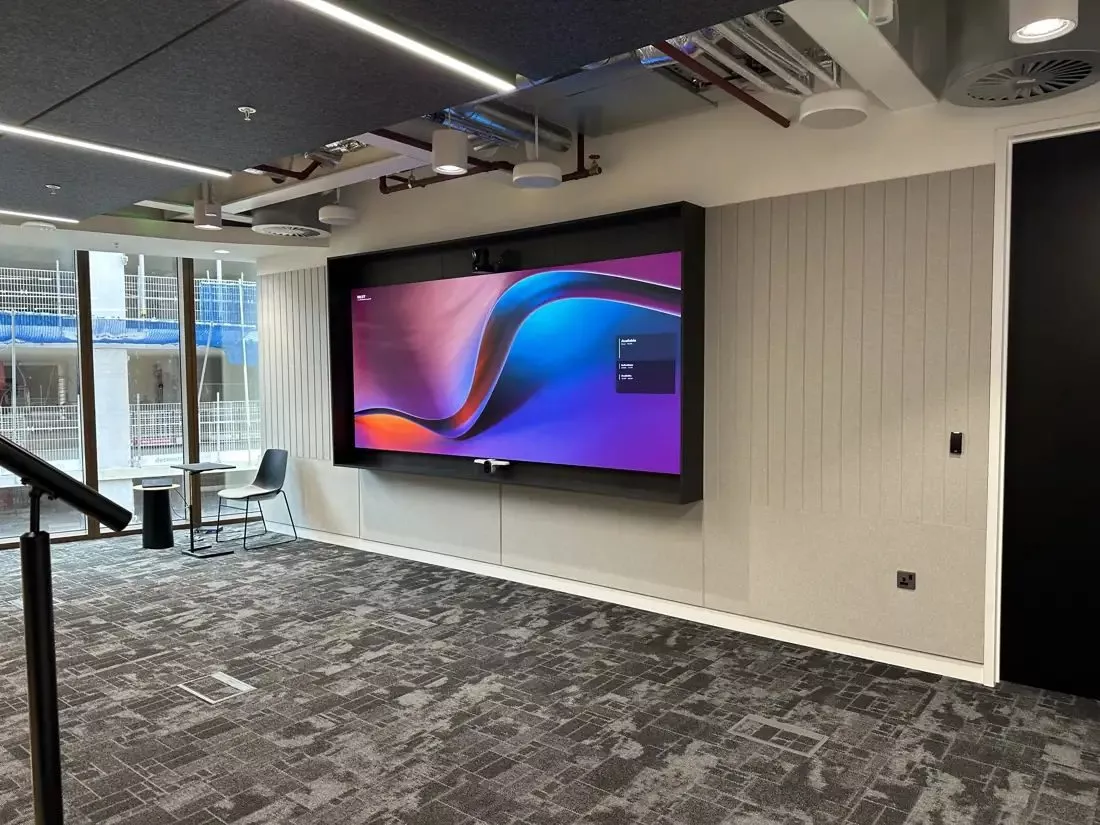
Signage screens run for long hours and are often mounted in portrait or in bright spots, so we fit commercial displays rather than domestic TVs. For single screens see our flat panel displays page, and for a large feature wall our LED wall installation page. The screen in the photo above doubles as a meeting display, which is a sensible way to get more from one wall in an open office.
Questions we are often asked
Can we manage screens in two Cork shops from one place?
Yes. With players managed from the cloud, both shops can share templates while each adds its own local content.
Do we need a separate player for every screen?
Not always. A commercial display with a built in player suits simple screens; a dedicated player suits video walls, screens that play in step and larger systems.
Can different staff look after different screens?
Yes. Screens can be grouped, and each person or team given access to their own group only.
Can the screens run without Wi-Fi?
Players keep playing what they have stored, but they need a network connection to receive new content. We prefer a wired connection at every screen.
What happens if a screen stops working?
Where screens are on a managed network we can see when one drops off. We support the systems we install; see our AV break fix support page.
If you are planning digital signage for a Cork shop, hotel, office or campus, we will survey the screen positions, the light and the network, and design a system your team can run day to day. Read more on our digital signage page or get a starting figure from our commercial quote builder.
Book a consultation or call Cork on 021 202 8107.
- Log in to post comments