Smart home wiring for a Cork renovation or extension should be planned before the first fix and installed before anything is plastered, because cables are cheap to run through open walls and expensive to add once a room is finished. Decide the cable positions now, and you can choose the lighting, music and Wi-Fi equipment later.
A request we often hear in Cork goes like this: a kitchen extension is finished, the family has moved back in, and now they would like music over the island, keypads instead of a row of switches and Wi-Fi that reaches the garden room. Much of it can still be done, but far more easily if a few cables had gone in at the right moment. This guide covers what to run, where, and how to make sure it happens on your job.
What makes a Cork renovation different
Cork work covers a wide range of houses, and the cable plan has to suit each one.
Period houses in the city
Victorian and Georgian houses in Montenotte, Sunday's Well and Blackrock often have tall ceilings, original plasterwork and solid walls. Cables are best routed through floor voids and service risers, and rooms that cannot be opened at all can take wireless lighting control and speakers instead.
Family homes in the suburbs
In Douglas, Rochestown and Carrigaline, a renovation usually means a rear extension, a new kitchen and an attic conversion. The new parts can be wired as fully as a new build, and the attic often gives an easy route down into the first floor ceilings.
Coastal and country houses
Around Kinsale, Crosshaven and West Cork, houses tend to be spread out, with garages, studios and long driveways. The wiring plan has to reach those outbuildings and the gate, often with a duct laid in the same trench as the power supply.
A smart home wiring checklist for your Cork project
| Cable | Runs to | Used for |
|---|---|---|
| Data (Cat6) | Every TV position, desk and games console | Streaming and a fast, steady connection |
| Data (Cat6) | A ceiling point on each floor and in the extension | Wi-Fi access points, powered through the same cable |
| Speaker cable | Ceiling speaker positions in the kitchen, living and main bedroom | Multi room music with the amplifiers hidden away |
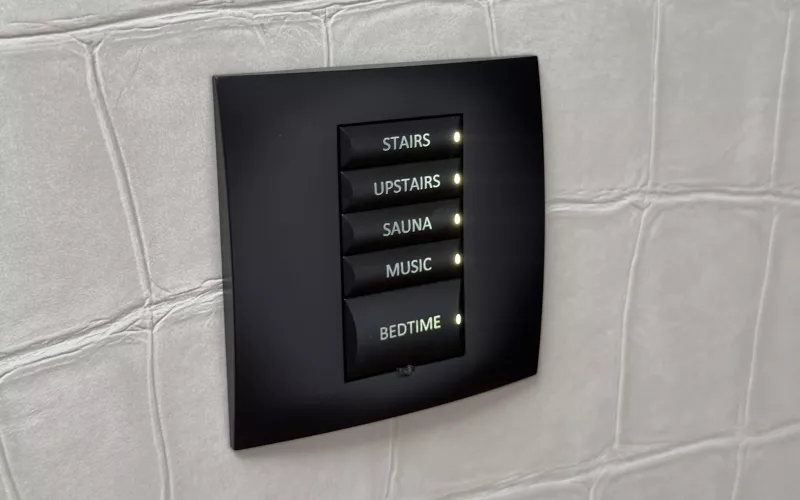
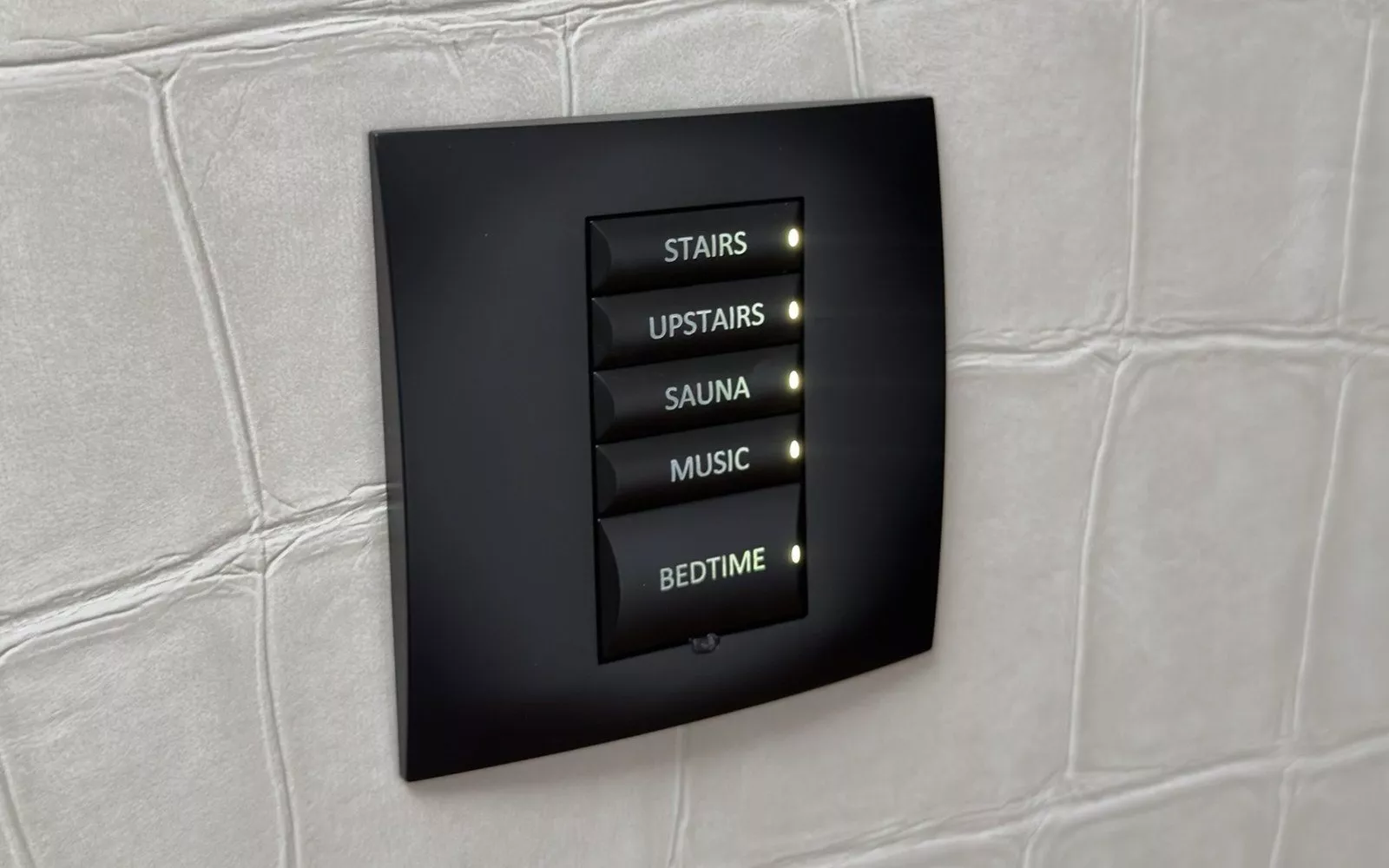
| Control or data cable | Keypad positions by each door | Lighting scenes on one engraved keypad |
| Power and control | The head of each large window or roof light | Motorised blinds and curtains |
| Data in a duct | Gate, front door, cameras and outbuildings | Door entry, CCTV and a network link to the garage or studio |
Every one of these runs back to a single point, with nothing joined inside the walls.
Where to put the rack
The rack, or comms cupboard, holds the broadband router, the network switch, the amplifiers for the speakers and any control processor. In a Cork renovation it often fits in a utility room, under the stairs or in a corner of a new garage. Wherever it goes, give it its own electrical supply, some ventilation and a clear route from the point where the broadband comes into the house. A cupboard that will also hold coats and cleaning things is a poor choice, because the equipment needs air and access.
Working with your electrician
Smart home cabling is low voltage, but it sits alongside the mains wiring, and the two must be planned together. Keypads and dimmers take the place of light switches, blinds need power at the window, and the rack needs its own circuit.
The mains side has clear rules in Ireland. ESB Networks reminds homeowners in its home improvement safety tips that when a house is newly wired, or existing wiring is renewed or extended, you must get a completion certificate from your Registered Electrical Contractor. The same page asks you to contact ESB Networks before working close to the overhead supply to the house, for example on a roof or gable, so the wires can be made safe. On country properties with an overhead supply, that is worth knowing before scaffolding goes up for an extension.
Getting it right on site
- Start from drawings. Mark every cable, back box, speaker and access point on the plans, with a schedule your builder can price.
- Agree the order of work. Smart home cables go in at first fix, at the same time as the electrician's, before insulation boards and plaster.
- Label and photograph. Number every cable at both ends and photograph each wall and ceiling before it is closed.
- Test before plastering. Each data and speaker cable should be tested while a fault can still be fixed.
- Leave a way back in. A spare duct between floors, and to the extension, makes future changes easy.
Our lighting control page for Cork explains how keypads and dimmers are planned, the motorised blinds page for Cork covers the windows, and our multi room audio page for Cork covers the speakers. If you are building new rather than renovating, our self build first fix guide starts from a bare site.
Questions we are often asked
Is smart home wiring worth it if we are not buying a system yet?
Usually, yes. The cable is a small part of the cost of any system, and having it in place means you can add the equipment later without opening the walls again.
Can you work around rooms we are not renovating?
Yes. Wireless lighting control, wireless speakers and well placed access points can cover the untouched rooms and work alongside the wired system in the new parts.
Do you cover the whole county?
Yes. Our Cork team is based locally and covers the city, the county and on into Kerry and Waterford.
Will you work with our builder and electrician?
Yes. We provide the drawings and the cable schedule, check the cables at first fix and return to install and programme the system once the decorators have finished.
What does it cost to get started?
A site survey or consultation costs €440 plus VAT, which covers up to 4 hours on site. Our smart home cost page shows typical budgets, and the Quote Builder gives a room by room figure.
Send us the drawings for your Cork renovation and we will mark up a smart home wiring plan your builder and electrician can follow, with support afterwards through 1Install Care.
Book a consultation or call our Cork office on 021 202 8107.
- Log in to post comments