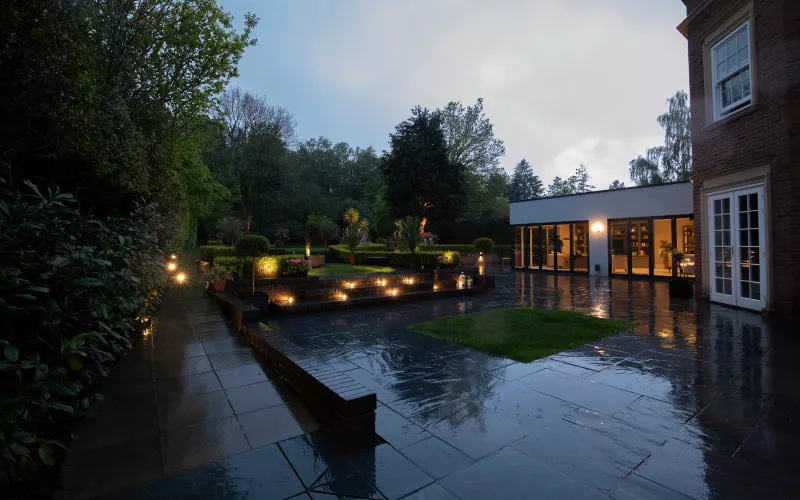
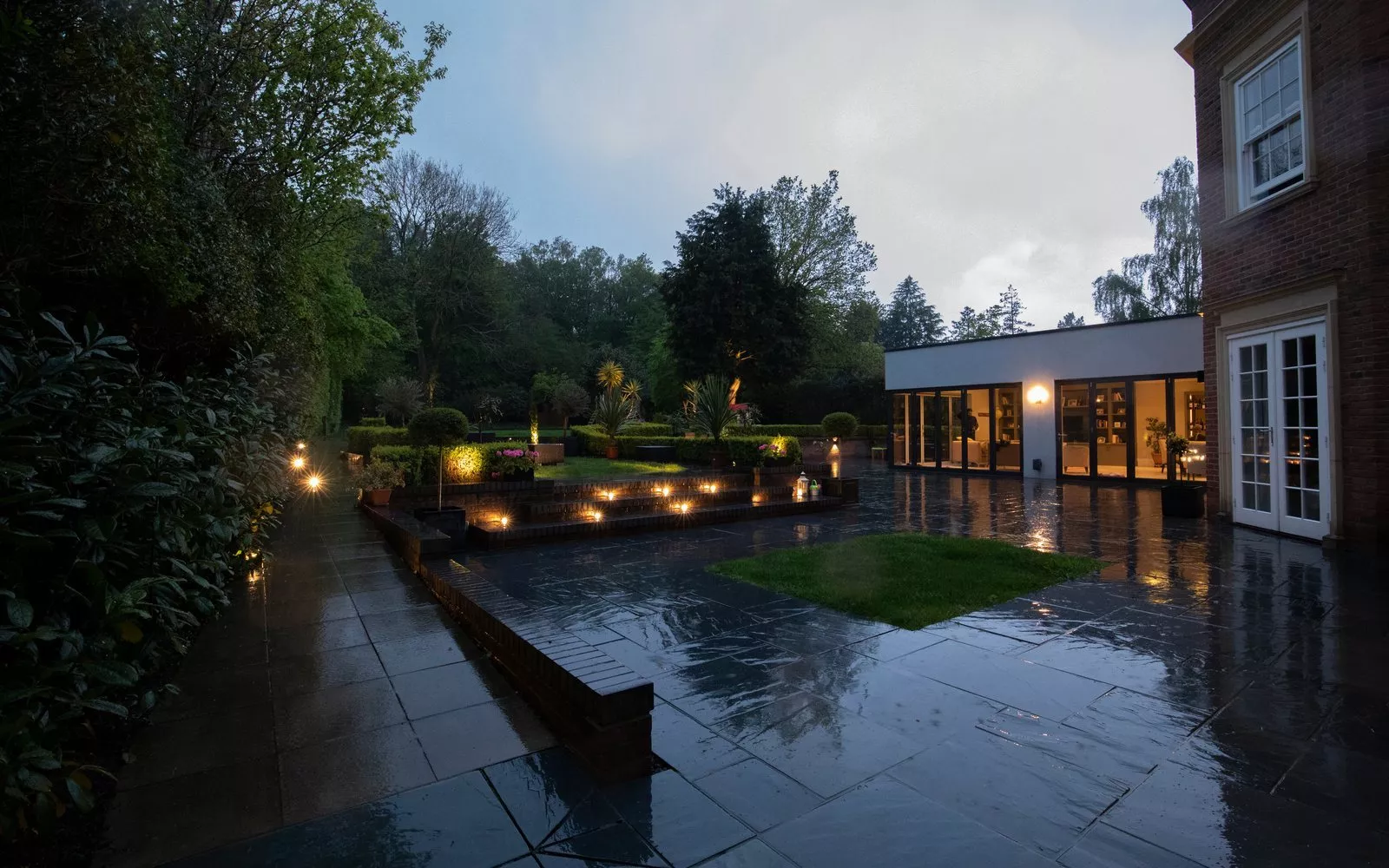
Good garden room Wi-Fi starts with a cable, not a booster: a Cat6 run in a duct from the comms cabinet in the house to the garden room, with an access point on the end of it. Lay that duct with the groundworks, beside the one your electrician uses for the power, and the office, the gym or the garage at the bottom of the garden will work as well as the kitchen. This guide covers what each kind of outbuilding needs, what goes in the ground and what to agree with your builder before the garden is finished.
It is written for people building their own home in and around Dublin. On a lot of Dublin sites, from an infill plot in Terenure or Glasnevin to a one off house near Rush or Garristown, the garden room or the garage is planned from the start but drawn as an empty box, and the cables that make it useful are left for later. Later usually means lifting the patio.
Why garden room Wi-Fi fails
A garden room is often only a short walk from the back door, so people expect the house Wi-Fi to reach it. It rarely does well. The signal has to get out through block walls, insulation with a foil face and glazing with a metal coating, all of which are there to keep heat in and do a good job of keeping radio out too. By the time what is left crosses the garden and gets through the walls of the garden room, a video call drops and the television in the gym buffers.
Plug in boosters and mesh units in the back window help a little, but they share a weak signal rather than fixing it. The reliable answer is the one we use inside the house: a wired access point in the room where you need it, cabled back to the comms cabinet. Our guide to mesh, extenders and access points for Dublin homes explains the difference in more detail.
What each outbuilding needs
Most Dublin self builds have one or two of these at the back of the site. The table shows what we would plan for each.
| Building | Usually used for | What to run from the house |
|---|---|---|
| Garden room or home office | Work, video calls, a quiet room away from the house | Two Cat6 cables to a data point and an access point, speaker cable if you want music, power from your electrician |
| Home gym | A television or screen, music, a fan or heater | Cat6 for an access point and the screen, speaker cable to ceiling or wall speakers, power |
| Detached garage or workshop | Car charging, tools, storage, sometimes a second freezer | Cat6 for an access point and a camera, power sized for any car charger and tools |
| Garden store or bin store | Bikes, tools, the lawnmower | A spare duct with a draw rope, so a light or a camera can be added later |
What to lay in the ground
The trenches for the garden room are usually dug at the same time as the drainage, the garden lighting and the paths, so this is the moment to get the low voltage cables in. Before anything is backfilled, check that the following are in place:
- A duct from the house to each outbuilding for data and speaker cable, with a draw rope left in it, so more cable can be pulled through later.
- A separate duct for the mains supply, run by your electrician, kept apart from the data duct.
- At least two Cat6 cables to each outbuilding that will be used every day, so there is one for an access point and one spare.
- Sealed entries where the ducts come up into the house and into the garden room, so neither building loses its airtightness.
- Photographs of every trench before it is covered, with a tape measure in the shot, kept with your house file.
If you are also running cables for garden speakers or lights, they can share the trenches while keeping to their own ducts. Our outdoor speakers guide for Dublin self builds and our garden lighting guide cover those runs.
Power for the garden room, gym and garage
The power is your electrician's job, and it is worth getting the size of the supply right at the start. A garden room used as an office needs very little. A gym with a treadmill and a heater needs more, and a detached garage with a car charger and power tools needs more again. Our EV charger wiring guide covers what a charger in the garage needs.
Our founder, Kieran McGuire, is an electrician, as are a few of our team, so we draw the mains duct, the data duct and the speaker cables on one plan and agree it with your electrician before the trenches are dug. That way nobody finds out at second fix that the data cable and the supply ended up in the same duct. Our survey and design service produces that plan with a full cable schedule.
Music and screens in the gym and office
A gym is far nicer with music and a screen on the wall. If the house has a multi room audio system, the gym or the garden room can be one more zone on it, with the speaker cable run back to the amplifiers in the comms cabinet rather than an amplifier left in a cold building. Our multi room audio page for Dublin shows how the zones work. For the screen, a Cat6 cable behind the wall position lets it stream reliably, and in the office a wired data point under the desk is still the most dependable connection for video calls.
When a duct is not possible
Sometimes the garden is finished before anyone thinks about the garden room, or a stone wall or a neighbour's boundary is in the way. In that case a wireless bridge can link the two buildings: a pair of small outdoor radios, one on each building, aimed at each other. Ubiquiti's UniFi Building Bridge specifications list a 60 GHz main link of up to 1.7 Gbps over a range of up to 500 m, a 5 GHz backup radio and power over the network cable. A bridge needs a clear line of sight and is our second choice behind a cable, but on a garden that cannot be dug up it is a good one.
Questions we are often asked
Can I just use a mesh unit for garden room Wi-Fi?
You can, but it relies on a signal that has already passed through the walls of both buildings. A wired access point in the garden room is faster and far more reliable, especially for video calls.
How many cables should go to a garden room?
We suggest at least two Cat6 cables and a duct with a draw rope. Cable is cheap while the trench is open, and the spare saves digging later.
Can the data cable share a duct with the power cable?
Keep them apart. Your electrician runs the mains supply in its own duct, and the data and speaker cables go in a separate one, which also makes either easier to replace.
Does the garage need Wi-Fi?
If it will have a car charger, a camera or a smart door opener, yes. Many of those rely on the network, so an access point or at least a Cat6 point in the garage is worth planning.
Can you add Wi-Fi to a garden room that is already built?
Usually, yes. If there is no spare duct we look at a wireless bridge or another route for a cable, and we tell you honestly which will work better on your site.
We can include the garden room in your Wi-Fi plan from the start. Send us your floor plans and site layout and we will mark the access points in the house and the outbuildings, list the Cat6 runs back to one comms cabinet and send a priced kit list, free and with no obligation; our free Wi-Fi design for self builders explains how.
Book a consultation or call our Dublin office on 01 906 9326.
- Log in to post comments