Biamp's product roundup of November 2026 makes the Impera Connect-X MP6 part of Workplace Control: running firmware 5.0 it becomes an expander inside Biamp Workplace, and Workplace Tools 1.3.0 adds the app that migrates it. The same roundup brings Evoko Naso firmware 4.0.116 and black BMA 360D mounting brackets, so we have worked through three Cork rooms where each piece would matter.
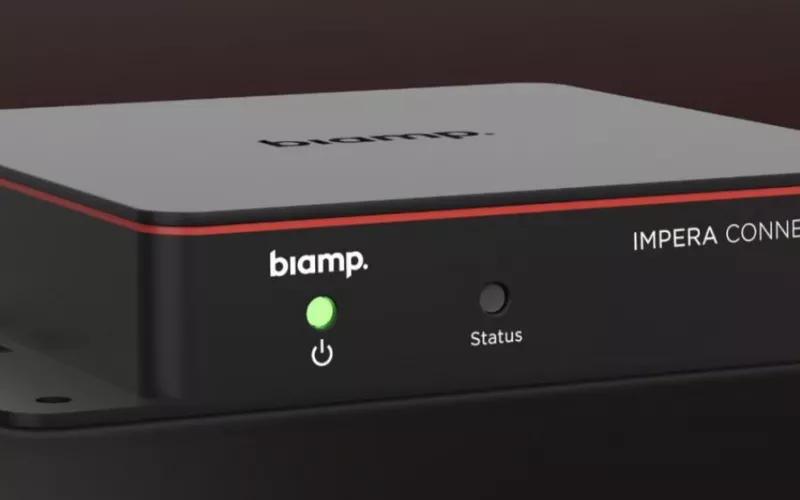
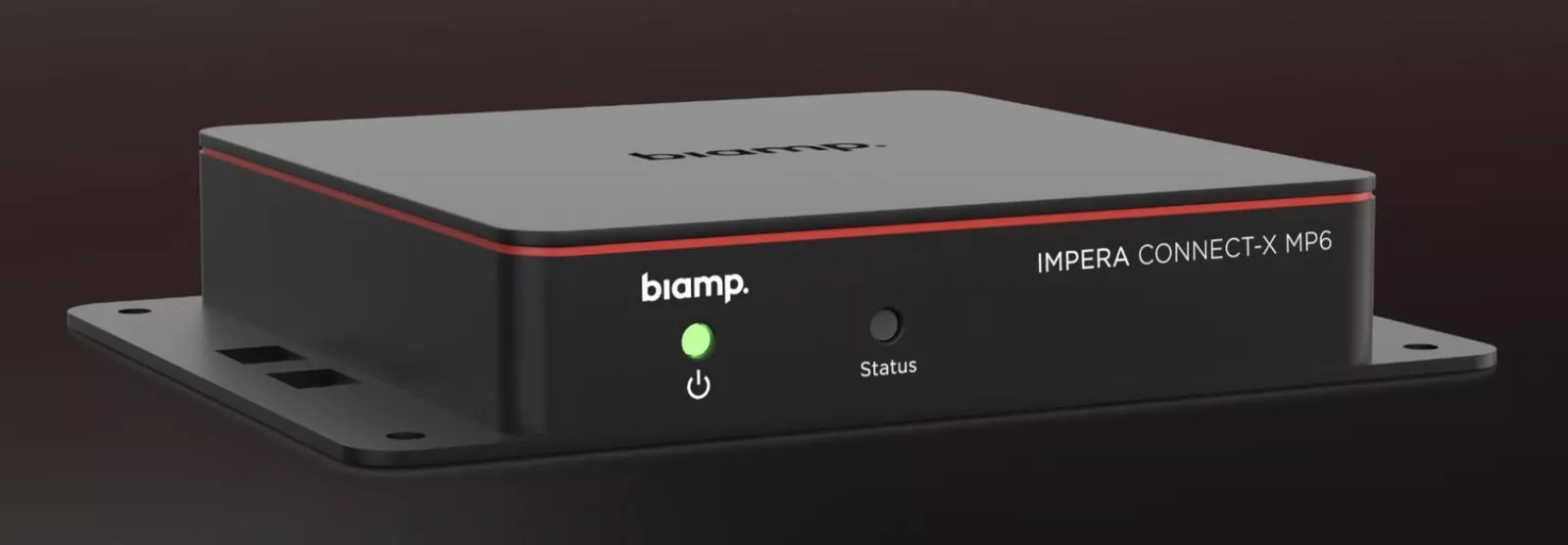
Product image: Biamp.
- Firmware 5.0 changes the role of the Impera Connect-X MP6: Biamp now treats it as a Workplace expander for RS-232, IR, GPIO and IP control.
- Moving a unit off Project Designer uses the Impera Migration app in Workplace Tools 1.3.0, followed by setup in Workplace Control Designer.
- Equipment behind each expander is listed in Workplace Command and Workplace Control Designer, so it can be watched and adjusted without a visit to each room.
- Naso firmware 4.0.116 puts the Biamp Workplace Booking app on the setup screen and fixes a problem with some network equipment.
- Three black brackets for the BMA 360D family, one surface and two recessed, are now shipping for tile free ceilings.
The Impera Connect-X MP6 and the rest of the November 2026 update
Biamp's roundup announcement has three headings. The first, and the one with the widest reach, is that the Connect-X MP6 joins the Workplace Control family with firmware version 5.0. Biamp describes the box as bringing displays, cameras, projectors, lights, shades and screens under one system, with a single button able to switch on the display, drop the projection screen and dim the lights regardless of manufacturer.
The second heading is a maintenance release for the Evoko Naso room booking panel, and the third is a set of black mounting kits for the BMA 360D ceiling microphone. Rather than repeat the list, here is how each might play out in a real building.
Scenario one: a business park headquarters with Impera rooms
Picture a company in a Cork business park with eight meeting rooms fitted a few years ago. Each room has an Impera touch panel and a Connect-X MP6 handling the display over serial, a projector over IR and a motorised screen through GPIO. Changes have always meant someone opening a Project Designer file on a laptop.
What changes. After the move to firmware 5.0 and Workplace Control, Biamp says those devices appear in Workplace Command and Workplace Control Designer, where the facilities team can monitor, configure and troubleshoot them without going to the room. Biamp presents this as adding capability to equipment the company already owns.
How the move happens. Workplace Tools takes the unit from Project Designer to Workplace Control. Biamp's sequence is to discover the Connect-X MP6 with the new Impera Migration app, upgrade it, then build the room's control in Workplace Control Designer. Biamp's support article on Impera and Workplace compatibility also lists a Biamp Workplace account and the Workplace Tools desktop app as required.
What else arrives with it. Workplace Tools 1.3.0, which Biamp's release notes date to November 2026, also lets an engineer clear the Workplace connection on a device left in a mismatched state, makes EasyConnect USB authorisation more reliable and loads organisations with more than 1,000 locations in full. For our headquarters, the first of those is the useful one: a unit left in a mismatched state can be recovered at the device itself.
Scenario two: a training centre with Naso panels at every door
Now take a training centre or college building in Cork with an Evoko Naso panel outside each room. A few panels on one floor never stayed online after a switch was replaced. Staff use Find Another Room daily when a session overruns.
What changes. Biamp says Naso firmware 4.0.116 fixes an ethernet issue that kept Naso from working with some network equipment, improves error handling and fixes bugs in the Find Another Room and Schedule views. The release notes add a Buildroot upgrade, the removal of eMudhra root certificates, corrected image indices in the room scroll view and an updated booking list.
What users see. The setup screen now shows the Biamp Workplace Booking app where it used to show the Evoko app. The update is delivered through Biamp Workplace, according to Biamp's Naso release notes. Our post on Evoko Liso, Workplace and the MPX console covers the wider booking picture, and our education AV page covers teaching spaces.
Scenario three: a new boardroom with an open, dark ceiling
The third room is a new boardroom on a converted upper floor, with the slab and services painted black and no suspended grid at all. The client wants a ceiling microphone, not a table full of puck microphones, and does not want a white square hanging in a black void.
What changes. Biamp now ships black brackets for black BMA 360D and black BMA 360D-I microphones, intended for ceilings that do not use tiles. As Biamp puts it: "All three models are now shipping." The three are:
- BMA 360D-SM Black (920-10866-10000): universal surface mount for both the 24 in and the 600 mm models.
- BMA 360D-RM Black (920-10864-10000): recessed mount for the 24 in BMA 360D.
- BMA 360D-RM-I Black (920-10865-10000): recessed mount for the 600 mm BMA 360D-I.
In an exposed soffit with nothing to recess into, the surface mount is likely to be the simpler choice; the recessed kits need a ceiling surface to sit in. Our earlier post on the black BMA 360D for training rooms said the black 600 mm model was still to come; Biamp's bracket text now names a black 360D-I, so at the time of writing check that microphone's availability before ordering. The same boardroom could use a Connect-X MP6 for its blinds and display, tying the first and third scenarios together.
What to do in a Cork building this winter
For Impera sites, list each Connect-X MP6, what it controls and who holds the Biamp Workplace account, then trial the migration in a single room. For Naso sites, plan the move to 4.0.116 through Biamp Workplace. For new rooms with dark open ceilings, add the right black bracket to the design at the drawing stage, along with the network power and cabling the microphone needs. Read more on audio conferencing, video conferencing and a Teams Room in Cork.
1Install designs, supplies and installs meeting rooms, Teams Rooms, room control and audio systems. Get a guide price from our commercial quote builder.
Questions we are often asked
Is the Impera Connect-X MP6 part of Biamp Workplace now?
Yes. On firmware 5.0 Biamp says it becomes a Biamp Workplace expander and joins the Workplace Control family.
What can the Impera Connect-X MP6 control in Workplace Control?
RS-232, IR, GPIO and IP devices, according to Biamp, from one interface and regardless of the device's brand.
Which version of Workplace Tools supports the Connect-X MP6?
Version 1.3.0. Biamp says it adds Connect-X MP6 support and the Impera Migration app.
What is new for users in Evoko Naso firmware 4.0.116?
The setup screen now shows the Biamp Workplace Booking app instead of the Evoko app; the rest is maintenance, stability and security work, Biamp says.
Which black bracket fits a 600 mm BMA 360D-I?
The BMA 360D-RM-I Black for a recessed fit, or the BMA 360D-SM Black universal surface mount, which Biamp says suits both sizes.
Book a consultation or call our Cork office on 021 202 8107.
- Log in to post comments