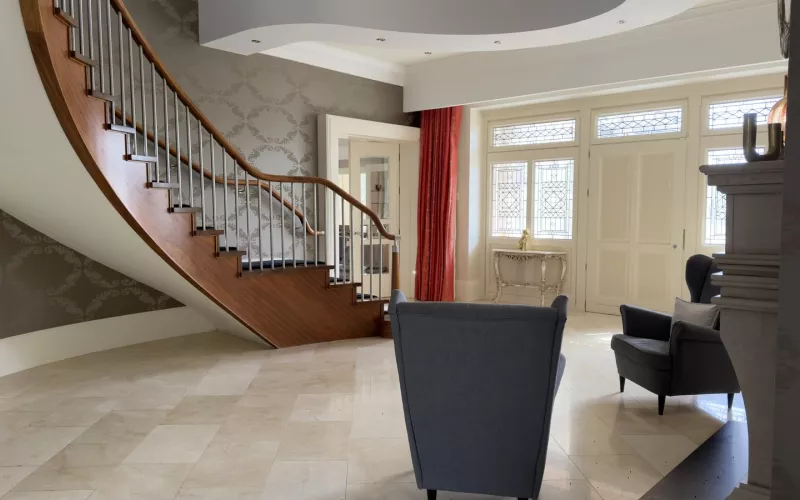
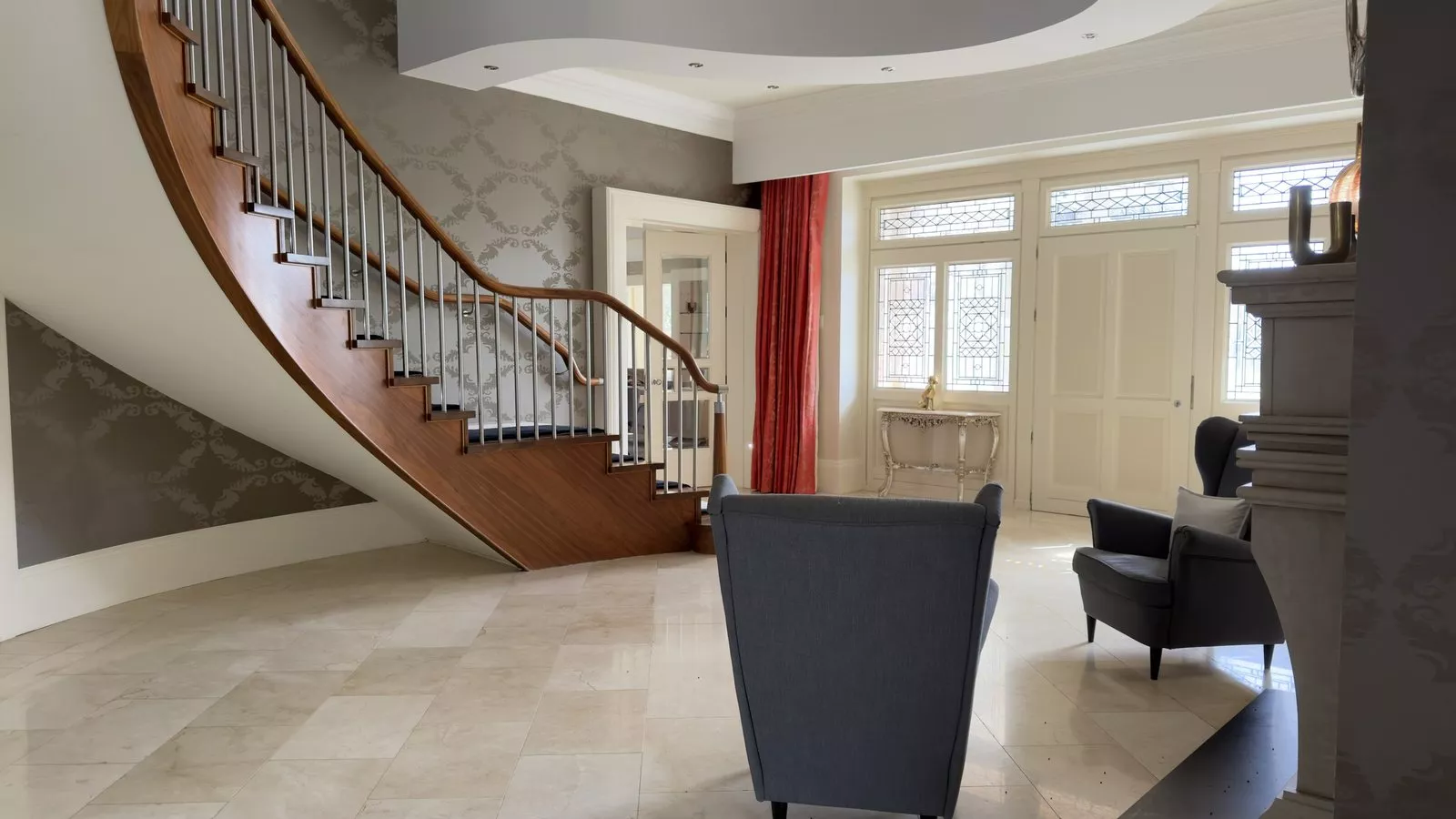
This Galway job dealt with Control4 network problems in a house whose system was installed more than ten years ago. We replaced the router, changed the Wi-Fi access points, removed old ones that were not connected, put Starlink on the roof and updated the Control4 system.
The Control4 installation in this house went in more than ten years ago. The new owner had problems with the network in the house and with its configuration, and this page covers what we did about it.
We design, install and support Control4 systems in Galway, and we take over systems that other companies installed, including iHomes systems. Our Control4 installer in Galway page has more on what we do.
| Project | Control4 network problems in Galway |
|---|---|
| Location | Galway, Ireland |
| When | Earlier in 2026 |
| Starting point | A Control4 system installed more than ten years ago, a new owner and problems with the network and its configuration |
| Work done | New router, new Wi-Fi access points, old access points removed, Starlink on the roof and a Control4 update |
| Status | More updates to come when we go back. The last two will be added to this page. |
The Control4 network problems we were called to
A Control4 system relies on the network in the house. The controller, the touch screens and apps, and many of the devices it controls connect over it, so a network that is unreliable or badly set up makes the whole system feel unreliable. In this house the problems were with the network and its configuration, on a system that had been in place for more than ten years.
The work came down to the router, the Wi-Fi access points, the way the house connects to the internet and the Control4 system itself.
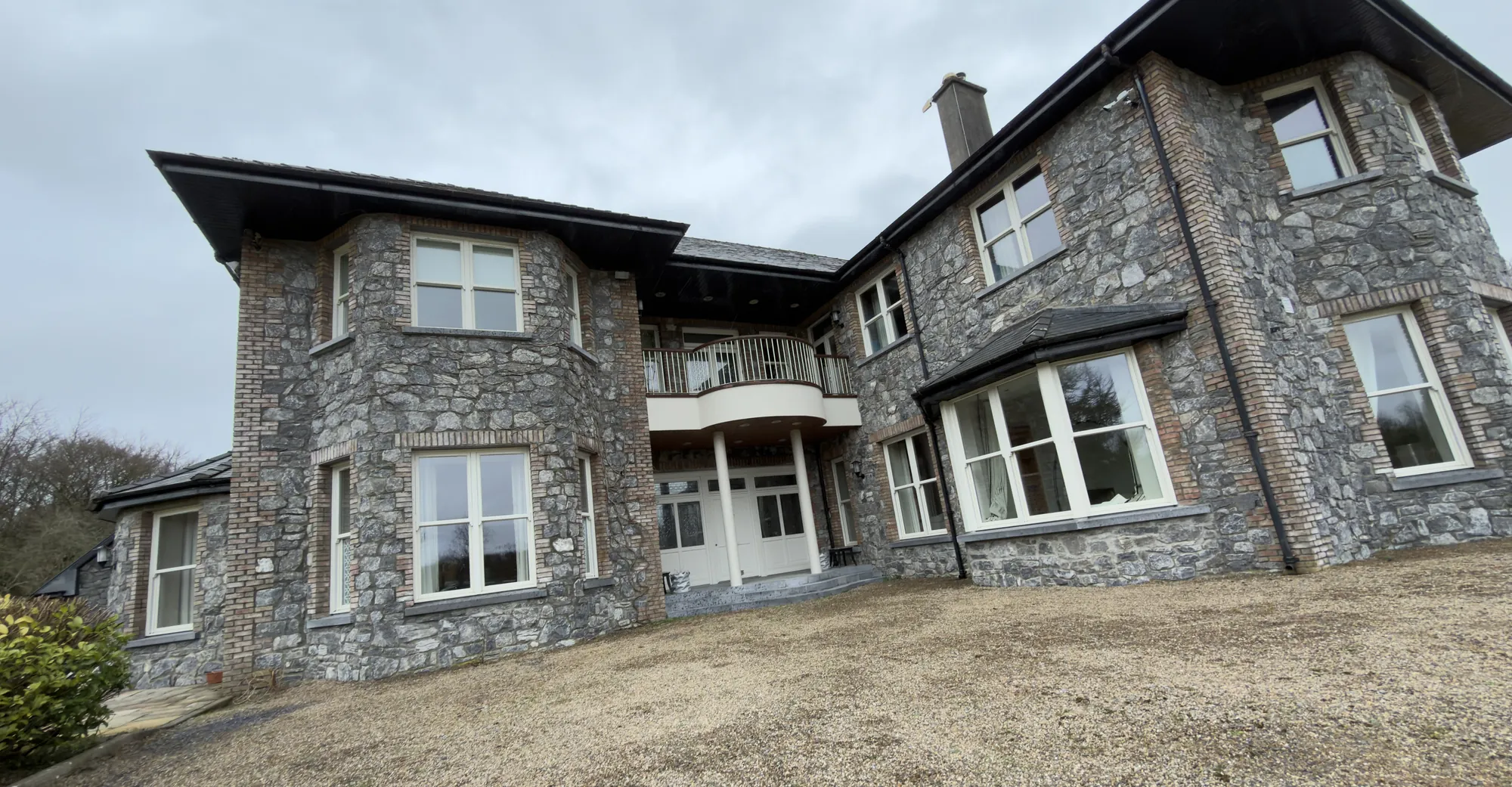
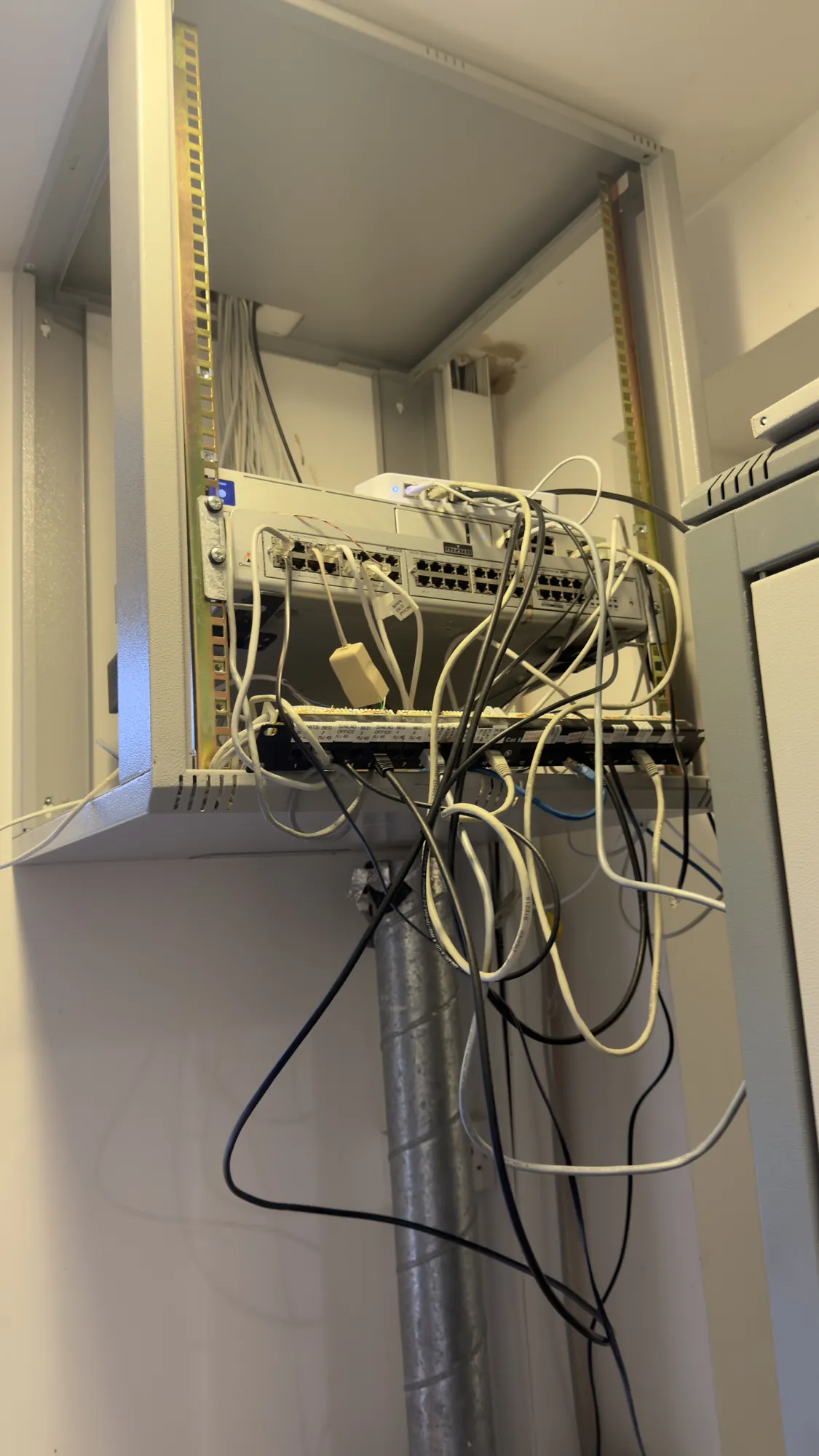
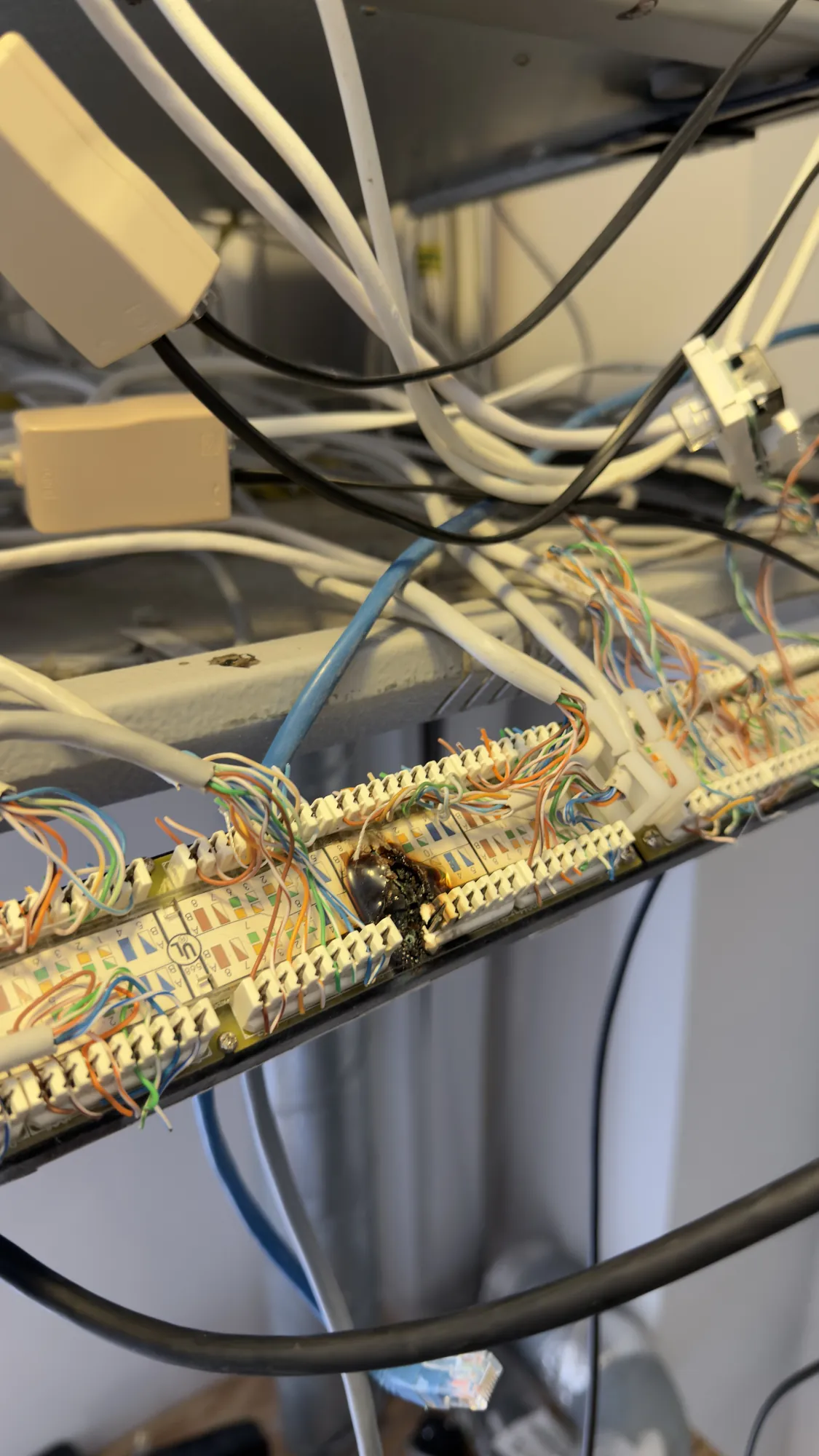
These photos were taken at the house. The first shows the front of the house, a large stone house with a curved balcony over the entrance. The second shows a wall mounted equipment frame holding network switches and a patch panel, with loose cables hanging below it. The third is a close up of a panel where the network cables are terminated, with a burnt, blackened patch on it.
What we changed
This is the work we did on the network and the Control4 system:
| Part | What we did |
|---|---|
| Router | Swapped out the router |
| Wi-Fi access points | Swapped out a few of the access points |
| Old access points | Removed some old ones that were giving out the same Wi-Fi network name but were not connected |
| Internet | Installed Starlink on the roof |
| Control4 | Updated the Control4 system |
The router and the access points. The router connects the house to the internet and manages the traffic between every device on the network, and the access points spread the Wi-Fi through the rooms. We swapped out the router and a few of the Wi-Fi access points.
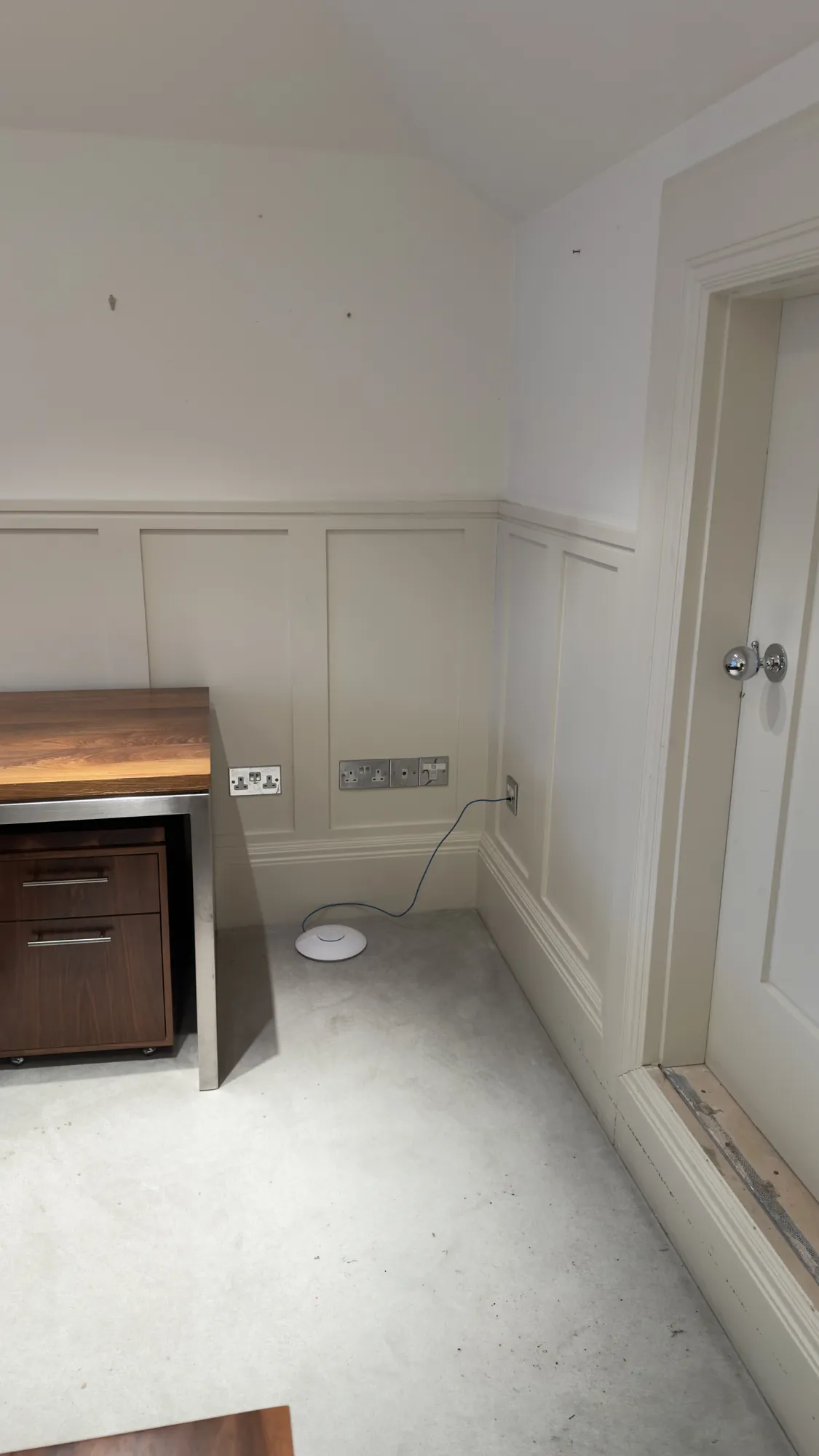
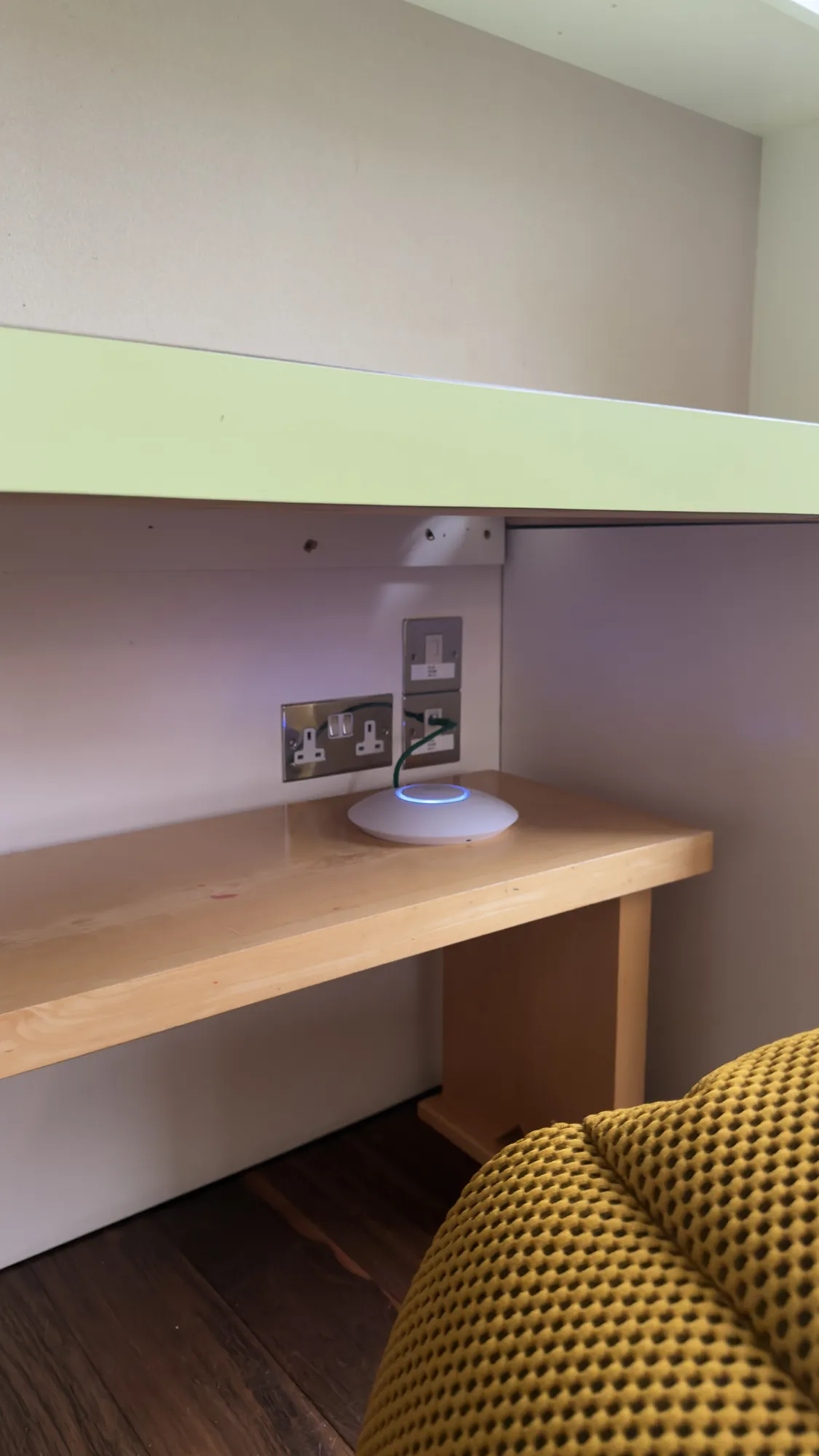
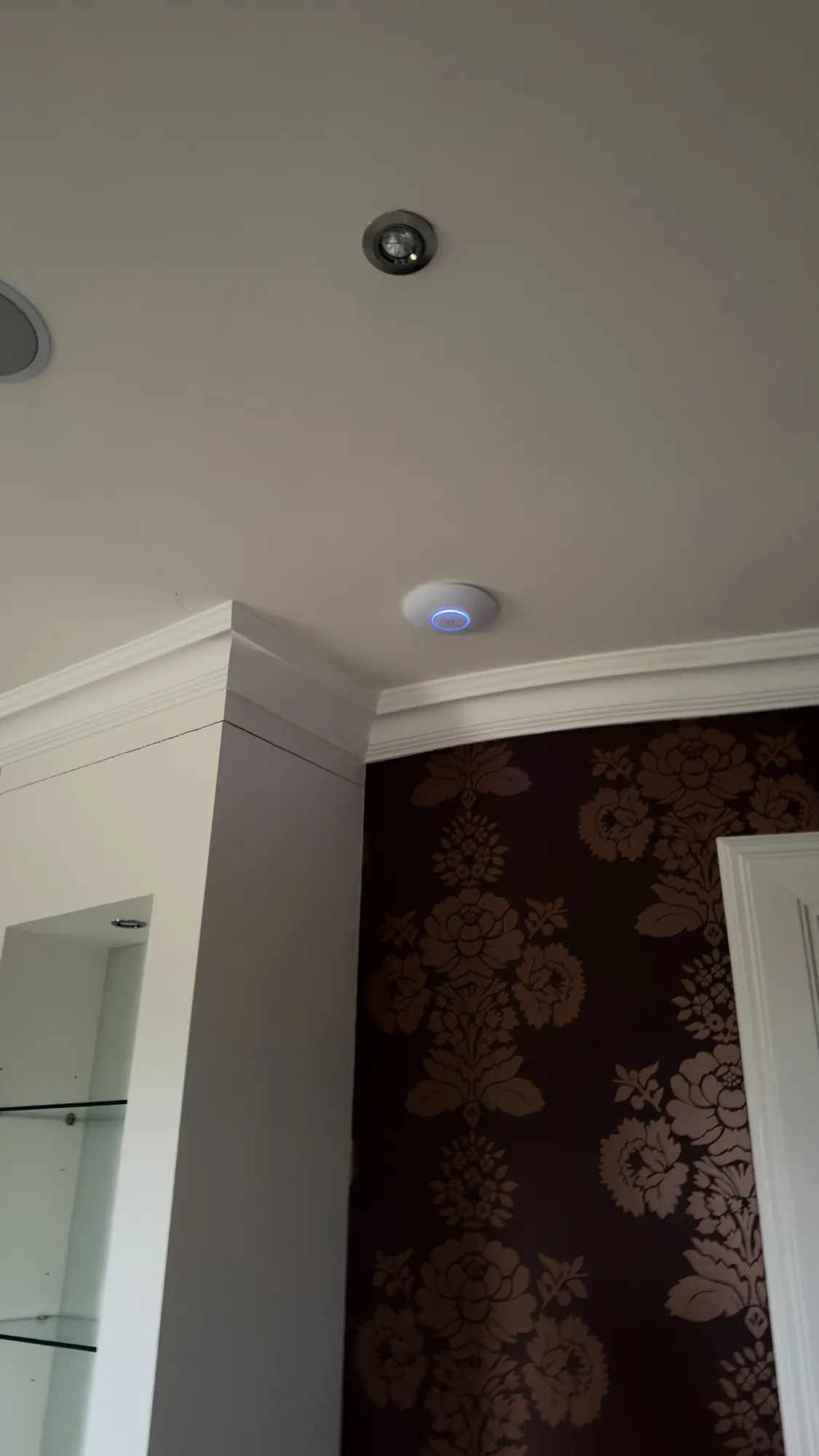
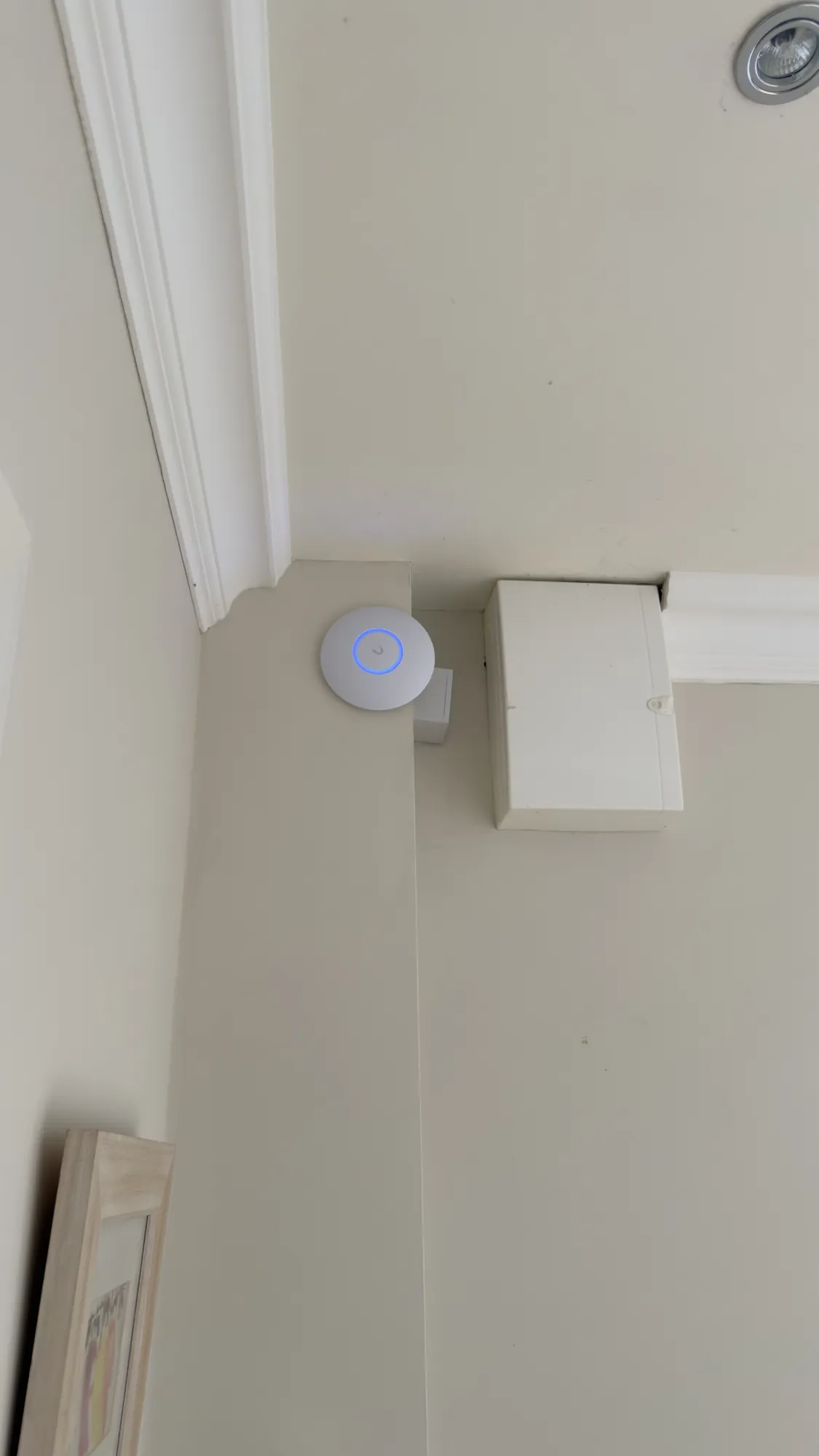
These are four of the Wi-Fi access points in the house. The first is an old one, lying loose on the floor beside a desk, with a thin blue cable running up to a wall outlet. The second sits on a wooden shelf beside a wall socket, with a green cable running to a wall outlet. The third is fixed to a ceiling beside a recessed light, and the fourth is fixed high on a wall at the ceiling line, beside a junction box.
The Control4 update. We also updated the Control4 system that was already in the house. A system installed more than ten years ago needs looking at from time to time, and an update is a good moment to check that the network behind it is in good order.
Why old access points that are not connected cause trouble
Every Wi-Fi network has a name, called the SSID. When several access points give out the same name, a phone, tablet or other device joins whichever one it picks, normally the one with the strongest signal. That is how a house with several access points gives you one network that follows you from room to room.
It only works if every access point is connected to the network behind it. An old access point that is still powered and still giving out the same name, but is not connected to anything, can still be picked by a device. The device then shows a Wi-Fi connection with nothing behind it. The faults this causes come and go, because it depends on which access point a device happens to choose, and they are hard to trace without going through every access point in the house.
That is why we removed the old ones. A network is easier to look after when every access point in it is one you know about, one that is connected and one that you can see on a plan.
Starlink on the roof
We also installed Starlink on the roof. Starlink is a satellite internet service, and its dish needs a clear view of the sky. Starlink's installation guide for its standard kit says so, and suggests an elevated spot such as a roof, a pole or a wall.
The old Lutron lighting system
The house also has an old Lutron lighting system that runs alongside the Control4. It is very slow, and the touch panels no longer work. The label on one of its enclosures reads HomeWorks 4 Series. The owner did not want to upgrade it yet, so for now we have left it as it is. Our Lutron installer in Galway page covers the Lutron systems we install today.
The Control4 unit and its iHomes sticker
The Control4 unit in this house carries a sticker with the name i-Homes and the words The Smarter Home. If you have an iHomes system with a sticker like this one, and it is slow, unreliable or has stopped working, we can look at it. We look after Control4 systems that other companies installed. We start with a survey, so we know what is installed before we change anything, and then we tell you what needs doing.
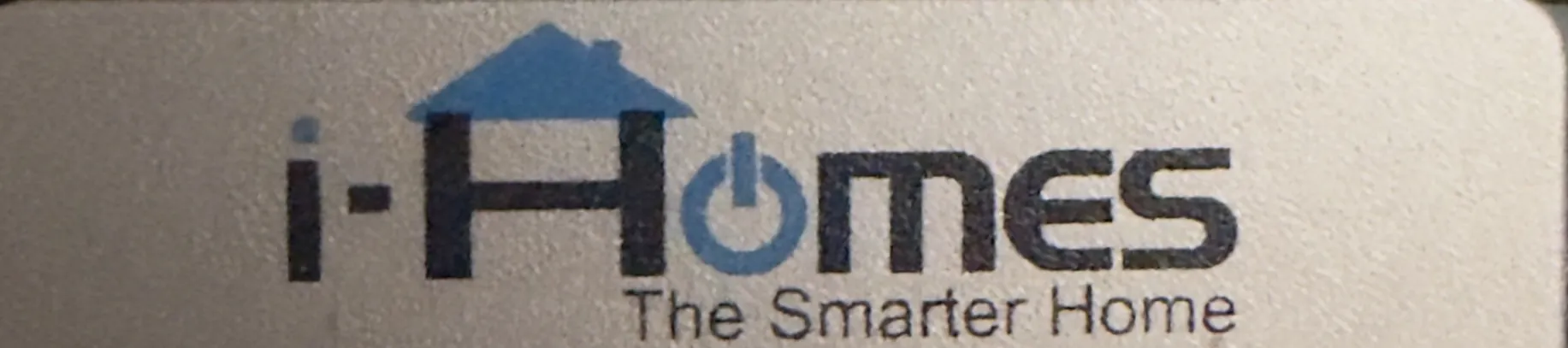
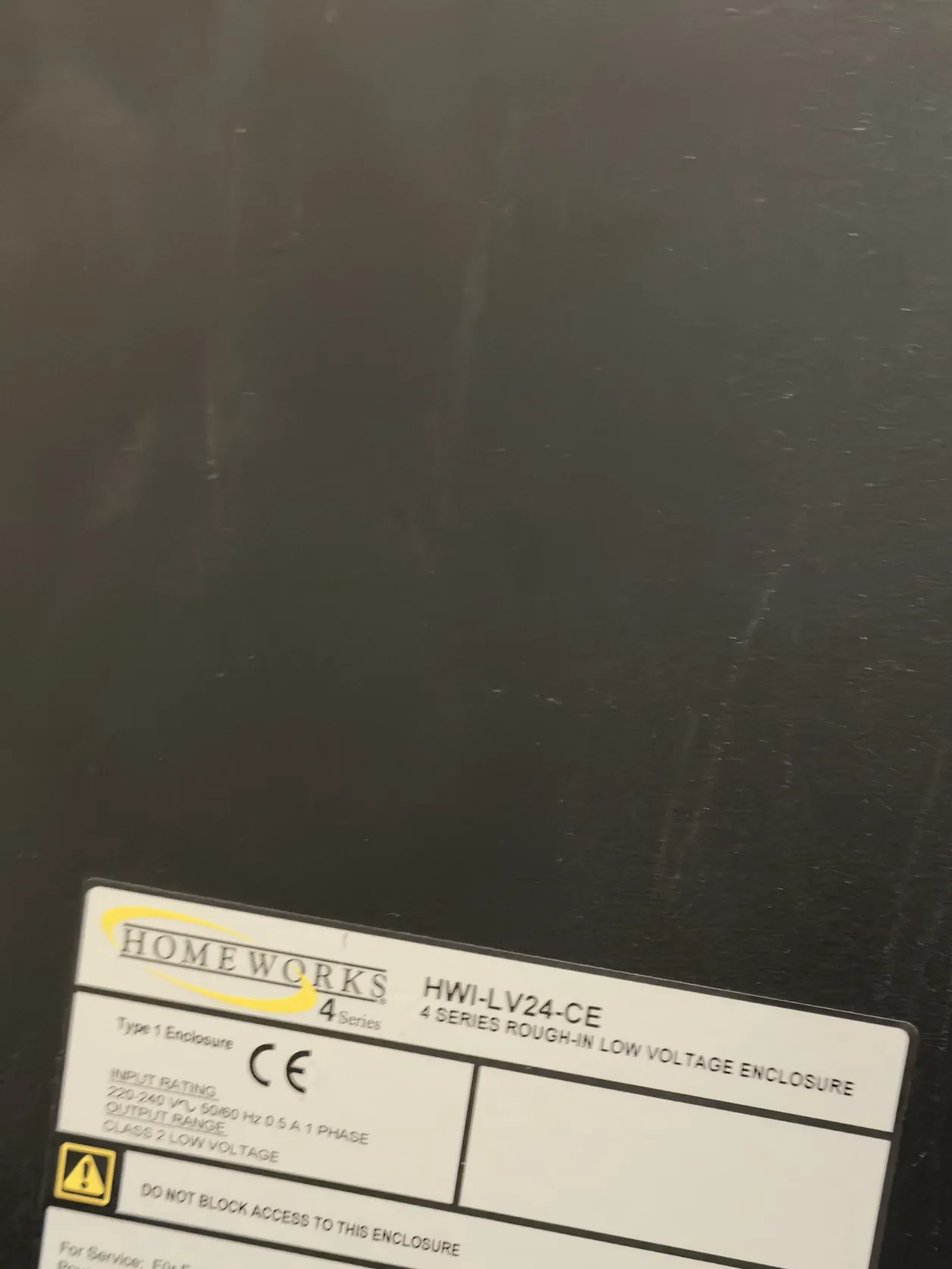
These three photos show the two systems in the house. The first is the sticker on the front of the Control4 unit, which reads i-Homes, The Smarter Home. The second is the Control4 logo on the same unit, below the sticker. The third is the label on a black Lutron enclosure, which reads HomeWorks 4 Series and low voltage enclosure.
What happens next
We will be back at some point to do the other updates. The last two updates will be added to this page when we go back, so the whole job stays in one place. If you have a Control4 house in Galway with a network that is not behaving, we can survey it and tell you plainly what needs doing. Our survey and design step explains how that starts, and our rescue projects page shows how we assess a system that has drifted over the years. We are following another Control4 job on this site too: our Control4 rescue in Cork.
Signs the network behind your Control4 system needs attention
You do not need a house with the same history to have the same problems. These are the signs we look for:
- Wi-Fi that shows as connected but does nothing. A device that has joined an access point with nothing behind it looks connected but cannot reach anything.
- Touch screens or the app that are slow or drop out. The network is one of the first places we look, before we look at the Control4 system itself.
- Old equipment nobody can account for. Access points and other network equipment are sometimes left behind after a refit, a change of installer or a change of owner.
- Devices on Wi-Fi that could be on a cable. Control4's own networking best practices guide tells installers to hardwire wherever possible, and a cable is more dependable than Wi-Fi.
- No record of how the network is set up. Without drawings and a list of what is where, every change is guesswork. Our design and documentation step is there to prevent that.
Our Wi-Fi and network design page shows how we plan a network, including the routers and access points we choose from.
Questions we are often asked
What causes Control4 network problems?
Often the network rather than the Control4 system itself. A router that is struggling, too few access points or badly placed ones, access points that are not connected to anything, devices on Wi-Fi that should be on a cable and a network that nobody has documented can all make a Control4 system seem unreliable. In this Galway house we replaced the router and a few of the access points, and removed old ones that were not connected.
Can a Control4 system that is more than ten years old be updated?
In many cases, yes. In this house we updated the Control4 system that was already there. What can be updated depends on the controller and the devices connected to it, so we check that before we change anything.
Why was the Starlink dish put on the roof?
The dish needs a clear view of the sky, and a roof is an elevated spot that can give it one. Starlink's own installation guide suggests a roof, a pole or a wall, and on this job we installed it on the roof.
Can an old Lutron lighting system stay in a house with Control4?
A house can have both, and in this house the old Lutron system runs alongside the Control4. It is very slow and the touch panels no longer work, but the owner did not want to upgrade it yet. We will be back at some point to do the other updates.
Do you work on Control4 systems in Galway?
Yes. We design, install and support Control4 in Galway, and we take over systems that other companies installed. We find out what is installed and what is not working, then tell you what needs doing before any work starts. See our Control4 installer in Galway page.
Can you look after an iHomes Control4 system?
Yes. We look after Control4 systems that other companies installed, including systems with an iHomes sticker like the one on the Control4 unit in this Galway house. We start with a survey to find out what is installed and what is not working, then tell you what needs doing before any work starts. See our survey and design step.
How much does it cost to put a Control4 network right?
It depends on the size of the house, the equipment already there and what we find, so we cannot give a figure without a survey. After the survey we send a written report and talk through the next steps with you. Our smart home cost page gives a starting point.
Book a consultation or call Dublin on 01 906 9326 or Cork on 021 202 8107.
- Log in to post comments