Biamp Tesira firmware 5.7.1 is a new release, published on Biamp's website in September 2026, that addresses faults in Voltera D and D M amplifiers, TesiraLUX streaming, Dante and AVB clocking and SSH security, and speeds up Biamp Workplace on Tesira devices. Anyone responsible for TesiraFORTÉ, TesiraFORTÉ X or TesiraCONNECT systems in Dublin and Cork offices, venues or colleges should decide now whether, and when, to apply it.
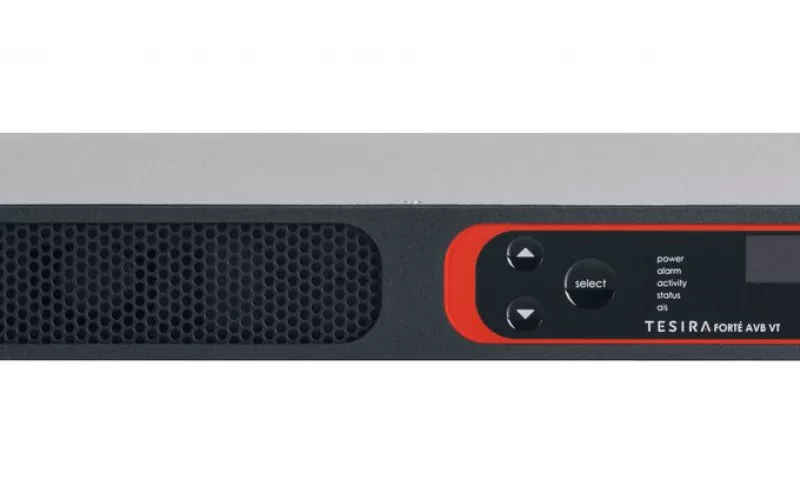
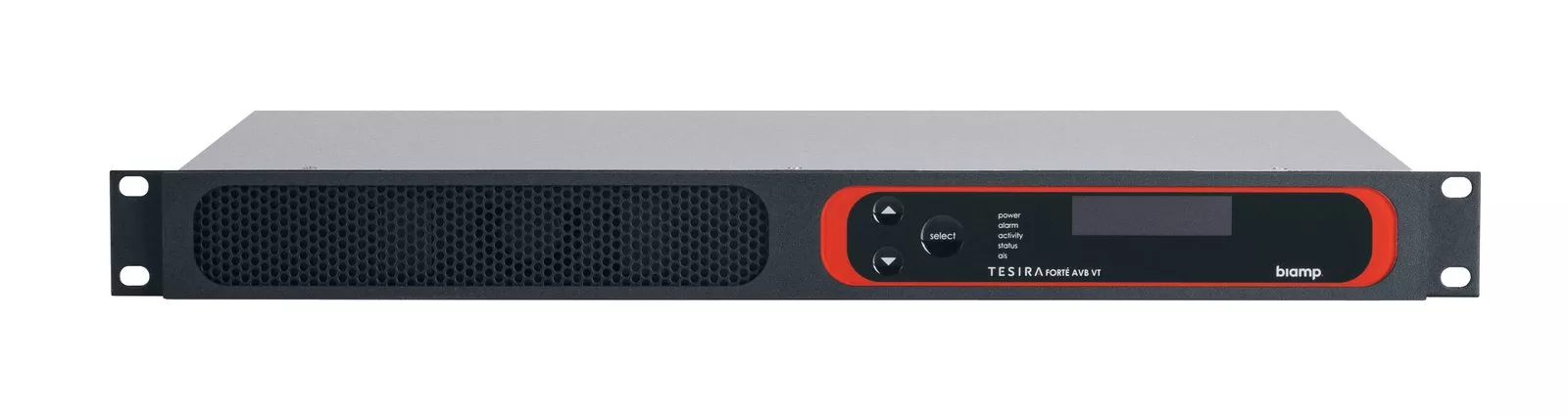
Product image: Biamp.
- Tesira 5.7.1 is a firmware only update; Biamp has not issued a new Tesira Software or Biamp Canvas version with it, and both remain at 5.7.0 from June 2026.
- Biamp announced the update on its latest news pages in September 2026; its Cornerstone release notes give a release date of August 2026.
- Biamp says the update improves overall responsiveness when using Biamp Workplace on Tesira devices.
- Seven resolved firmware issues are listed, including a Voltera D and D M amplifier communication fault and a security fix that moves to OpenSSH 10.4p1.
- One known issue is listed: the Enable IGMP Querier setting on TesiraFORTÉ X and TesiraCONNECT is disabled regardless of what Tesira Software shows.
Biamp Tesira firmware 5.7.1 in brief
Biamp published the news in a short item on its own site. According to Biamp's Tesira 5.7.1 announcement, the firmware brings better responsiveness for Biamp Workplace users on Tesira hardware, plus what the company calls critical fixes for Voltera D and D M amplifiers, Tesira and TesiraLUX products. For the detail, Biamp directs owners to its Tesira release notes on Cornerstone, the Biamp technical support knowledge base, and to the Tesira downloads page there.
It is worth being precise about scope. This is not a feature release. The big change in this cycle came earlier: Biamp's notes for Tesira 5.7.0, released in June 2026, describe new support for Biamp Workplace Control on TesiraFORTÉ X series processors. Version 5.7.1 tidies up behind that, and Biamp lists no new Tesira Software to go with it. Its downloads page shows Tesira Firmware v5.7.1 dated September 2026, sitting alongside Tesira Software v5.7.0.
What the release notes say was fixed
Biamp Workplace. The single update listed is improved overall responsiveness when using Biamp Workplace on Tesira devices.
Amplifiers. Biamp says it resolved a problem where a Voltera D or D M amplifier could raise a fault saying it was unable to communicate with its amplifier card.
Video over TesiraLUX. The notes describe a fix for TesiraLUX video streaming failing after 11 hours on the 10G port, which matters anywhere a stream runs all day.
Clocking between Dante and AVB. Two fixes concern the media clock. One corrects the Media Clock Master not setting properly when switching between Dante and AVB; the other removes a rare false fault about the audio clock losing synchronisation when the master moves from Dante to AVB.
Networking. A device could become unresponsive after a while if IGMP was enabled; Biamp says that is resolved.
Upgrades. Firmware updates from 4.x to 5.7 and newer could fail. Biamp lists this as fixed in 5.7.1.
Security. An SSH related CVE is resolved by updating to OpenSSH 10.4p1. In the previous release, 5.7.0, Biamp had moved to OpenSSH 10.3p1 for a similar reason.
The known issue. On TesiraFORTÉ X and TesiraCONNECT, the Enable IGMP Querier network setting is disabled whatever Tesira Software displays. Biamp notes that joining an IGMP multicast group still works as expected.
Should Dublin and Cork sites apply it?
That depends on what the system does and how it is looked after. A few typical situations:
A financial or tech office in Dublin's docklands. Where IT runs regular vulnerability scans, the OpenSSH fix is reason enough. A DSP on the corporate network with an open CVE is the kind of item that ends up on an audit report.
A college or university building in Cork. Campuses may combine older Tesira server systems with newer TesiraFORTÉ X rooms, sometimes on both Dante and AVB. The clocking fixes and the 4.x upgrade fix are both relevant there.
A conference venue or theatre. If Voltera amplifiers or TesiraLUX video are part of the system, the amplifier card fault and the 11 hour streaming failure are the fixes to read closely.
A small, stable meeting room estate. If nothing is misbehaving and Biamp Workplace is not in use, there is no rush, but scheduling 5.7.1 into the next service visit keeps the firmware current and the security fix in place.
A practical upgrade checklist
Biamp's normal Tesira firmware update procedure and its firmware update path calculator, both on Cornerstone, set out what to do. Drawing on those pages, here is a checklist for whoever carries out the work:
- Check the current version. Use Device Maintenance and Device Information in Tesira Software. Biamp says units on 4.x or newer can ignore the update path calculator, which exists for the two step 3.11 procedure used by much older firmware.
- Update the PC software first. Biamp asks for the latest Tesira Software and Biamp Canvas, which at the time of writing are both 5.7.0.
- Back up the configuration. Connect to the system, disconnect, then save the file locally. Repeat for any Biamp Canvas file.
- Pick the right file. The downloads page lists Tesira Firmware v5.7.1 and a separate TesiraFORTÉ X web version, which Biamp says is only for updating TesiraFORTÉ X through its web interface.
- Avoid WiFi and remote connections. Biamp does not recommend updating over WiFi or a remote internet connection. As its procedure puts it, "Do not remove power or interrupt network connectivity during the update."
- Book a quiet window. Biamp says all audio stops during the update, which typically takes 5 to 15 minutes, with expanders taking up to 15 minutes more after the server class devices finish.
- Watch the order. TesiraCONNECT TC-5 and TC-5D units update first, then server class devices, then expanders configured in the system. Expanders outside the configuration need a manual update.
- Verify afterwards. If a device reports a failed update, Biamp suggests checking the reported firmware version; if it is not the expected one, reboot and repeat.
- Check the IGMP querier. Confirm with the network team that the known issue on TesiraFORTÉ X and TesiraCONNECT will not affect multicast on site.
Pilot before the whole estate. Updating one room or one processor first, then running a test call and checking routing, keeps the risk small in a building with many similar spaces.
Keeping Tesira rooms looked after
Firmware updates are easiest when a service agreement makes someone responsible for tracking them. If your current support arrangement does not mention DSP firmware, ask your provider to confirm who checks Biamp releases and who carries out the testing.
1Install designs, supplies and installs meeting rooms, Teams Rooms and video conferencing systems across Ireland's two largest cities. Our Teams Room installation in Dublin and Teams Room installation in Cork pages explain how we plan rooms, and our audio conferencing page covers ceiling microphones and processing. For colleges, see education AV. We also looked at Biamp Devio UCX and BMA 360D bundles in an earlier post, and our process shows how a project runs from survey to handover.
Questions we are often asked
What does Biamp Tesira 5.7.1 change?
It improves responsiveness when Biamp Workplace is used on Tesira devices and resolves seven firmware issues, according to Biamp's release notes, covering Voltera amplifiers, TesiraLUX streaming, Dante and AVB clocking, IGMP, 4.x upgrades and SSH security.
Do I need new Tesira Software for 5.7.1?
No. Biamp lists 5.7.1 as firmware only, and its downloads page shows Tesira Software 5.7.0 as the current version.
How long does a TesiraFORTÉ firmware update take?
Typically 5 to 15 minutes, Biamp says, with expanders taking up to 15 minutes more. Audio stops for the duration.
Can I update Tesira firmware remotely?
Biamp does not recommend it. Its update procedure advises against updating over WiFi or a remote internet connection.
Is there a known issue in Tesira 5.7.1?
Yes. On TesiraFORTÉ X and TesiraCONNECT, the Enable IGMP Querier setting is disabled regardless of the setting shown in Tesira Software, Biamp says, though multicast group joining still works.
Book a consultation or call Dublin on 01 906 9326 or Cork on 021 202 8107.
- Log in to post comments