Biamp Lenovo meeting room kits have received a downloadable software release, announced by Biamp in October 2026, that lets people steer the Biamp camera from the table touchscreen and lets the Biamp Workplace cloud portal keep watch over the attached Vidi cameras and Parlé bars. For facilities managers in Dublin and Cork, it means rooms already on the wall can gain these features without anyone replacing equipment.
Product image: Biamp.
- Biamp announced a software release for its UCC-Lenovo meeting room kits in October 2026, in a notice titled "Lenovo UC Computes: Now Managed in Biamp Workplace".
- Once updated, the Teams Rooms or Zoom Rooms touchscreen can pan, tilt and zoom a Biamp camera and recall saved positions, with no extra controller or app.
- Biamp Workplace, Biamp's cloud based platform, can now look after the Lenovo PC and the Biamp USB cameras and conferencing bars plugged into it.
- Biamp says the software is available now via firmware for existing Biamp Lenovo UCC devices, and new units ship with it installed.
- The UC Connect 3.0 notes name ThinkSmart Core Gen 2 units, the Vidi 250 and Vidi 280 cameras and four Parlé bars; BYOM switching from Workplace is not included.
In plain terms: what is new
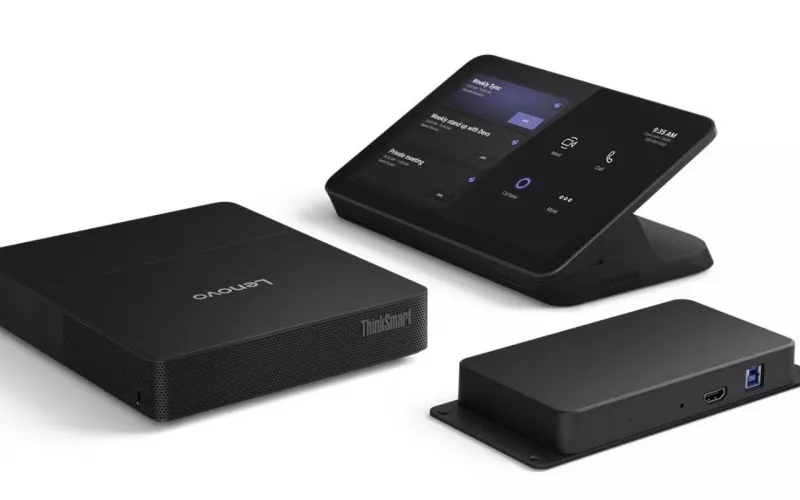
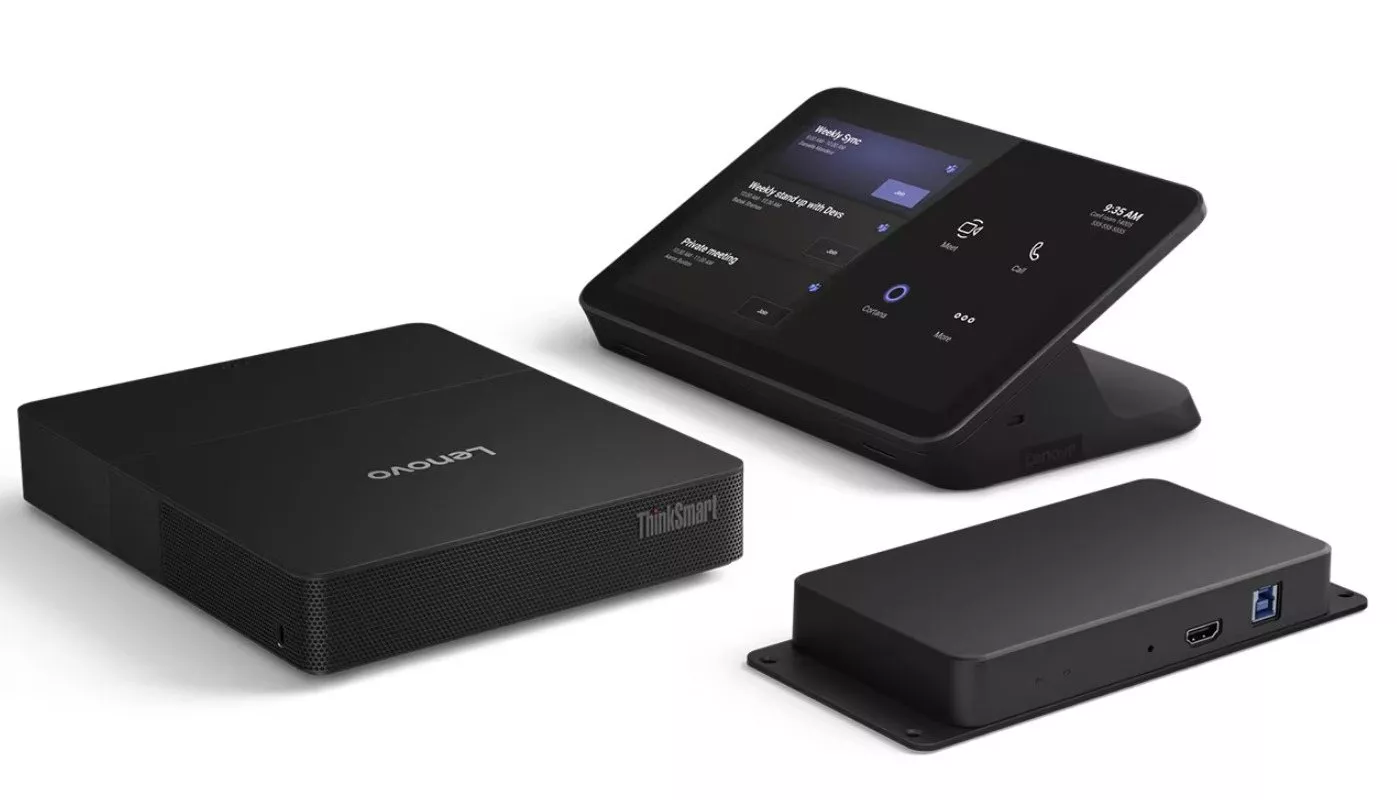
Many meeting rooms built around Microsoft Teams Rooms have three main parts: a small PC that runs the meeting software, a touchscreen on the table, and a camera or video bar at the front of the room. Biamp sells a version of this where the PC and touchscreen come from Lenovo, sold under Biamp's UC Compute range as UCC-Lenovo kits.
Biamp's notice, Lenovo UC Computes: Now Managed in Biamp Workplace, describes two improvements for those kits.
The touchscreen now moves the camera. Once updated, a person in the room can pan, tilt and zoom a Biamp camera and recall saved camera positions from the Teams Rooms or Zoom Rooms touchscreen. Biamp says this needs no extra controller or app. Biamp's UC Connect 3.0 release notes, dated September 2026, also mention switching auto framing and tiling on and off.
The portal now sees the whole room. Biamp Workplace is Biamp's cloud based platform for monitoring and managing its equipment. After this release, Biamp says Workplace can look after not only the Lenovo PC but also the Biamp USB cameras and conferencing bars plugged into it.
Existing rooms qualify. Biamp states the software is "available now via firmware for existing Biamp Lenovo UCC devices", and that new units ship with it already installed.
Biamp Lenovo kits explained: which ones you might have
If you are not sure what hardware your rooms use, look at the table touchscreen and the small PC usually tucked behind the display or under the table. Biamp's support site lists two families: UCC-Lenovo TSC, built on the original Lenovo ThinkSmart Core, and UCC-Lenovo TSC2, built on the ThinkSmart Core Gen 2. The Gen 2 range came in Teams and Zoom versions, TSC2-IP-MTR and TSC2-IP-ZOOM.
Biamp's data sheet for the Teams Gen 2 kit says it includes the compute, a 10.1 inch touch panel connected over Ethernet, and a small Link Box, with Teams Rooms already loaded. In August 2026 Biamp also said these TSC2-IP models are giving way to TSC2D-IP versions, after Lenovo added a second network port to its compute.
That detail matters here. Biamp's UC Connect 3.0 notes say Workplace support was added for ThinkSmart Core Gen 2 units. They are silent about the original generation, so treat older TSC kits as unconfirmed until Biamp or your installer tells you otherwise.
On the peripheral side, the same notes list the Biamp products Workplace now supports through the compute: the Vidi 250 and Vidi 280 cameras, and four Parlé bars (VBC 2500a, VBC 2800, ABC 2500a and CBC 2500 CM). We wrote about other Parlé and Devio news in our earlier Biamp post.
Who should care about this
Facilities teams without on site IT. If a camera stops working in a Cork office and nobody notices until a client call, remote monitoring of the camera itself is the useful part. Biamp's notes describe monitoring of devices and peripherals, firmware updates and reboots from Workplace for Gen 2 units.
Anyone who books the boardroom. Recalling a saved camera position from the table is simpler than hunting for a remote. In a long room it helps remote attendees see who is speaking.
IT partners and managed service providers. Biamp's notes list settings that can now be changed in Workplace, such as microphone on or off, the audio source, assistive listening output, camera flip and mirror, lens choice and backlight compensation. That reduces the number of trips needed just to adjust a setting.
One limit to know: the release notes say switching bring your own meeting (BYOM) on or off from Workplace is not part of this release.
A checklist before you update
- Write down each room's Biamp kit model, including whether it is TSC, TSC2-IP or the newer TSC2D-IP, and whether it runs Teams or Zoom.
- Note the Biamp camera or bar in each room and confirm it is connected to the Lenovo PC by USB.
- Read Biamp's UC Compute release notes on its support site so you know what the latest UC Connect release changes.
- Get the download from Biamp through the Update Your Devices button on the announcement.
- Try it first in one room with a light booking schedule, then test calls, audio and the camera controls.
- Register the room in Biamp Workplace and check the camera or bar appears and reports its status.
- Agree who gets the alerts, so a fault in the Dublin office does not land with someone in Cork who cannot reach the room.
- Ask Biamp or your supplier how Workplace licensing applies to your kits. Biamp lists its Workplace options on its own website, and we have not verified the terms for these units.
Practical points for rooms in Dublin and Cork
Where an organisation has offices in both cities, the main gain is a single place to see the state of every Biamp room. That is easier than relying on staff to report faults, particularly in a building where the meeting rooms are used by visiting teams.
For new projects, the August change means new Gen 2 kits from Biamp should arrive as TSC2D-IP models, and Biamp says new devices have the software factory installed. Plan cable routes for both the compute and the touch panel, since Biamp's data sheet for the Teams TSC2-IP kit says the panel is powered via an Ethernet cable from the Link Box. Our pages on Teams Room installation in Dublin and Teams Room installation in Cork explain how we plan these rooms, and our video conferencing page covers wider options.
Our Cork and Dublin teams design, supply and install meeting rooms, Teams Rooms and video conferencing systems. If you want help checking which rooms qualify, or a price for new ones through our online quote builder, get in touch.
Questions we are often asked
Will this cost us anything?
Biamp presents the software as a download for existing devices with no hardware change. It does not say anything about Workplace licence costs in the announcement, so check that with Biamp or your supplier.
Our rooms use an older Biamp Lenovo kit. Is it included?
The release notes name ThinkSmart Core Gen 2 units for Workplace support. If your kit is the original TSC, confirm with Biamp before relying on the new features.
Can people still use the touchscreen the way they do now?
Biamp says the camera controls sit in the Teams Rooms or Zoom Rooms touch panel users already know. Its UC Connect 3.0 notes describe camera control for its UC MTR plugins, so confirm Zoom rooms with Biamp.
Does Workplace replace Microsoft's management tools?
No. Biamp says Workplace runs alongside the Microsoft, Zoom and Lenovo management tools rather than replacing them.
What if our camera is from another brand?
The Workplace support in this release is described for Biamp peripherals, naming Vidi cameras and Parlé bars. Other cameras are not mentioned.
Book a consultation or call Dublin on 01 906 9326 or Cork on 021 202 8107.
- Log in to post comments