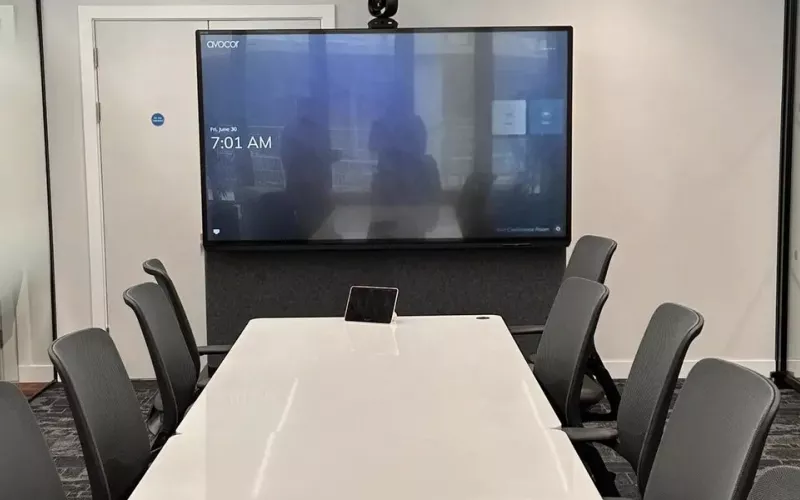
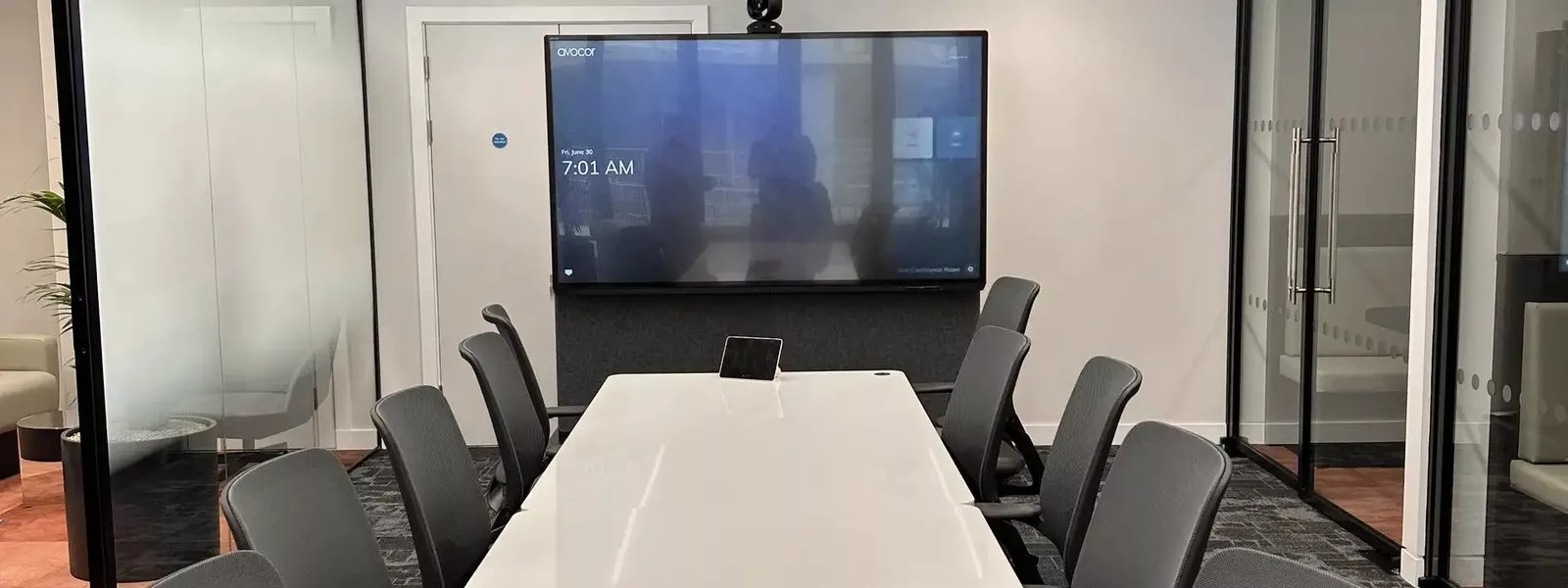
Three more Neat products, the Board 32, the Pad Pro and the Pad Generation 2, are now reported as certified for Microsoft Teams, so an office that runs on Teams has a Neat Teams certified option for its smallest rooms, its table controllers and its door panels. The practical question is which device belongs in which space, and what has to be in place on the licence, network and mounting side before it arrives.
Which Neat Teams certified device suits which room
Start with the room, not the product. This is how we would match the three devices to spaces, using the roles Neat itself gives them on its product pages.
| Space | Device to look at | Why |
|---|---|---|
| Focus room, phone booth or one person office | Neat Board 32 | Screen, camera, microphones and speakers in one 32 inch unit that can stand on a desk |
| Table in a meeting room with a Neat bar or board | Neat Pad Pro or Neat Pad Generation 2 | Touch controller for starting and running the meeting |
| Wall or glass beside the meeting room door | Neat Pad Pro or Neat Pad Generation 2 | Scheduling display showing availability, with booking at the door |
The announcement behind it
Installation International published the news on 29 September 2026, and AV Interactive (avinteractive.com) reported it the same day with the headline "Three Neat devices achieve Microsoft Teams certification".
In its account, the Board 32 is a 32 inch all in one collaboration device for small shared spaces and individual work areas, with audio, video, touch and AI powered framing. The Pad Pro is a 10 inch meeting room controller and scheduling display. The Pad Generation 2 runs on Neat's P2 platform and keeps the shape and main functions of the first Neat Pad, with better performance, reliability and longer term platform compatibility.
The article quotes Diana Vank, principal lead manager at Microsoft, who says the Board 32 "delivers an exceptional, sleek touch-collaboration experience". No price or release date is given for any of the three.
MDEP in plain terms
The certification comes after Neat moved to the Microsoft Device Ecosystem Platform, or MDEP. In Installation International's words, this is Microsoft's Android based platform for enterprise workspace devices, and it supplies the security, device management and accessibility framework for the certified products.
What certification gives you, and what to verify
Microsoft describes its Teams devices certification programme as a way of making sure devices reach a high standard, with higher performance targets and quality metrics for audio, video and the user interface. Certified hardware is published on Microsoft Learn, model by model, with a firmware version, an Android version and the date its certification ends.
Two things follow for a buyer:
- You can plan the life of the device. Microsoft says that once a certification period ends, it commits to supporting the latest Teams devices applications on that hardware for two more years, and adds that it may modify the policy if necessary.
- You can verify the claim yourself. Microsoft's list of Teams Rooms on Android certified devices is public.
When we opened that list, the page was dated 27 July 2026. It showed the Neat Pad Pro Touch Console on Android 15, certified until 15 October 2030 and compatible with the Neat Bar Gen 2, Neat Bar Pro, Neat Board 50 and Neat Board Pro. It did not yet show the Board 32 or the Pad Generation 2. Microsoft's separate Teams panels list, dated 18 August 2026, had one Neat entry, the Neat Pad Panel (model nf19a1). On Neat's side, its Microsoft page says in general terms that Neat devices are certified for Teams, and it lists the Board 32 (labelled coming soon), Pad Pro and Pad. So before you sign an order, look up the exact model in the role you intend for it.
Licences come first
Hardware is only half of a Teams room. Microsoft's licensing page sets out two licences for shared room devices, Teams Rooms Basic and Teams Rooms Pro. It says an organisation may assign no more than 25 Basic licences, that enterprise per user Microsoft 365 suite licences are not authorised on shared meeting devices, and that Pro licences can be used for both Teams Rooms systems and Teams panels while Basic licences cannot be used for panels.
Neat's licensing guide adds that a Pad or Pad Pro used as a Teams panel in a space without a Teams Rooms Pro licence takes a Microsoft Teams Shared Devices licence, and it marks the Pad Pro as pending certification in that panel role. Have your Microsoft licensing partner confirm the right mix for your tenant.
Planning the Pads: one cable, two possible jobs
Neat specifies Power over Ethernet to IEEE 802.3af for the Pad Pro and the Pad Generation 2. In practice that means a single data cable back to a PoE switch port, or to an injector, and no plug top on the table. Neat lists Wi-Fi on both as well (Wi-Fi 6E on the Pad Pro, Wi-Fi 6 on the Pad Generation 2), along with wall, glass, side and table mounting options.
The decisions to make early are these:
- Controller, panel or both. A room with a Pad on the table and another at the door needs two cable runs and two switch ports.
- Where the door panel goes. On glass, the cable has to arrive neatly through the frame or the partition head; agree it with the fit out contractor.
Planning a Board 32 for small spaces in Dublin and Cork
Neat positions the Board 32 for focus spaces, huddle rooms, phone booths, hot desking zones and desks. Our own suggestions are similar: a two person focus room, a manager's or principal's office, or a shared screen in a hot desk area. Our huddle rooms page shows how we approach spaces of this size.
From Neat's specification, the points that affect installation are:
- Power. The box includes a mains power cord, and Power over Ethernet is not listed, so a socket is needed at the device.
- Network. Ethernet and Wi-Fi 6E are both listed. We would suggest a wired connection wherever one can be provided.
- Mounting. A table stand and a 10 × 10 cm VESA interface are included. Neat's page showed the wall mount, adaptive table stand and adaptive table clamp as coming soon at the time of writing.
- Size and weight. Neat gives a width of 733 mm, and a weight of 11.1 kg on the table stand or 9.8 kg with the VESA interface.
- Laptop use. Neat lists HDMI in for screen sharing and a one cable USB-C mode with 90 W charging for a visitor's own laptop.
How 1Install fits in
1Install designs, supplies and installs meeting rooms, Teams Rooms and video conferencing systems for offices and schools. Read about Teams Room installation in Dublin or Teams Room installation in Cork, see our wider video conferencing and meeting room AV work, or price a room with the quote builder.
Questions we are often asked
Is the Neat Board 32 on Microsoft's certified list yet?
Installation International reports that it has secured Microsoft Teams certification, and Neat lists it on its Microsoft page. The Microsoft Learn page we read, dated 27 July 2026, did not yet include it, so check the current version of the list before ordering.
What is the difference between the Neat Pad Pro and the Neat Pad Generation 2?
Going by Neat's specifications, the Pad Pro has a 10.1 inch, 1920 × 1200 screen, 2.5 Gbps Ethernet and Wi-Fi 6E, while the Pad Generation 2 has an 8 inch, 1280 × 800 screen, 1 Gbps Ethernet and Wi-Fi 6. Both can act as a room controller or a scheduling display, and both take Power over Ethernet.
Does a Board 32 need a separate camera or speakerphone?
Neat describes it as an all in one: the camera, four microphones and loudspeakers are built in.
Is there a price for these devices?
None was given in the announcement we read, so we have not quoted a figure here. Send us your room list and we will price the full installation.
Book a consultation or call Dublin on 01 906 9326 or Cork on 021 202 8107.
- Log in to post comments