Interactive displays for Dublin classrooms and meeting rooms should be chosen by room size, by who will touch them and by how people will share to them, not by screen size alone. A good install also covers the wall fixing, the network point and a short training session, because a panel that teachers or staff do not trust ends up used as a plain television.
Interactive flat panels are a common replacement for the projector and whiteboard in Dublin schools, and offices are adding them to meeting and training rooms. The choice can be confusing: sizes from 55 to 98 inches, different touch technologies, built in software or a plug in computer, and a dozen ways to share a laptop. This guide sets out what to decide, in the order we decide it on a survey.
Interactive displays or a projector?
For most rooms, a panel now makes more sense. The picture stays bright with the blinds open, there is no bulb or filter to replace, nobody casts a shadow when they write, and the touch surface works with fingers and pens. A projector still has a place in a large hall or lecture theatre, where a very big image is needed for the money.
Schools often pay for both from the same grant. The Department of Education's circular 0042/2025 on the ICT infrastructure grant, issued in May 2025 under the Digital Strategy for Schools to 2027, says the money must be used for ICT infrastructure only, and lists projectors, including interactive ones, and interactive flat panels among the items it can cover. Check the current circular for your own school before ordering.
Choosing interactive displays for Dublin rooms
| Room | Typical size | Mounting | Points to watch |
|---|---|---|---|
| Primary classroom | 65 or 75 inch | Wall mount or height adjustable stand | Low enough for small pupils to reach the middle of the screen |
| Secondary classroom | 75 or 86 inch | Wall mount | Readable text from the back row |
| Special education or shared room | 65 inch | Mobile trolley or height adjustable stand | Moves between rooms, locks in place |
| Office meeting room | 65 or 75 inch | Wall mount at seated eye level | Camera and microphones for video calls |
| Training room | 86 inch or larger | Wall mount or floor stand | A second screen for the back of the room |
Touch and pens
Many education panels use infrared touch, which handles several users at once and works with any pen. Some newer panels use capacitive touch, which feels more like a tablet. Either is fine for a classroom. What matters more is that the panel recognises a pen from a finger and a palm, so writing and erasing feel natural.
Built in software or a plug in PC
Many panels run their own Android system for whiteboarding, a browser and screen sharing. Others take a small computer in a slot at the back, so the panel works like a large touch screen Windows PC. Schools with a managed network often prefer the slot in PC, because it can be managed like the rest of the school's computers.
Sharing to the screen
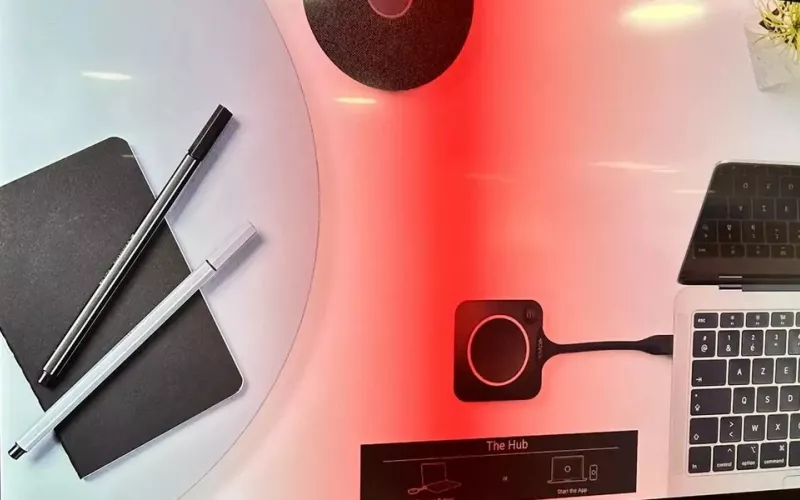
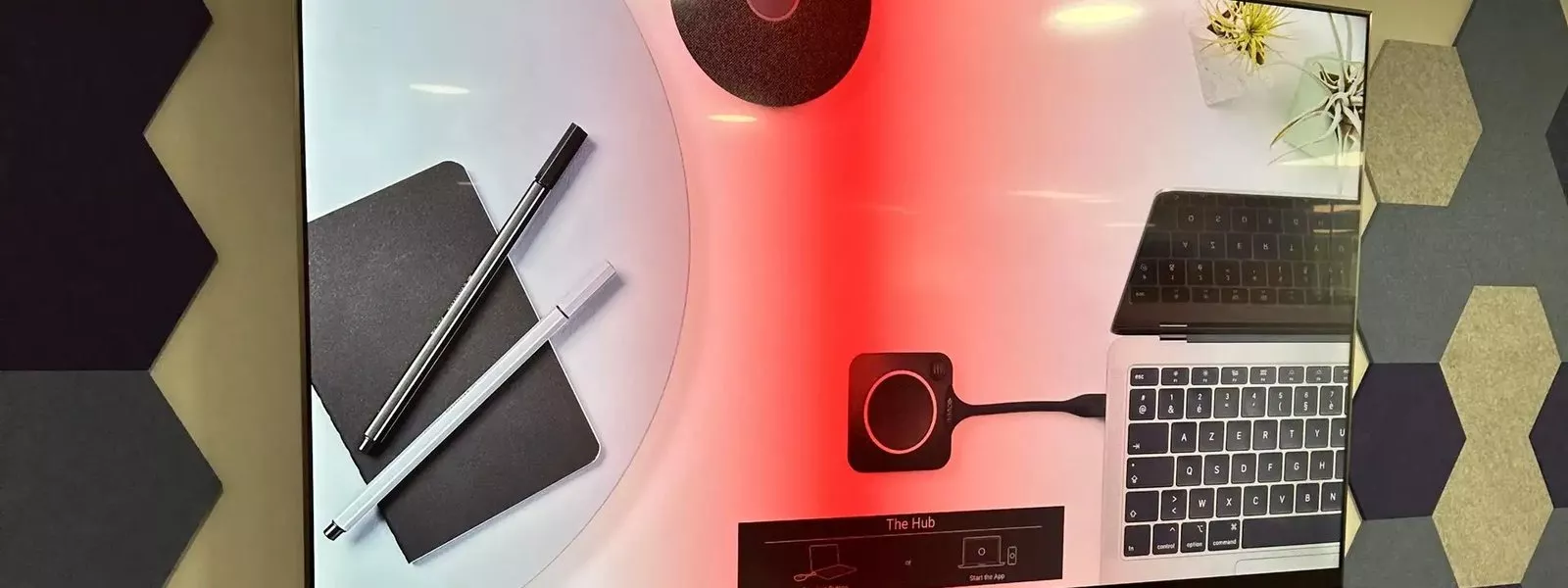
The fastest way to lose a teacher or a presenter is a sharing method that only works sometimes. We set up one main way per room, usually the panel's own wireless sharing app or a button that plugs into the laptop, and keep a cable at the desk as a fallback. All of these need a working network, which is covered on our wired and wireless systems for education page.
The install itself
- Wall fixing. Large panels are heavy. In older Dublin schools with plaster on solid walls and in modern stud partitions, the fixing is planned for the wall, never guessed.
- Power and data. A socket and a wired data point behind the panel, so nothing trails across the floor.
- Old equipment. We remove the projector and whiteboard and make good the wall and ceiling.
- Timing. Most school work is done in the holidays or after school, so classes are not disturbed.
Planning a whole school roll out
Few schools replace every classroom at once. A plan over two or three years usually works better, and it helps to decide a few things at the start so every room ends up the same. Choose one brand and one sharing method across the school, so teachers moving between rooms find the same buttons. Agree a standard height, so the board is in the same place in every room. Keep a spare pen and remote for each corridor or year group.
It also pays to start with the rooms that are used most, and to ask two or three teachers to try the chosen panel before the main order. Their feedback on the pen, the software and the sharing is worth more than any specification sheet.
Meeting rooms and video calls
In an office, an interactive display often doubles as the screen for video calls. If that is the plan, choose a panel that works with your calling platform and add a proper camera and microphones, or the whiteboard will be great and the calls poor. Our interactive displays for business page and Teams Rooms installation in Dublin page explain how the two fit together.
Support after handover
Panels need software updates, and staff come and go. We show teachers or staff how to use the panel on the day, leave a one page guide in the room, and can look after the panels through 1Install Care. More on our classroom work is on the interactive displays for schools page.
Questions we are often asked
What size panel do we need?
It depends on the distance to the back row. Most classrooms suit 75 or 86 inches; small meeting rooms suit 65 inches. We measure the room at the survey and confirm it.
Can the ICT grant pay for interactive displays?
The May 2025 circular lists interactive flat panels as eligible ICT infrastructure. Check the latest circular and your school's digital plan before ordering.
Can you remove our old projectors?
Yes. We take down the projector and whiteboard and make good the wall and ceiling.
Will the panel work with our school network?
Usually, yes, but we check with your IT provider first, especially for wireless sharing and filtering.
Do you install during school holidays?
Yes. Most school installs are booked for the summer, Halloween, Christmas or Easter breaks.
Whether it is a primary school in Rathfarnham or an office in the Docklands, we will help you choose interactive displays that suit the room and the people using it.
Book a consultation or call our Dublin office on 01 906 9326.
- Log in to post comments