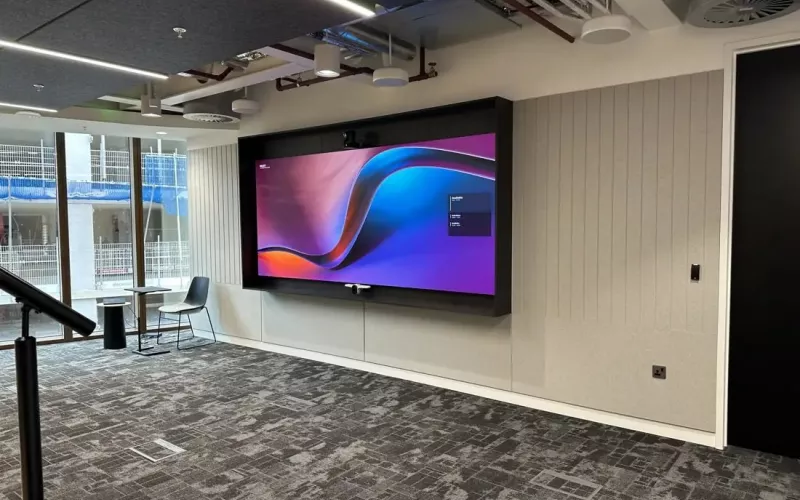
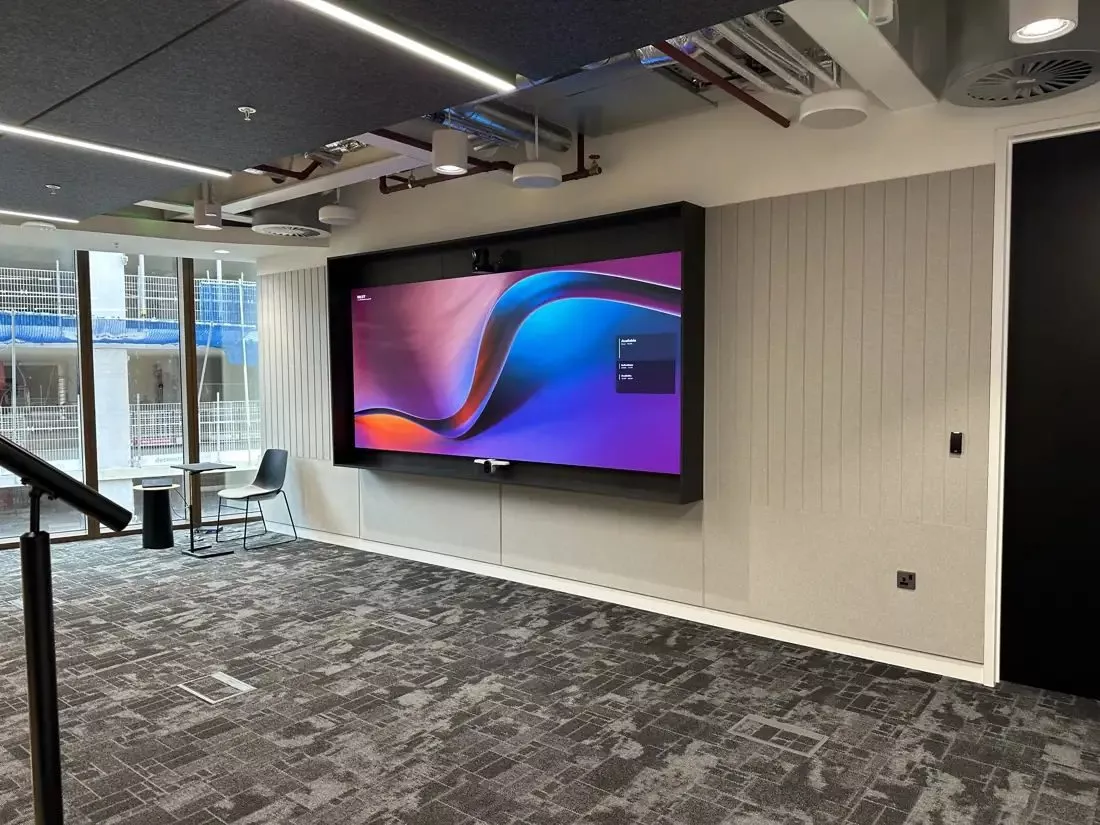
Interactive displays for Cork offices and training rooms come in three kinds: a standalone whiteboard panel, a panel that people plug their laptop into for calls, and a certified meeting board that runs Teams on its own. Pick the kind first, because it decides the camera, the cabling and the licence the room will need.
A Cork business that asks for "a touch screen for the meeting room" can mean very different things. One team wants somewhere to sketch ideas, another wants better video calls, and a training company wants a screen trainers can write on in front of a class. All three are interactive displays, but each needs a different product and a different install. Here is how we help Cork clients choose.
The three kinds of interactive displays
| Kind | Good for | What the room needs | Licence |
|---|---|---|---|
| Standalone whiteboard panel | Workshops, planning, training | Power, a data point and a solid wall or stand | None for the panel itself |
| Panel with laptop sharing | Rooms where people bring their own laptop for calls | A USB camera and microphone, a cable or wireless sharing at the table | The user's own calling licence |
| Certified meeting board | Hybrid meetings where the room joins calls on its own | A wired data point, power and a room account | A Teams Rooms licence for the device |
Standalone whiteboard panels
These are the simplest. The panel has its own whiteboard and browser, people write with a pen or a finger and save or email the result. They suit project rooms and training rooms where calls are not the main use.
Panels with laptop sharing
Here the panel works as a large touch screen for whoever plugs in. Add a camera and microphone and the room can join calls through the presenter's laptop. It is flexible, but every meeting depends on someone's laptop being set up correctly.
Certified meeting boards
A certified board has the camera, microphones and calling software built in. It joins the meeting on its own and the whiteboard is shared with everyone on the call. This is the best experience for hybrid teams, and it brings a licence question.
The licence question for interactive displays used in meetings
Microsoft's Teams Rooms licensing guide is clear that a device used as a shared meeting device needs a Teams Rooms licence, whether it signs in to Teams or joins in another way, and that ordinary per user Microsoft 365 licences are not allowed on shared meeting devices. So a board that joins Teams calls on its own should be licensed as a room, not signed in with a member of staff's account. We set this up as part of the install, so the board appears as a bookable room in Outlook.
Sizes and positions for Cork rooms
- Small meeting room or huddle space: 55 to 65 inch, wall mounted at seated eye level so the camera frames the table.
- Project room: 65 or 75 inch on a mobile stand, so it can be wheeled to wherever the team is working.
- Training room: 75 or 86 inch at the front, often with a second plain screen for the back rows.
- Reception or open plan area: usually a plain display for signage rather than an interactive one, because touch screens in busy areas get little use.
Many offices in Cork city, Mahon and Little Island are in buildings with plasterboard partitions, so heavy panels are fixed to steel back boxes or freestanding stands rather than to the board alone. In older buildings on the quays we check the wall before anything goes up.
Cabling, network and sharing
Every interactive display should have power and a wired data point behind it, even if it will mostly use Wi-Fi. Wireless sharing from laptops and phones depends on the office network, so we check the Wi-Fi in the room and agree the set up with your IT provider. Our wired and wireless systems page explains the options.
Getting the most from a training room panel
Training rooms are where interactive displays earn their keep, but only if the trainer is comfortable at the front of the room. Three things help. First, put the panel where the trainer can stand beside it without blocking the view, usually to one side of the room's centre line. Second, give the trainer a way to control it from anywhere, such as a wireless keyboard or the panel's own app on a tablet. Third, add a second plain screen further back in a long room, showing the same picture, so people at the back can read small text.
If sessions are recorded or shared with people joining from home, a camera that points at the trainer and a microphone they wear make a far bigger difference than a larger panel.
Colleges and schools in Cork
Classrooms have their own needs, from height adjustable stands for younger pupils to panels that teachers can manage on the school network. Our interactive displays for education page covers schools, colleges and training centres.
How we work
Our Cork team visits, looks at the rooms and how they are used, and sends an online proposal with drawings. We install the displays, set up sharing and any room accounts, show your staff how to use them and leave a short guide in the room. 1Install Care keeps the software up to date afterwards. If the board will be used for calls, our Teams Rooms installation page for Cork explains how we plan the camera and audio, and our interactive displays for business page lists what we supply.
Questions we are often asked
Can we use an interactive display for Teams calls?
Yes, either through a laptop plugged into the panel or with a certified board that joins calls on its own. The second gives a better experience and needs a Teams Rooms licence.
Do we need a whiteboard app subscription?
Most panels come with a whiteboard app built in. Some advanced features or cloud saving may need an account, which we check before you buy.
Can the panel go on a stud wall?
Yes, with the right fixing. We use backing plates or a floor stand so the weight is carried properly.
How long does an install take?
A single panel on a wall is usually a few hours. A room with a camera, microphones and room accounts takes longer, and we can work early or late so meetings are not disturbed.
Will our older screens still be useful?
Often, yes. A plain screen can move to a reception or corridor as a signage screen when an interactive display takes its place.
If your Cork office or training room needs a screen people can write on, share to and call from, we will help you choose the right interactive displays and fit them properly.
Book a consultation or call our Cork office on 021 202 8107.
- Log in to post comments