
Crestron part number IV-CAMA-REMOTE
The Crestron IV-CAMA-REMOTE is the 1 Beyond IR Camera Remote, designed for use with IV-CAM-I12-B cameras. It gives full access to camera video settings, recalls presets and switches tracking on or off from across the room, with no computer or software needed.
Price on request
The price isn't hidden. Crestron asks its dealers to share it with you directly rather than publish it online, so tap Request a quote and we'll send it straight to you.
Prefer to talk? Dublin 01 906 9326 Cork 021 202 8107 WhatsApp us
Need it installed? Our Crestron certified engineers install, set up and programme everything we supply. A 4 hour visit is €440 and a full day €880, plus VAT.
About the Crestron IV-CAMA-REMOTE
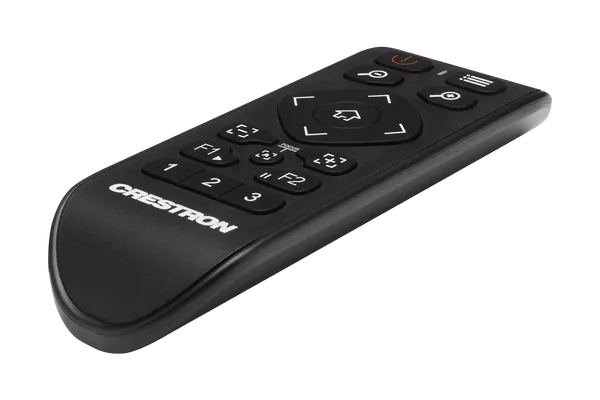
The IV-CAMA-REMOTE has zoom and focus buttons, an autofocus button and a 4-way navigation pad that pans and tilts the camera or moves through the on-screen display menu, which the Menu button opens. A Home button calls or sets the Home Shot, three numbered buttons call or set camera presets, and the F1 and F2 buttons enable or disable Tracking mode. The power button turns Privacy Mode on or off.
The remote uses two AAA batteries, which are not included, and has a plastic body weighing 0.03 kg. Because it works by infrared directly with the camera, anyone in the room can adjust the view, recall a preset or pause tracking without a computer or software. The IV-CAM-I12 lists this remote for its IR receiver.
Key features
- Designed for IV-CAM-I12-B cameras
- Three numbered buttons to call or set presets
- Enables or disables camera tracking
- Zoom, focus and autofocus buttons
- 4-way pad for pan, tilt and on-screen menus
- Privacy Mode on the power button
- Runs on two AAA batteries (not included)
IV-CAMA-REMOTE specifications
| Compatible camera | IV-CAM-I12-B |
|---|---|
| Communication | Infrared (IR) |
| Camera buttons | Zoom in and out, focus increase and decrease, autofocus, Home Shot, 3 preset buttons |
| Navigation | 4-way pad for pan, tilt and on-screen display; Menu button |
| Tracking | F1 and F2 buttons enable or disable Tracking mode |
| Power button | Enables or disables Privacy Mode |
| Batteries | 2 AAA (not included) |
| Construction | Plastic |
| Weight | 0.03 kg (0.07 lb) |
Part numbers on this page
| Part number | Version | Price | Add |
|---|---|---|---|
| IV-CAMA-REMOTE | Standard | On request |
Where the IV-CAMA-REMOTE is used
Works with the IV-CAMA-REMOTE
Crestron installed by 1Install
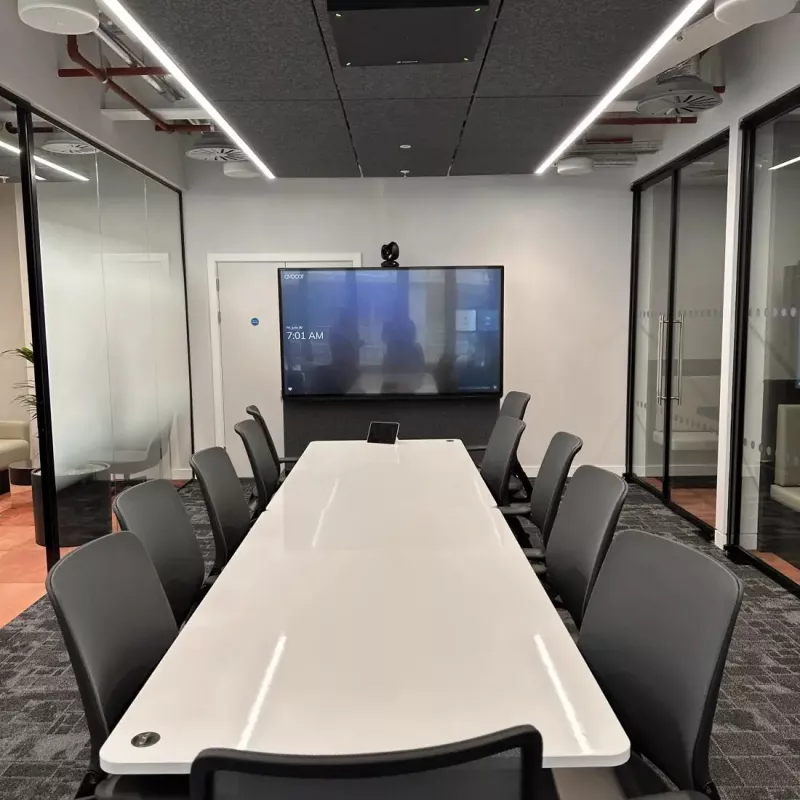
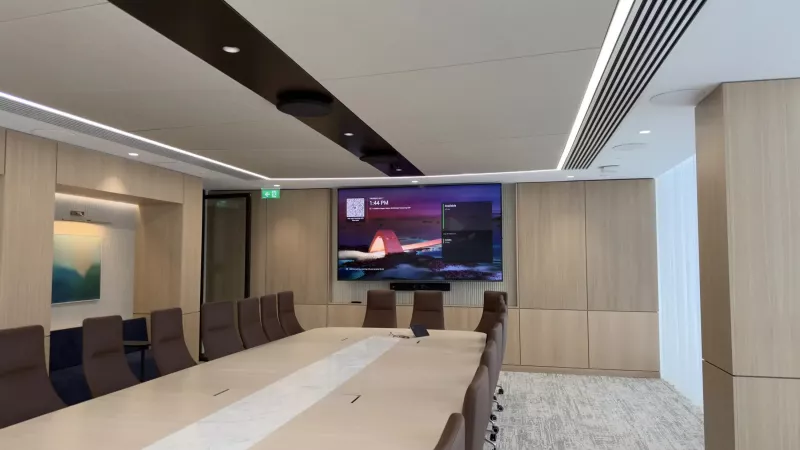
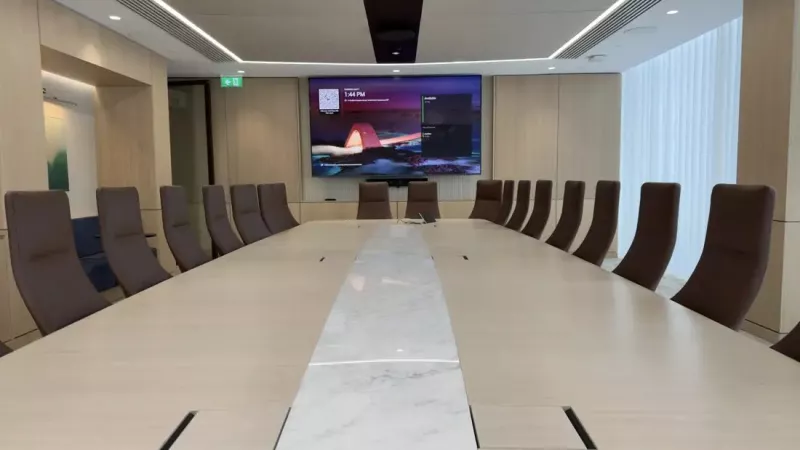
We supply, install and programme Crestron in homes and businesses across Ireland. These photos are from our own installations. See more in our projects, or budget a whole system with our Quote Builders for homes and meeting rooms.
Questions about the Crestron IV-CAMA-REMOTE
What is the Crestron IV-CAMA-REMOTE?
It is the Crestron 1 Beyond IR Camera Remote, an infrared remote designed for IV-CAM-I12-B cameras. It gives full access to the camera's video settings, recalls predefined presets and turns camera tracking on or off from a distance, with no computer or software required.
Which cameras does the IV-CAMA-REMOTE work with?
Crestron states that it is designed for use with IV-CAM-I12-B cameras, and the IV-CAM-I12 specifications list the IV-CAMA-REMOTE for the camera's IR receiver. If you have other 1 Beyond cameras, check their details before ordering.
Can the IV-CAMA-REMOTE turn tracking on and off?
Yes. The F1 and F2 function buttons enable or disable Tracking mode. The remote also has three numbered buttons that call or set camera presets, and a Home button that calls or sets the Home Shot.
What batteries does the IV-CAMA-REMOTE need?
It takes two AAA batteries, which are not included with the remote. The body is plastic and weighs just 0.03 kg (0.07 lb), and the power button switches the camera's Privacy Mode on or off.
What else can the remote adjust?
Zoom and focus each have two buttons, and a separate button triggers autofocus. The 4-way navigation pad pans and tilts the camera and moves through the on-screen display menu, which the Menu button opens to reach the camera's video settings.
How much is the Crestron IV-CAMA-REMOTE?
Crestron asks its dealers to give the price of the IV-CAMA-REMOTE directly rather than publish it online. Add it to your quote list and we will send you a written quote, with delivery, and installation and programming if you need them.
Can 1Install supply, install and programme the IV-CAMA-REMOTE?
Yes. 1Install is an authorised Crestron Elite Partner with offices in Skerries, Co. Dublin and Cork. We can supply the IV-CAMA-REMOTE on its own, or install, set up and programme it as part of your system. Installation visits are €440 for 4 hours or €880 for a full day, plus VAT and travel.
Does the IV-CAMA-REMOTE come with a warranty?
Yes. Everything we supply is new, genuine Crestron with Crestron's standard warranty. If the IV-CAMA-REMOTE develops a fault, contact us and we will handle the claim with Crestron. If we installed it, our workmanship is guaranteed for the lifetime of the system.
Is the IV-CAMA-REMOTE in stock?
We order Crestron for each quote, so availability depends on Crestron's stock at the time. We check it before we quote and put the expected delivery date on your quote, so you know where you stand before you pay.
Can I buy the IV-CAMA-REMOTE without installation?
Yes. We supply Crestron to end users, with or without installation. Like most Crestron devices of this type, it needs setting up or programming before it works in a system, and we can quote for that too.
More from Video conferencing and Microsoft Teams Rooms
-
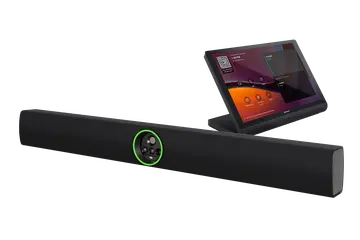 UC-B70
Flex Large Room Conference Solution with All-In-One Videobar 70 for Microsoft Teams Rooms, International
€6,620 plus VAT
UC-B70
Flex Large Room Conference Solution with All-In-One Videobar 70 for Microsoft Teams Rooms, International
€6,620 plus VAT -
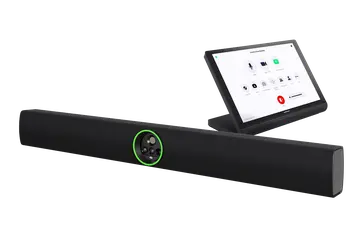 UC-B70-A-Z
Flex Large Room Conference Solution with All-In-One Videobar 70 for Zoom Rooms Software, International
€6,620 plus VAT
UC-B70-A-Z
Flex Large Room Conference Solution with All-In-One Videobar 70 for Zoom Rooms Software, International
€6,620 plus VAT -
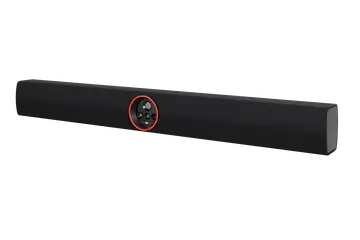 UC-SB2-CAM
Flex All-In-One Videobar 70 for Microsoft Teams Rooms, International
€4,415 plus VAT
UC-SB2-CAM
Flex All-In-One Videobar 70 for Microsoft Teams Rooms, International
€4,415 plus VAT -
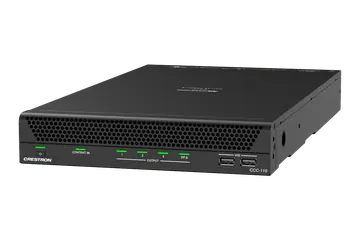 CCC-110
Collab Compute with the Intel Core Ultra 5 for Microsoft Teams Rooms Software
€2,242 plus VAT
CCC-110
Collab Compute with the Intel Core Ultra 5 for Microsoft Teams Rooms Software
€2,242 plus VAT -
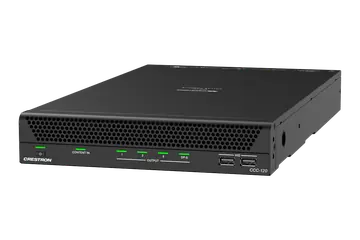 CCC-120
Collab Compute with the Intel Core Ultra 7 for Microsoft Teams Rooms Software
€3,222 plus VAT
CCC-120
Collab Compute with the Intel Core Ultra 7 for Microsoft Teams Rooms Software
€3,222 plus VAT -
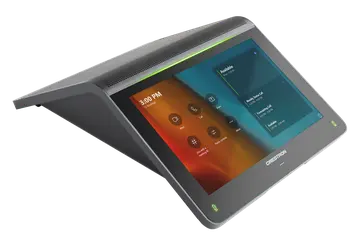 UC-2-T-V
Small Room Tabletop Conference Device for Crestron Collab Compute Devices, International
€1,012 plus VAT
UC-2-T-V
Small Room Tabletop Conference Device for Crestron Collab Compute Devices, International
€1,012 plus VAT