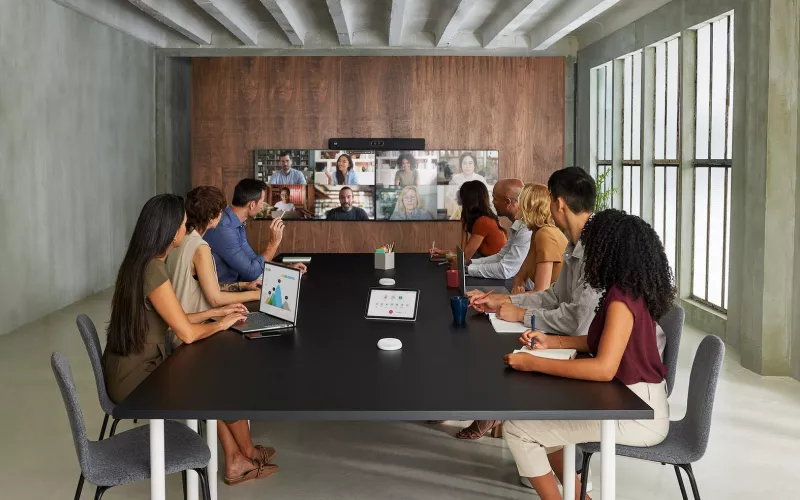
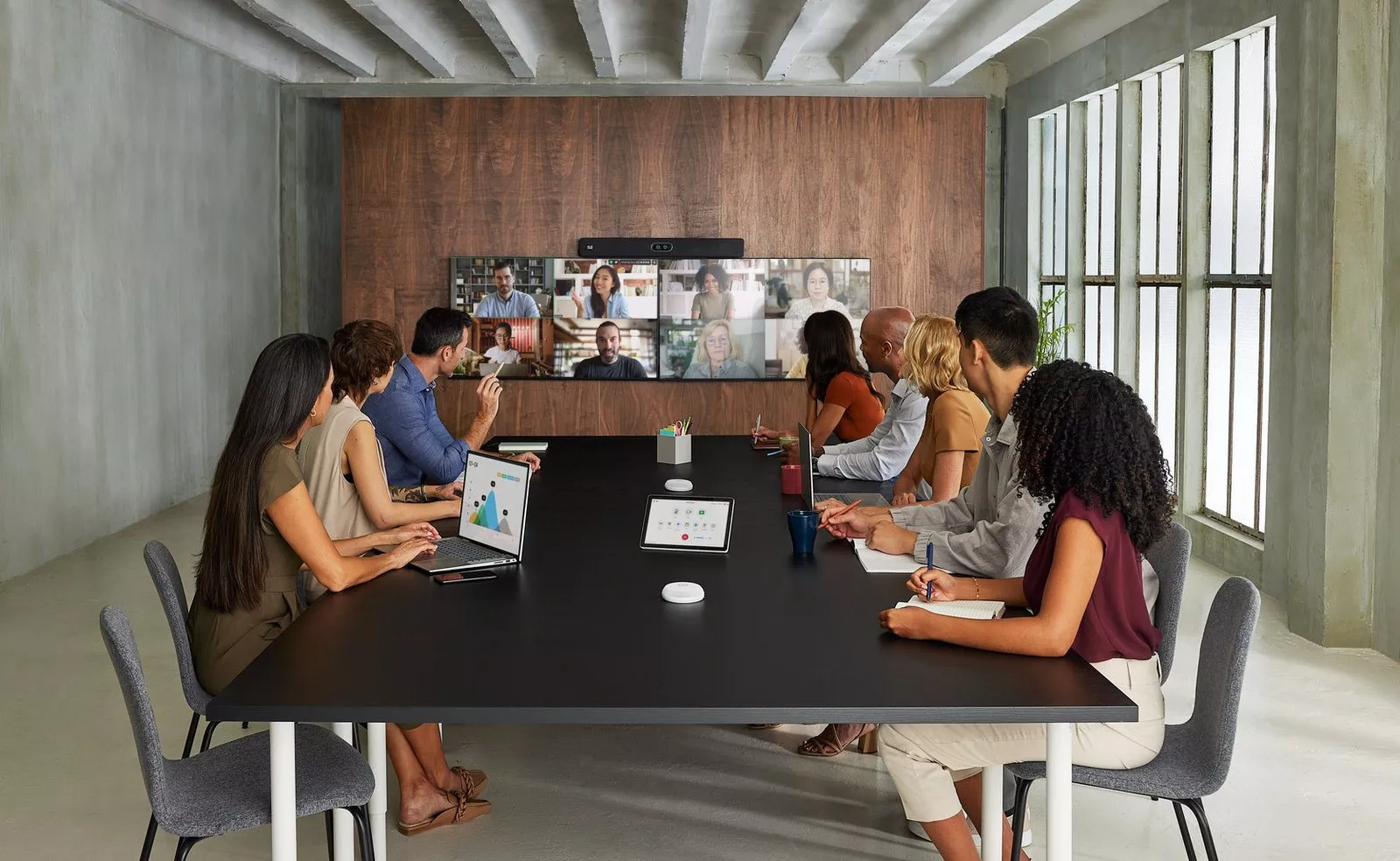
Zoom Rooms on Cisco is now generally available: Cisco announced on 2 November 2026 that supported Cisco collaboration devices, from the Room Bar to the Room Kit EQX and Board Pro G3, can run native Zoom Rooms from the October 2026 RoomOS release onwards. For Dublin offices on Zoom this opens up Cisco hardware for every size of room, but each device needs RoomOS 26.10 or later, a Zoom Rooms licence and a reset into Zoom Rooms mode, so it pays to plan the change room by room.
Product image: Cisco.
- Cisco says native Zoom Rooms is generally available on its devices from the October 2026 RoomOS release.
- Cisco's requirements page, updated on 21 October 2026, asks for RoomOS 26.10 or later and says RoomOS 11 is not supported.
- The device must complete the First Time Wizard and be registered to Webex, and needs network access to both Cisco and Zoom services.
- Only the 4GB models of the Cisco Room Navigator touch panel are listed as supported.
- Zoom for Cisco Rooms, the earlier option that runs Zoom inside RoomOS, remains available alongside native Zoom Rooms.
The announcement in brief
Cisco's Lead Product Manager Morten Gunnerud set out the news on the Webex blog on 2 November 2026. Cisco says customers can now "bring the native Zoom Rooms experience to supported Cisco collaboration devices". In plain terms, the Cisco unit stops presenting the Cisco home screen and starts behaving as a Zoom Room, with the Zoom interface, Zoom scheduling and Zoom management, while Cisco's cameras, microphones and processing do the work underneath.
Cisco's requirements page for Zoom Rooms on Cisco devices lists the supported hardware: Board Pro G3, Desk Pro and Desk Pro G2, Room Bar and Room Bar Pro, Room Kit Pro and Room Kit Pro G2, Room Kit EQ and Room Kit EQX.
Planning Zoom Rooms on Cisco, step by step
Step one: list your rooms. Note each room's Cisco device, its RoomOS version and the touch panel it uses. A room on an older board or a Room Navigator that is not a 4GB model needs a closer look before anything is promised to staff.
Step two: decide the mode for each room. Native Zoom Rooms suits rooms that host Zoom meetings every day and should be managed with the rest of your Zoom estate. Rooms that only join the odd Zoom call from a client can stay on the Cisco interface and use Zoom for Cisco Rooms, which Cisco says can run in a guest mode with no Zoom subscription for the device.
Step three: sort the licences and accounts. Native Zoom Rooms needs a Zoom Rooms licence for each room, and someone with admin access to both the Zoom Admin Portal and Control Hub.
Step four: open the network. Cisco's page says the device needs network access that lets it reach Cisco and Zoom services. In a Dublin office behind a strict firewall, or in a shared building where the landlord runs the network, that conversation can take longer than the install.
Step five: schedule the reset. Cisco's product page says an existing device is factory reset and Zoom Rooms is chosen in the onboarding wizard. Do it out of hours, one pilot room first.
How the rooms are managed afterwards
Cisco says device onboarding, configuration, health monitoring, alerts and remote diagnostics are handled in an expanded dashboard in the Zoom Admin Portal, which also covers supported Cisco accessories and AV over IP parts. The device stays registered to Control Hub, where Cisco offers ThousandEyes agents for network path checks and Workspace Advisor for digital twins of rooms.
So there are two consoles. That is fine if one team owns both, but in many Dublin firms Zoom is run by IT and the room hardware by facilities or an outside supplier. Agree who watches which alerts before the first room goes live.
Limits worth knowing at the time of writing
Cisco keeps a page of known issues and limitations for Zoom Rooms on Cisco devices, also updated on 21 October 2026. A few matter for everyday use:
- Zoom Rooms mode cannot be switched on through Control Hub.
- Smart Gallery camera framing is not available.
- Only sources connected directly to the device can be shared.
- The video mute state in Zoom is not synchronised with RoomOS.
- The Google Meet join app is not in the side panel.
None of these stops a room working, but a boardroom that relies on Smart Gallery today may look different on a Zoom call after the change. Cisco updates the page, so check it again before you convert.
Where Zoom Rooms on Cisco fits a Dublin office
Docklands and city centre offices tend to have many small rooms and a few large ones. A Room Bar for huddle rooms, a Room Bar Pro for medium rooms and a Room Kit EQ or EQX for the boardroom gives one family of hardware across the floor, all running Zoom Rooms. Cisco's product page says the same devices still join Webex natively, Teams over SIP and Google Meet as a WebRTC guest, which helps when clients send their own invitations.
Our earlier guide to Cisco and Google Meet covers the RoomOS side of that story, and our post on Cross-Platform Meeting Connect explains what Microsoft and Zoom are planning for Teams Rooms in Zoom meetings.
1Install designs, supplies and installs meeting room AV and video conferencing systems. Read about how we work or price a room with our commercial quote builder.
Questions we are often asked
What is the difference between Zoom Rooms on Cisco and Zoom for Cisco Rooms?
Zoom Rooms on Cisco turns the device into a native Zoom Room managed in Zoom. Zoom for Cisco Rooms runs the Zoom Meetings app inside the normal Cisco RoomOS interface.
Does every Cisco Room Navigator work with Zoom Rooms?
No. Cisco's requirements page lists only the 4GB Room Navigator models, in table and wall mount versions.
Can Zoom Rooms mode be turned on from Control Hub?
No. Cisco's known issues page says Zoom Rooms mode cannot be enabled through Control Hub, and its product page describes a factory reset and the onboarding wizard instead.
Will my Cisco room still join Webex meetings?
Yes. Cisco says the same device supports native Webex meetings, although its known issues page says taking an incoming Webex call while Zoom Rooms is running may need a switch to RoomOS.
Is Zoom Rooms on Cisco supported on RoomOS 11?
No. Cisco requires RoomOS 26.10 or later.
Book a consultation or call our Dublin office on 01 906 9326.
- Log in to post comments