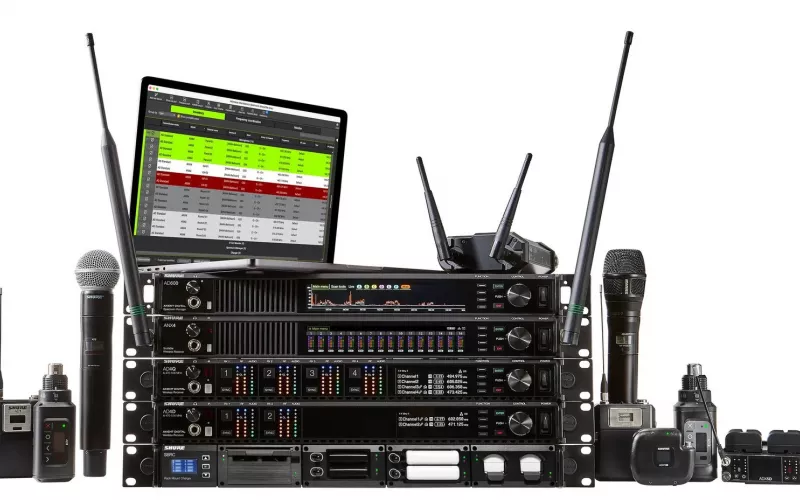
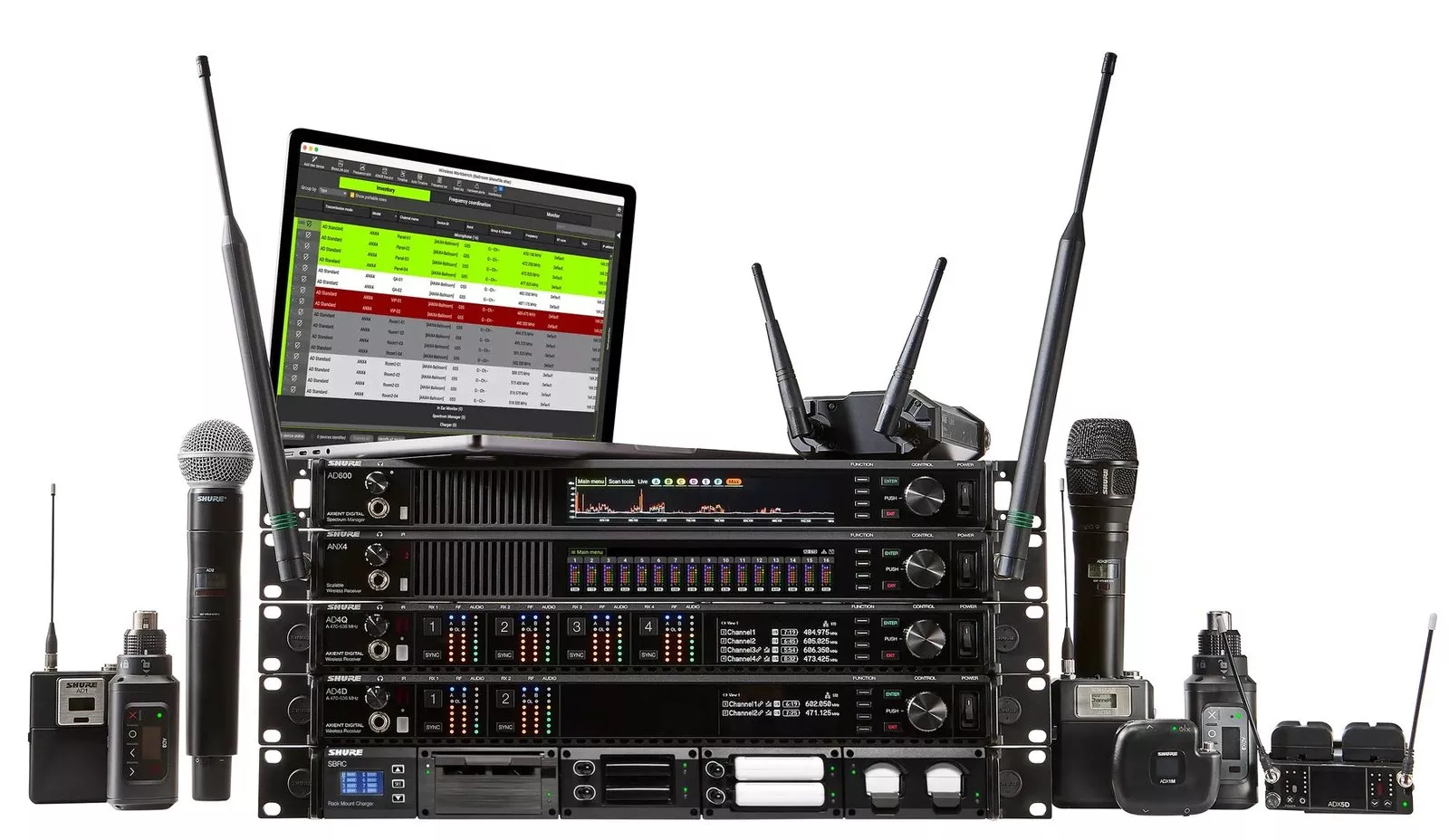
Shure Axient Digital 1.6 brings Channel Linking to the ADX5D, AD4D and AD4Q receivers and to the ANX4 when it runs in Axient Digital mode, and adds Preferred Access Point for setups with more than one AD610. Shure published the news in a release dated 7 October 2026, and this guide walks a Cork venue team through planning the change.
Product image: Shure.
- Version 1.6 of the Axient Digital software was announced by Shure in a newsroom release dated 7 October 2026.
- Channel Linking lets channels on separate supported receivers share one set of settings: a secondary takes the frequency, registered transmitter, encryption data and name of its primary.
- Preferred Access Point is for systems that use several AD610 ShowLink access points, where supported transmitters can be pointed at one chosen unit.
- Shure distributes version 1.6 through its Shure Update Utility, which runs on a desktop computer.
- Shure's AD4D guide says a link group can hold a primary channel and as many as eight secondaries.
What Shure released in Axient Digital 1.6
Two features make up this release. Shure frames both as ways to build wireless systems that hold up better across big or complicated spaces, and to cut down the setup work in them.
Channel Linking. Shure presents it as a way to reduce repetitive configuration tasks when one microphone needs to work with more than one receiver. Shure says that with linking, the secondary channel picks up the frequency, transmitter registration, encryption information and channel naming from the primary on its own. The receivers that can take part are the AD4Q, AD4D, ADX5D and the ANX4 scalable receiver in Axient Digital mode. Shure singles out large coverage areas and productions that need receivers placed flexibly.
Preferred Access Point. Shure's AD610 is the box that carries ShowLink, the control connection to the transmitters. Shure's AD610 page describes its job in one line: "The AD610 provides a wireless ShowLink connection between all linked transmitters and receivers." Shure's Wireless Workbench help adds that ShowLink carries control data such as RF frequency, gain and device names, but not audio. When a venue has several AD610 units, version 1.6 lets the operator tell supported transmitters which one to favour. Shure says that makes ShowLink control more predictable in large venues and distributed antenna setups.
You can read Shure's own wording in the Axient Digital 1.6 release, and the wider range is on Shure's Axient Digital product page.
Does this affect your Cork building?
Axient Digital is aimed at live sound and large spaces, and nothing here changes a ceiling microphone or a video bar in a meeting room. The people who should read on are those responsible for larger spaces. In Cork that tends to mean event and conference teams in the city centre, technical staff on university and college campuses, operations managers at corporate sites in Little Island, Mahon or Ballincollig with an auditorium, and anyone running sound in a theatre or a large church.
A quick test helps. Answer these three questions about your system:
- Do you own one of the listed receivers (AD4Q, AD4D, ADX5D or ANX4)?
- Does the same presenter or performer ever need to be picked up by more than one receiver, or do you keep a backup receiver ready?
- Do you have, or plan to have, more than one AD610 access point?
A yes to the first and second points you towards Channel Linking. A yes to the third makes Preferred Access Point relevant. If every answer is no, the release is good background reading and little more.
Planning the change, step by step
None of what follows comes from a Shure timetable; the order is our suggestion for a team that wants the update to go smoothly. Where a step depends on Shure's documentation, we say so.
Step one: take stock. Write down every receiver, transmitter and AD610 you own, where each one lives, and the firmware each one runs today. A rack photo and a spreadsheet are enough.
Step two: check the firmware rules. Shure's AD4D guide asks for all devices to be on the latest firmware before using linking, for transmitters to match the firmware of the receivers they pair with, and for every receiver on the network to sit at the same revision. Updates go through the Shure Update Utility.
Step three: decide which channels to link. According to the same guide, receivers can only be linked if their RF band, encryption mode, transmission mode and frequency diversity mode agree. If any of those is changed later, the group is removed and needs setting up again. Pick your primaries with that in mind.
Step four: book a quiet window. Shure warns that a receiver must keep its power and network connection during an update and must stay on until the process ends. For transmitters, the guide asks for the IR sync windows on transmitter and receiver to stay aligned for the entire update cycle. We would never do this on an event day; allow time afterwards to test every microphone around the room.
Step five: review AD610 placement. The AD610 page says that multiple access points can extend the operational range. If you run more than one, map where each is mounted and which areas each covers, then decide which transmitters should prefer which unit.
What changes day to day once channels are linked
Before linking. A spare receiver, or one covering a second room, needs its channels configured to match by hand. If someone renames a channel or changes a frequency on one, the other can drift out of step.
After linking. The secondary follows the primary for frequency, registration, encryption and naming, which is the repetitive part Shure says the feature removes. The AD4D guide notes that a transmitter can then move between the receivers in the group. For a campus team covering a large hall and an overflow room, or a venue with a backup rack, that is less to remember before doors open.
With Preferred Access Point. The engineer chooses which AD610 a supported transmitter leans on for control, rather than leaving it to chance. In a building with access points at opposite ends, that can help keep control behaviour in line with the layout drawings.
How Shure Axient Digital fits a Cork building
Axient Digital receivers and AD610 units both connect to the network, so they belong in the same conversation as your cabling, switch ports and wireless coverage. Shure's help notes that ShowLink access points work in the 2.4 GHz part of the spectrum, which is worth knowing when you think about where to mount them. Our wired and wireless systems page sets out how we plan that side of a building.
For lecture theatres and teaching spaces, our education page covers the wider picture. If your real need is clearer speech in meeting spaces rather than live sound, start with audio conferencing or Teams Room installation in Cork. Readers who use Shure's monitoring software may also like our post on WAVETOOL 4. Details here are as Shure describes them at the time of writing, and supported models can change, so check Shure's notes before you begin.
Questions we are often asked
Is Shure Axient Digital 1.6 out now?
Yes. Shure says Channel Linking and Preferred Access Point are available now in version 1.6, downloaded through the Shure Update Utility.
Can I link an AD4D with an AD4Q?
Yes, according to Shure both are compatible receivers, provided they share the same RF band, encryption mode, transmission mode and frequency diversity mode, as the AD4D guide requires.
Will Preferred Access Point help if I only have one AD610?
No. Shure describes it as a feature for systems with multiple AD610 access points.
Does the AD610 carry microphone sound?
No. ShowLink handles control data such as frequency, gain and naming, according to Shure's Wireless Workbench help, not audio.
How many channels can be in one link group?
One primary channel and up to eight secondary channels, according to Shure's AD4D user guide.
Can 1Install help a Cork team plan an Axient Digital update?
Yes. 1Install designs, supplies and installs meeting rooms, Teams Rooms and video conferencing systems, as well as wider AV, and we can talk through your plan; our process shows how we work.
Book a consultation or call our Cork office on 021 202 8107.
- Log in to post comments