Home energy management is what makes a heat pump, solar panels, a home battery and an EV charger behave as one system instead of four gadgets with four apps. On a self build it costs little to plan, because it mostly comes down to choosing equipment that can talk to each other and running the right cables to the comms cabinet before the walls are closed. This guide explains how the pieces fit together, what to decide at each stage and what to tell your trades.
It is written for people building their own home in and around Dublin, from an infill site in Glasnevin or Dundrum to a one off house near Swords or Rush, where a new A rated home is very often all electric.
Why an all electric house needs a plan
Many new homes in Ireland are heated by a heat pump, and plenty of self builders add solar panels, a battery and an EV charger as well. Each of those is a large electrical load or source, and each arrives with its own controller and its own app. Left alone, they work against each other: the car charges at teatime when the grid is busiest, the battery fills from the grid at the wrong hour, and the solar surplus is exported for very little while the immersion or the heat pump runs later on dear electricity.
Home energy management fixes that by giving the house one set of rules. The rules are simple, such as "run the dishwasher and charge the car when power is cheap or the sun is out", but they only work if every device can be told what to do.
Your smart meter and the hours that matter
The starting point is your electricity tariff. The SEAI guide to smart meters and tariffs explains that a smart meter records your use every 30 minutes, and that time of use tariffs charge different prices at different times to steer people away from the evening peak. Under the Standard Smart Tariff it describes, the day is split into four bands:
| Band | Hours | What the house should be doing |
|---|---|---|
| Night | 23:00 to 08:00 | Charging the car, topping up the battery if the forecast is dull, heating the hot water cylinder |
| Day | 08:00 to 17:00 | Using the solar first: hot water, washing, the car if it is at home |
| Peak | 17:00 to 19:00 | Running from the battery, with large loads held off |
| Day | 19:00 to 23:00 | Normal use, with the battery covering what it can |
SEAI also notes that some suppliers offer a night boost with a very low rate aimed at electric car drivers, and some offer free electricity at weekends, with the hours varying by supplier. Tariffs change, so the system should let you change the hours yourself rather than having them fixed in the programming. Any electricity you export can earn a microgeneration payment from your supplier.
How each piece fits into home energy management
The heat pump
A heat pump works best left on at a steady temperature, so the gains come mainly from the hot water. Heating the cylinder on cheap night hours, or from a sunny afternoon's surplus, makes a real difference. Our guide to heat pump controls for self builders covers the thermostats, the zones and how the heat pump links to the smart home. We do not supply or install heat pumps, but we wire and programme the controls around them.
Solar panels and the inverter
The inverter knows how much the panels are producing and how much the house is using. That figure drives everything else, so the inverter needs a wired network connection, not a weak Wi-Fi link from the attic or the garage. Our guide to solar panels for a Dublin self build covers the roof, the cable routes and the grid connection.
The home battery
A battery stores the daytime surplus for the evening peak, and on a dull winter day it can fill from cheap night electricity instead. Whether it can keep lights on in a power cut depends on the inverter and how the circuits are arranged, so decide that at design stage, not after the electrician has wired the board.
The EV charger
A smart charger can follow the solar surplus during the day or start at the cheap night rate. It is the biggest single load in most homes, so it needs to be on the same rules as everything else. Our EV charger wiring guide for Dublin self builds covers the cable and where to put the charger.
What to wire before first fix
- A Cat6 cable from the comms cabinet to the inverter, the battery and the EV charger position, even if the equipment comes later.
- A Cat6 cable to the heat pump controller or its plant room, so the controls can be linked to the rest of the house.
- Space beside the consumer unit for energy monitoring, so the system can see what each large circuit is drawing.
- A decision on which circuits, if any, the battery should keep running during a power cut, so the electrician can split the board to suit.
- A comms cabinet with room and power for the network equipment that ties it together. Send us your plans and we will draw it as part of a free Wi-Fi design.
Our founder, Kieran McGuire, is an electrician, and so are a few of our team, so we write the cable schedule for your electrician in the terms they use, with every run, cable type and termination point listed. Our survey and design service puts the energy equipment, the network and the controls into one set of drawings.
Choosing equipment that can talk to each other
The biggest mistake we see is buying the inverter, the battery and the charger from three makers whose systems cannot share information. Before you order, ask each supplier whether their product can be monitored and controlled over the local network, not only through its own app and the maker's cloud service. Equipment from one maker often works well together but can leave you tied to that maker. A control system can sit above it all and apply your rules to equipment from different makers.
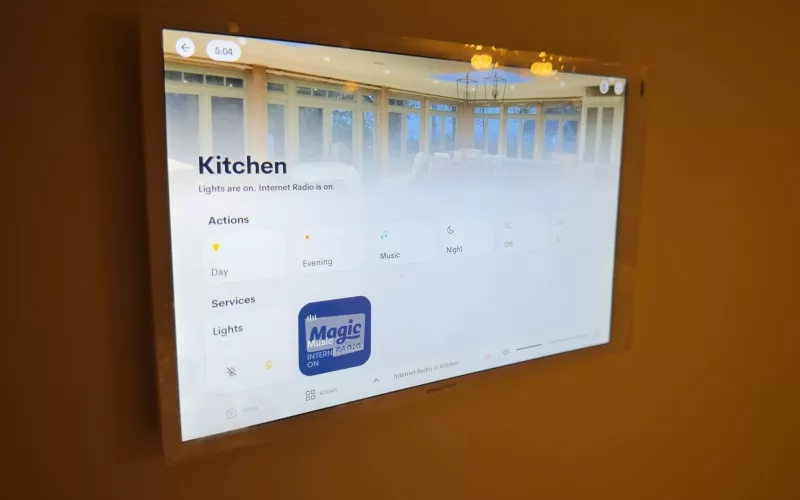
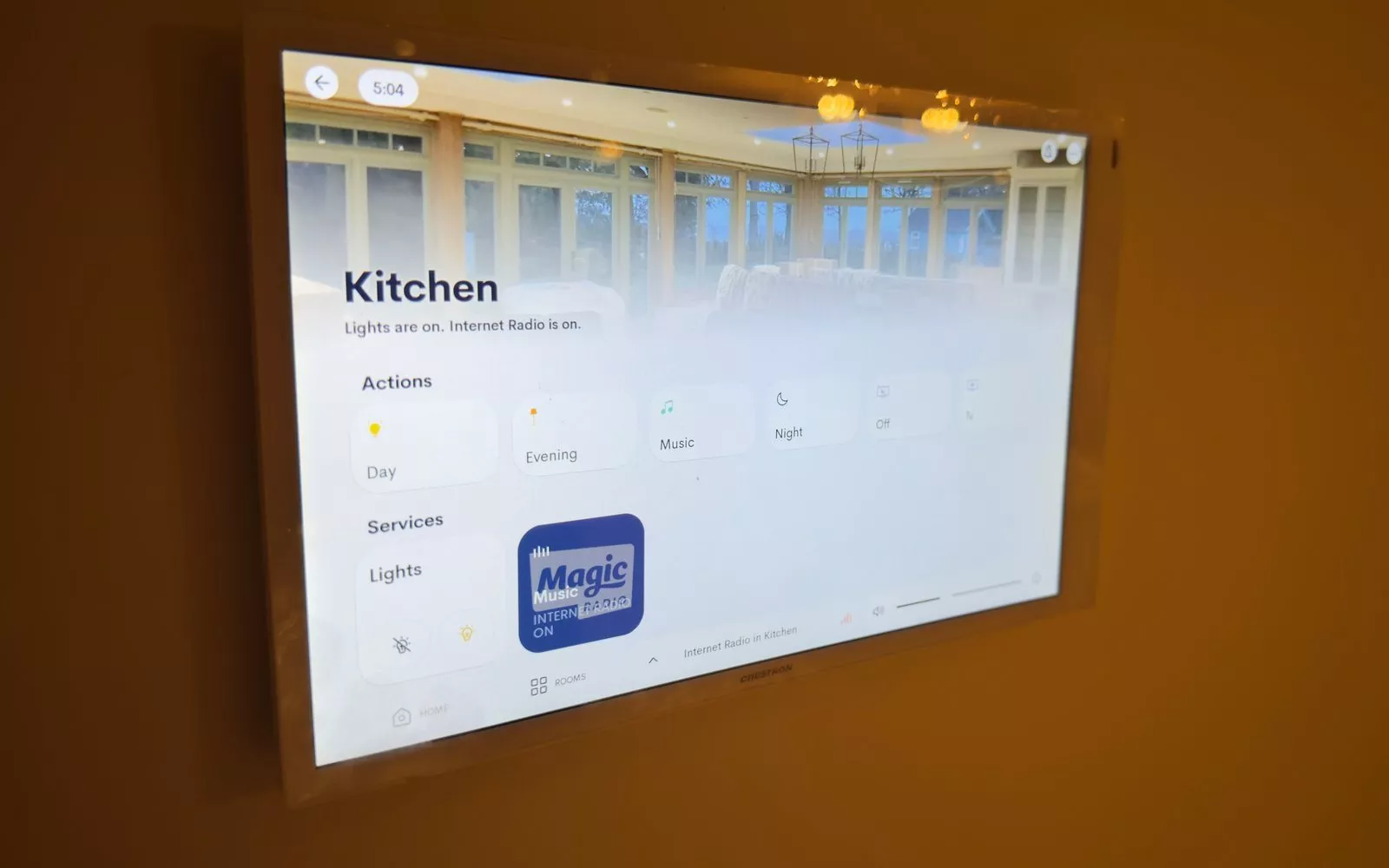
1Install is a Crestron Elite Partner, and our founder holds every Crestron certification. On a Crestron Home project we can show solar production, battery level and car charging on the same touch screen as the lights and the heating, and set scenes such as "away" that hold back the heating and pause car charging. Our Crestron page for Dublin and our home automation page show what that looks like. It does not have to be elaborate: for many homes, a well chosen inverter and charger that follow the tariff are enough.
A design consultation or site survey costs 440 euro plus VAT and covers up to 4 hours, which is usually enough to plan the energy equipment, the controls and the network for a one off house.
Questions we are often asked
Do I need a home energy management system if I only have a heat pump?
Not a separate one. Good heat pump controls and a timed hot water cylinder do most of the work. It becomes worthwhile once you add solar, a battery or an EV charger.
Can I add solar or a battery later?
Yes, if the cables and the space are there. Run the network cables and leave room beside the consumer unit now, and adding the equipment later is simple work rather than chasing walls.
Will the system choose the cheapest hours for me?
It can, once you tell it your tariff. Make sure you can change the hours yourself, because suppliers change their plans.
Does a home battery keep the house running in a power cut?
Only if the inverter supports backup and the circuits are wired for it. Decide at design stage which circuits matter, such as the fridge, the network and some lights.
Who looks after it once it is installed?
Your heat pump installer services the heat pump. We can supply and fit the solar panels, battery and EV charger and look after them, and we always look after the controls, the network and the programming that tie the system together.
Every part of an energy system leans on the house network. Send us your floor plans and we will mark the Wi-Fi access points, list the Cat6 runs back to one comms cabinet and send a priced kit list, free and with no obligation; our free Wi-Fi design offer for self builders explains how.
Book a consultation or call our Dublin office on 01 906 9326.
- Log in to post comments