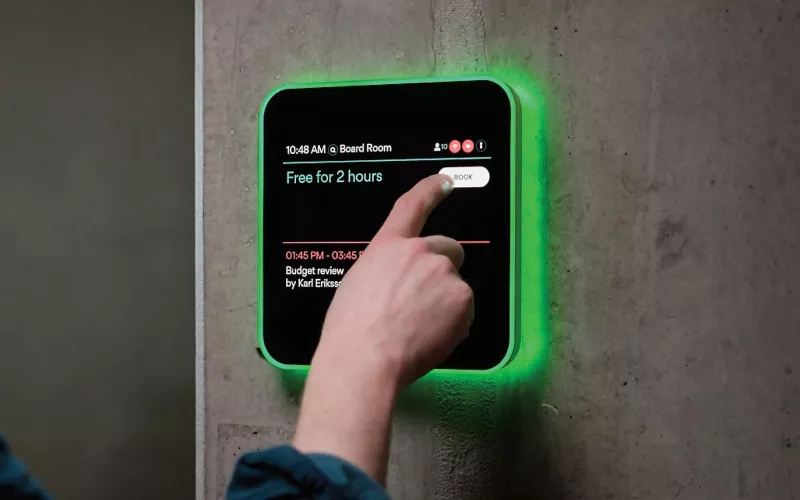
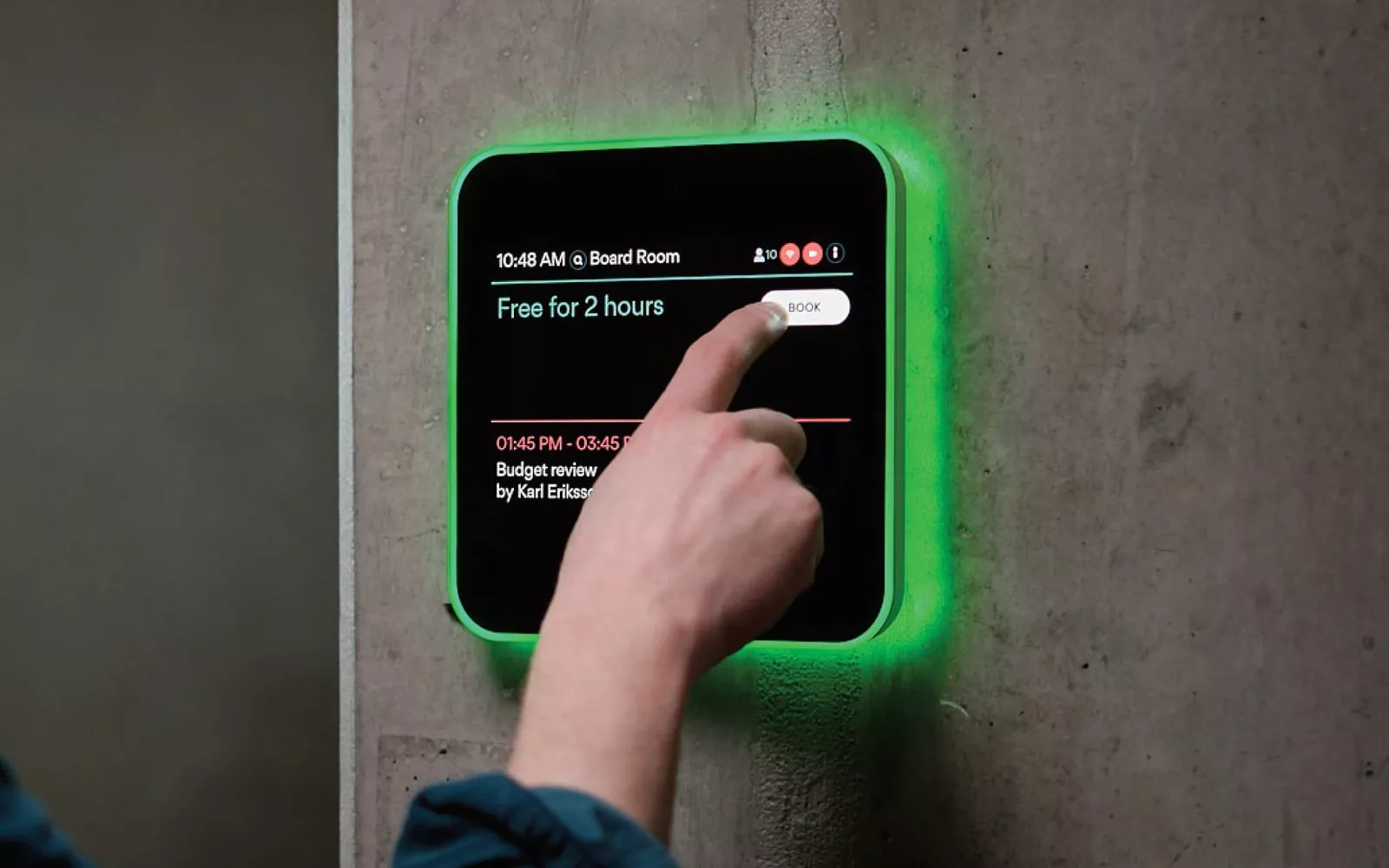
Evoko Liso room booking panels already on the wall can now be managed from Biamp Workplace, Biamp's cloud platform, after Biamp released the Evoko Liso Workplace Migration Tool 1.0.0 and Liso Workplace firmware 4.0.1 in October 2026. Biamp's October 2026 update also brought EasyConnect MPX Management Console 1.3 for the MPX 250 table hub, and for a Dublin office the sensible first step is a short checklist before anyone touches a panel.
Product image: Biamp.
- Biamp says current Evoko Liso devices move to Biamp Workplace through a guided firmware update, with no new hardware.
- Each Liso panel in Workplace belongs to a Workplace organisation and is assigned to a room location inside it.
- The migration tool does not create Workplace locations; for panels added one by one, the rooms must be set up in Workplace first.
- A migrated panel can be put back on Evoko Liso firmware, for use with Evoko Home, with a restore file from Biamp's downloads page.
- MPX Management Console 1.3 can lock the UC state on MPX ports so they are not switched to BYOM mode by mistake.
Evoko Liso and Biamp Workplace in plain terms
Evoko Liso is the square room booking display fixed beside a meeting room door, with a light ring that glows green, amber or red so people can see from down the corridor whether a room is free. Biamp says it has been used in more than 100,000 meeting rooms worldwide. Until this update a Liso was normally looked after through Evoko Home, a server application installed on the customer's own Windows or Ubuntu machine.
Biamp's October 2026 announcement gives Liso owners another option: move the panels to Biamp Workplace and manage them from the cloud. Biamp presents this as a cost effective way to get more out of panels you already own. The panel itself stays where it is. What changes is its firmware and where it is managed from.
For a Dublin firm with meeting rooms on several floors, or a college with rooms in more than one building, the appeal is that IT and facilities staff can see the panels in one place instead of keeping a server on site for them.
Your Evoko Liso migration checklist
Biamp's Liso support pages set out what has to be in place. We have turned them into a list you can work through with your IT lead.
- Workplace account. You need a Biamp Workplace login with Admin or Owner rights in the organisation the panels will join.
- A computer for the tool. The migration tool is a desktop application for Windows or macOS.
- A blank USB stick. At least 1 GB. Biamp says it is formatted when the drive is built, so do not use one with files you want to keep.
- Your Evoko Home details, if you have a server. The server address and an admin login, so the tool can read the existing locations and panels.
- Rooms in Workplace, if you do not. For panels added one at a time, each room location must already exist in Workplace.
- Serial numbers. For panels added one at a time, take the serial number from the label on the back of each panel.
- A quiet slot. Biamp says each panel takes about five minutes to provision, and it restarts and shows the Biamp logo meanwhile.
- Calendar and booking settings. Biamp points to its Workplace Admin Help System for booking settings and digital ID requirements; read it before the day.
Which route suits your building
You have an Evoko Home server. Biamp calls this Path A. The tool connects to the server, you sign in to Workplace, pick the target organisation and review the list of locations and panels, deselecting any you want to leave behind. The tool then recreates those locations in Workplace and builds one USB drive that provisions every selected panel. You take the drive to each panel, insert it and power the panel on. Back at the tool, a refresh shows which panels have come online.
You have panels without a server, or new ones. This is Path B. It works one panel at a time against rooms that already exist in Workplace, and each panel needs its own prepared drive. In Biamp's words, "The Migration Tool does not create Workplace locations, it only reads existing Workplace rooms." If a room is missing, the migration fails, so build the room list in Workplace first.
You change your mind. Biamp's restore file, "Evoko Liso Restore to Evoko Home", puts a panel back on Evoko Liso firmware, for example to use Evoko Home again or when a panel is returned for repair. A restored panel is unprovisioned, and Path B brings it back into Workplace later.
Biamp also says a future update will let administrators discover and assign Liso panels from the admin features of the Biamp Workplace Booking mobile app. At the time of writing that is not available, so the desktop tool is the way in.
What else came in the October 2026 update: MPX Management Console 1.3
The second item is for rooms with an EasyConnect MPX 250, the table hub Biamp describes as a BYOM collaboration switching system, used where a room has a dedicated Teams Room or Zoom Room but visitors need their own platform.
Biamp's release notes for console 1.3 list these changes:
- The MPX 250 is added to the discovery instructions.
- Several firmware updates can be run in one session, with a list of the updates done.
- UC settings let you choose between a "Hold button" profile and "Use different modes on different ports", which Biamp's announcement describes as locking the UC state on the ports to prevent an accidental switch to BYOM mode.
- Better error handling when the console cannot read a value from the hub, and clearer information messages about setting combinations.
- A fix for factory default settings that did not always use the correct values.
The console is a free Windows and macOS application and connects to the hub over USB, because Biamp says the MPX 250 cannot be configured over the network.
Fitting Evoko Liso into a Dublin office or campus
Room booking panels make most sense where rooms are shared and booked at short notice: open plan offices in the city centre, hotel meeting suites and college seminar rooms are typical examples. Biamp's product page lists check in, automatic release of rooms nobody checks in to, and fault reporting on the panel, so empty bookings free up and broken equipment gets reported.
If the meeting rooms themselves are due an upgrade, see our pages on meeting room AV, Teams Room installation in Dublin, huddle rooms and education, or our earlier post on Biamp Workplace camera control. The commercial quote builder gives a guide figure, and our process explains how a project runs. 1Install designs, supplies and installs meeting rooms, Teams Rooms and video conferencing systems.
Questions we are often asked
Can my existing Evoko Liso panels connect to Biamp Workplace?
Yes. Biamp says current Evoko Liso devices can be migrated to Biamp Workplace through a guided firmware update, with no hardware replacement required.
Do I need an Evoko Home server to migrate Evoko Liso?
No. Biamp's Path B assigns panels that run without Evoko Home to existing Workplace rooms, one panel at a time.
Does the migration tool create my rooms in Biamp Workplace?
Only when moving from Evoko Home. Path A recreates Evoko Home locations in Workplace, while Path B only reads rooms that already exist.
Can I manage Evoko Liso from the Workplace Booking app?
Not yet. Biamp says a future update will allow panels to be discovered and assigned from the app's admin features.
Can I run several MPX firmware updates in one go?
Yes. Biamp says version 1.3 supports multiple firmware updates in a single session and shows a list of the updates done.
Book a consultation or call our Dublin office on 01 906 9326.
- Log in to post comments