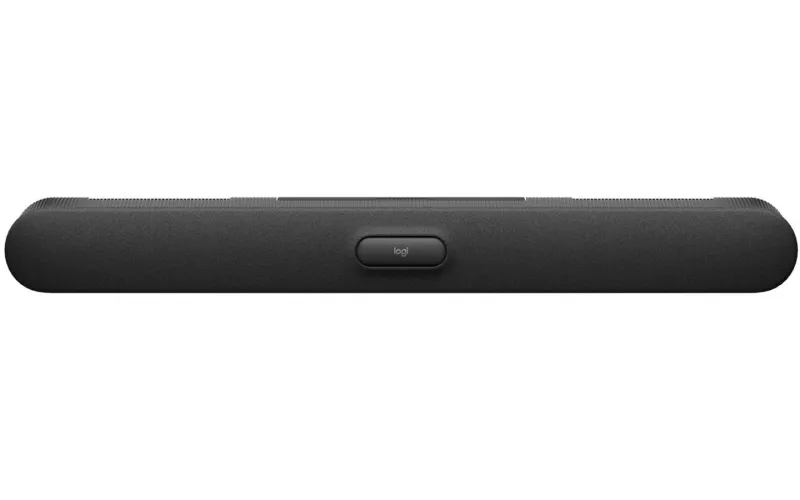
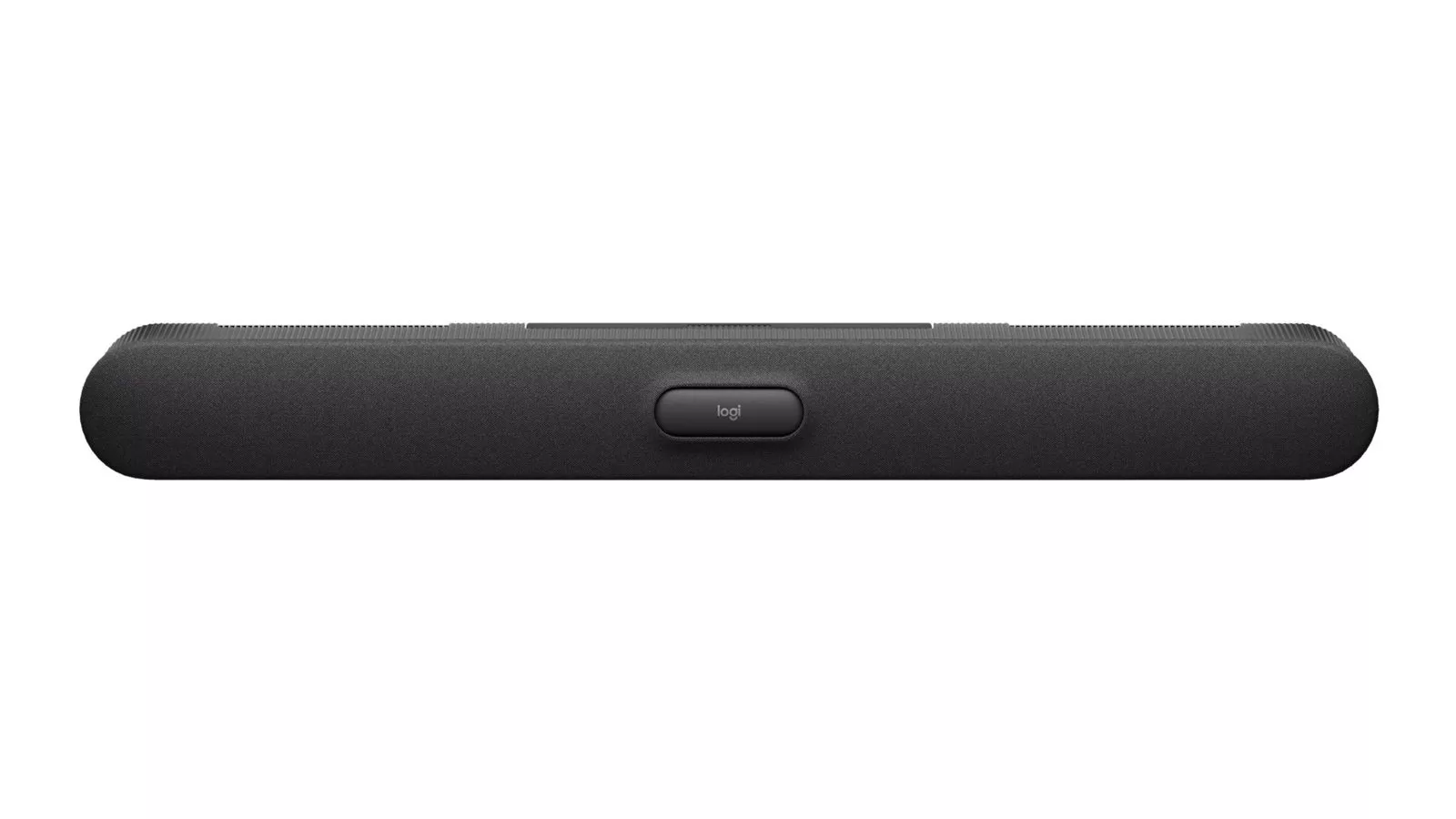
The Logitech Rally Bar 2, announced by Logitech on 8 October 2026 with the Tap IP 2 controller and Tap Scheduler 2 room panel, is the bar Logitech says is rolling out globally now, while its larger Rally System 2 Pro waits until summer 2027. For a Cork office or campus, that splits the decision in two: what a Rally Bar 2 needs from the wall, the cabling and the network today, and which big rooms are worth holding for next year.
Product image: Logitech.
- Logitech announced Rally Bar 2, Tap IP 2, Tap Scheduler 2 and the Rally System 2 Pro family on 8 October 2026, in a release carried by Business Wire.
- Logitech's product page lists Rally Bar 2 at 860 mm wide and 4.8 kg, with a wall mount in the box and a wall-mounted depth of 99 mm.
- The ports Logitech lists are two USB-A, one USB-C with DisplayPort Alt Mode, a 3.5 mm line out, 10/100/1G Ethernet and one RJ45 port for Logitech Link.
- Logitech gives three ways to run Rally Bar 2: Android-based, PC-based or BYOD.
- Rally System 2 Pro, RoomMate 2 Pro and the Rally Speaker 2 lineup are due in summer 2027, and Right Sight 3 camera switching in the second half of 2027, according to Logitech.
What Logitech announced on 8 October 2026
Logitech's own release, "Logitech Unveils Its Biggest Enterprise Launch Ever", published through Business Wire, calls this the largest enterprise product launch in the company's history. AV Interactive, the website of AV Magazine, ran the story the same day as "Logitech unveils its biggest enterprise product launch ever". This post takes its facts from Logitech's release and from the specification section of Logitech's Rally Bar 2 product page, as both read at the time of writing, and looks at them through the eyes of someone who has to get the bar onto a wall in Cork.
In short: Rally Bar 2 is presented as the successor to the original Rally Bar, Tap IP 2 is a network-connected meeting room touch controller, and Tap Scheduler 2 is a room scheduling panel. Everything for the very largest rooms (a new compute box, a dual camera and three new speakers) belongs to Rally System 2 Pro, which is a 2027 product.
What a Logitech Rally Bar 2 needs from the wall and the network
The wall. The bar is 860 mm across and sits 99 mm off the wall on its mount, according to Logitech's specifications. Logitech also says the mount pivots 90 degrees to reach the ports and cables, which matters in a South Mall office where the bar goes into existing joinery under the screen: leave room for it to swing. In the box, Logitech lists the wall mount, four screws, four wall anchors, two mount angle adapters, an HDMI cable, a power cable and an external power adapter.
The cables. Logitech gives a 3 m AC cable and a 2 m HDMI cable. A 2 m HDMI run means the display input needs to be close to the bar, so check the screen position before the bracket goes up. The external power adapter also needs a home, ideally behind the screen rather than on the floor.
The network. Rally Bar 2 has 10/100/1G Ethernet and a separate RJ45 port for Logitech Link. Logitech's release describes Link as native AV over IP that joins Logitech devices with simple Category cables, with no external extender and no PoE injectors. Its product page gives the example of adding devices such as Rally Mic Pod 2 over that cabling. In practice that means planning a cable route from the bar to the table at first fix, not after the carpet is down.
The install claim. Logitech's release states that "Rally Bar 2 can easily be installed by one person in just minutes." That is Logitech's description of the hardware; the time a real room takes still depends on the wall, the cable routes and the network approvals your IT team needs.
Sensors, privacy and room data on Cork campuses
Logitech's specification list for Rally Bar 2 includes temperature, humidity, tVOC, CO2, PM2.5, PM10, radar and ambient light sensors, plus a motorised privacy shutter over the camera. The release says the sensing is there to provide occupancy data that helps leaders make informed real estate decisions. For the pharma and tech campuses around Little Island, Mahon and Ringaskiddy, with many rooms on one site, that data may be useful, but decide first who owns it and where it is reported. Logitech lists Logitech Sync as the device management tool.
The same applies to universities and colleges. A seminar room near UCC or a teaching space at MTU has different rules on data and privacy from a sales office, so involve whoever looks after data protection before switching the sensing features on. See our education page for teaching spaces.
Install now or wait for 2027: room by room
Logitech's split between products available now and products arriving in summer 2027 gives most Cork buyers a clear path. This table is our planning view, based only on what Logitech has published.
| Room | What Logitech offers now | What to weigh |
|---|---|---|
| Medium meeting room in a city centre office | Rally Bar 2 with Tap IP 2 on the table | Mount position, the 2 m HDMI run and a spare network port |
| Room booking outside busy rooms in Cork Docklands | Tap Scheduler 2 | Power and network at the door, and which booking system it should show |
| Divisible training room on a Little Island or Mahon campus | Nothing modular until Rally System 2 Pro in summer 2027 | Whether the fit out can wait, or cabling and containment can be laid for 2027 |
| Large boardroom in Ballincollig or Carrigaline offices | Rally Bar 2 now; Rally Speaker 2 Pro and Max in 2027 | Room length; Logitech pitches the Rally Speaker 2 Max at extra large 20 metre rooms |
| Floor mixing Teams, Zoom and Google Meet rooms | Rally Bar 2, which Logitech says is certified for all three | Check the certification for your exact setup on Logitech's compatibility page |
For the rooms that do go ahead now, audio coverage is worth a second look, especially in long or hard surfaced rooms. Our audio conferencing page covers microphones and speakers beyond the bar itself.
1Install designs, supplies and installs meeting rooms, Teams Rooms and video conferencing systems. You can read about Teams Room installation in Cork, see how a project runs on our process page, or get an outline figure from the commercial quote builder.
Questions we are often asked
Can one person install a Logitech Rally Bar 2?
Yes, according to Logitech, whose release says Rally Bar 2 can be installed by one person in minutes; its product page lists a wall mount in the box. Allow extra time for cable routes, power and network setup in a real room.
Does Rally Bar 2 need a PC in the room?
No. Logitech lists three ways to deploy it: Android-based, PC-based or BYOD, where people bring their own laptop.
What sensors are built into Rally Bar 2?
Logitech lists temperature, humidity, tVOC, CO2, PM2.5, PM10, radar and ambient light sensors, and says the sensing provides occupancy data for real estate decisions.
Can I add microphones to a Rally Bar 2?
Yes. Logitech's product page says extra in-room devices such as Rally Mic Pod 2 connect over Category cabling using Logitech Link.
When will Rally Speaker 2 Max be available?
Summer 2027, Logitech says, alongside Rally System 2 Pro, RoomMate 2 Pro, Rally Speaker 2 and Rally Speaker 2 Pro.
Book a consultation or call our Cork office on 021 202 8107.
- Log in to post comments