Cisco video conferencing gives a room a simple starting point: a video bar under the screen, with the camera, microphones and speakers in one unit. In January 2025 we fitted Cisco video bars in two offices in south Dublin: a boardroom on 8 January, and the meeting rooms of an office fit out the following week, from 13 to 17 January.
A boardroom with twin screens on a stand
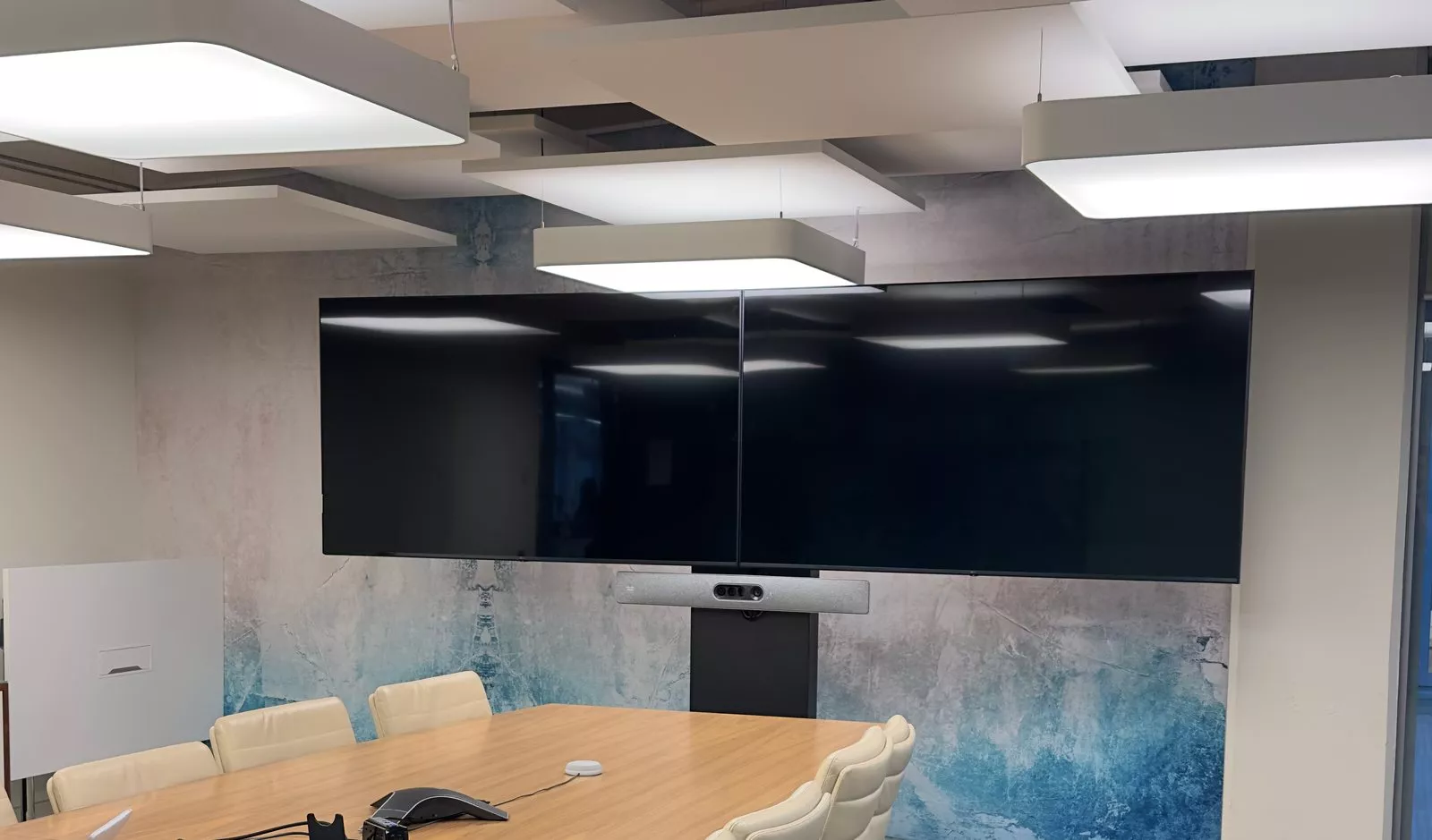
In the boardroom, two large screens sit side by side on a floor stand in front of a printed feature wall, with the Cisco video bar fixed to the stand just below the join. A stand keeps the screens and the camera together as one unit, and nothing has to be fixed to the finished wall behind it. A conference phone sits on the long timber table as well.
Video bars below the screens
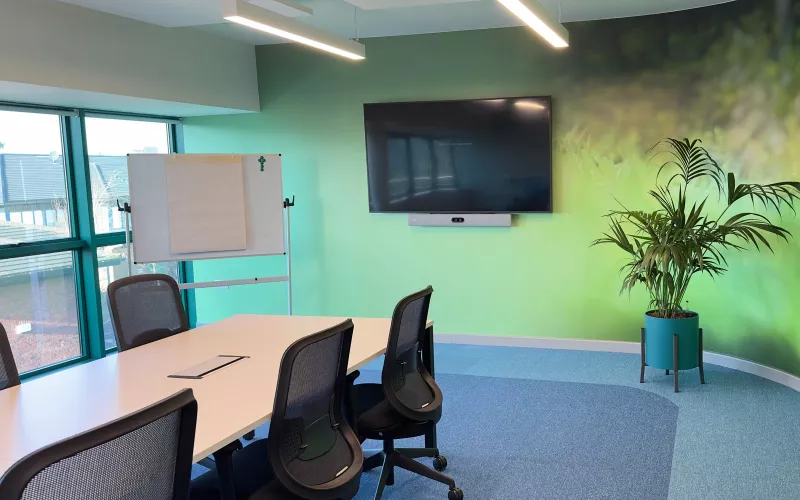
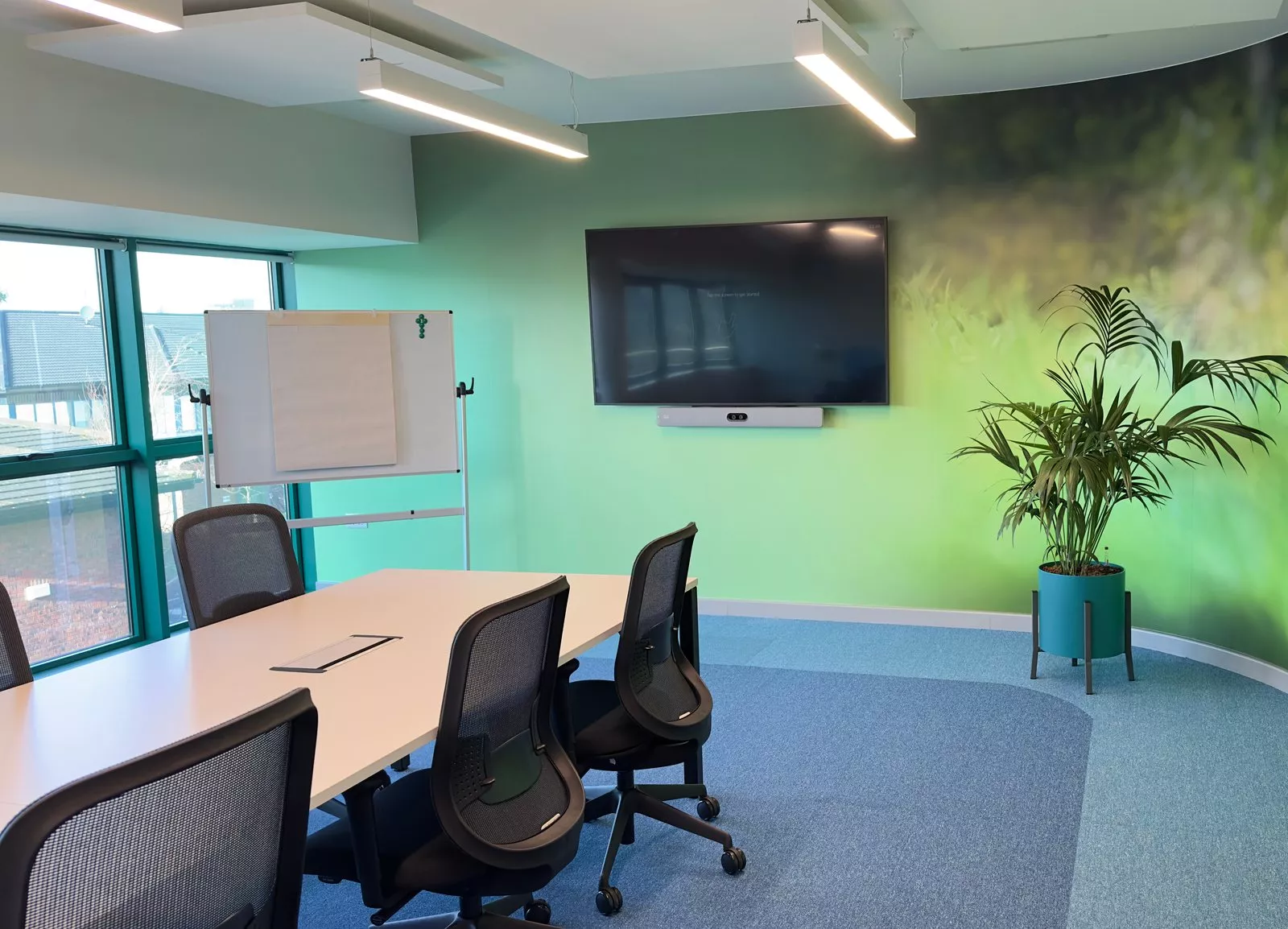
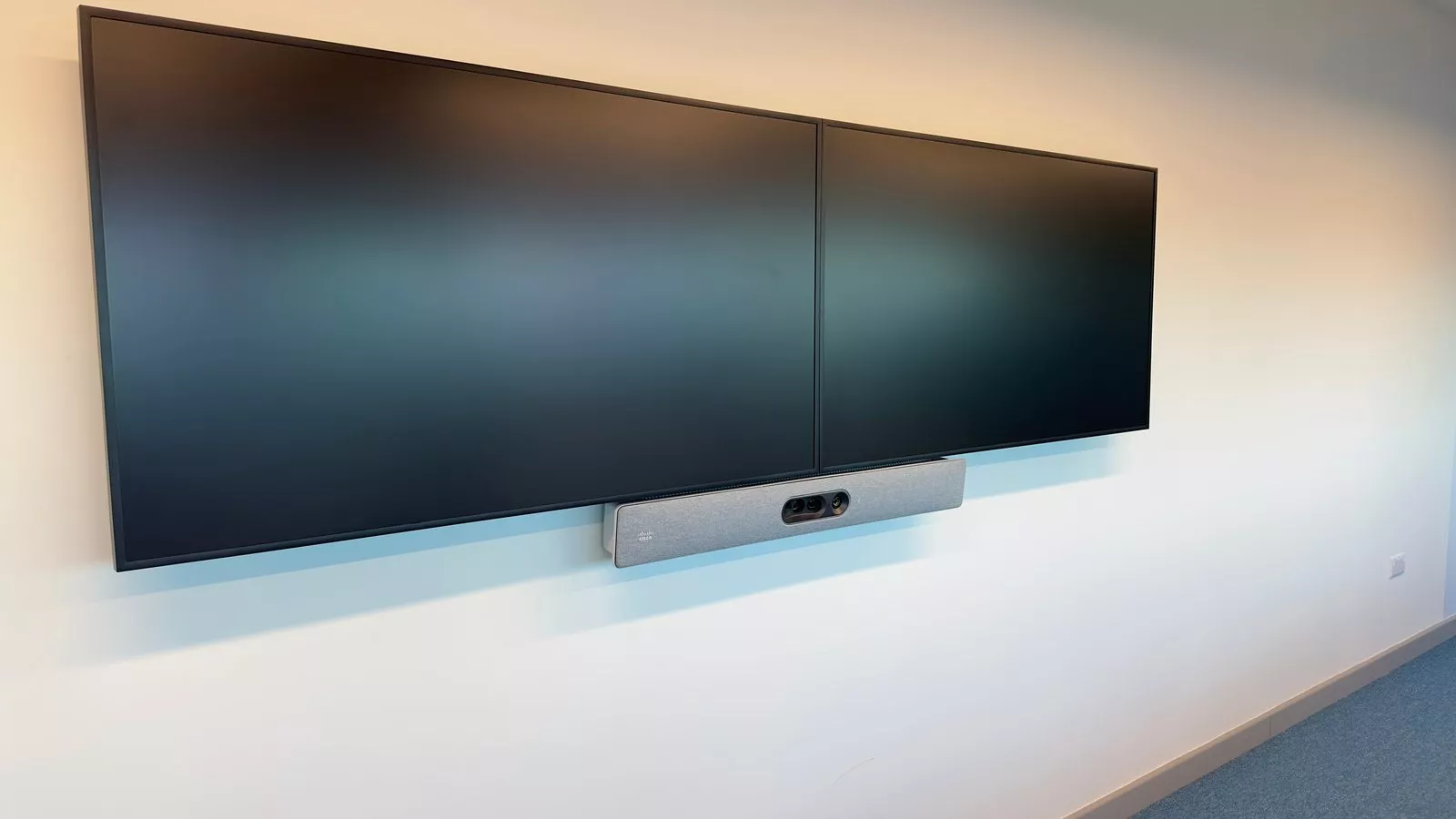
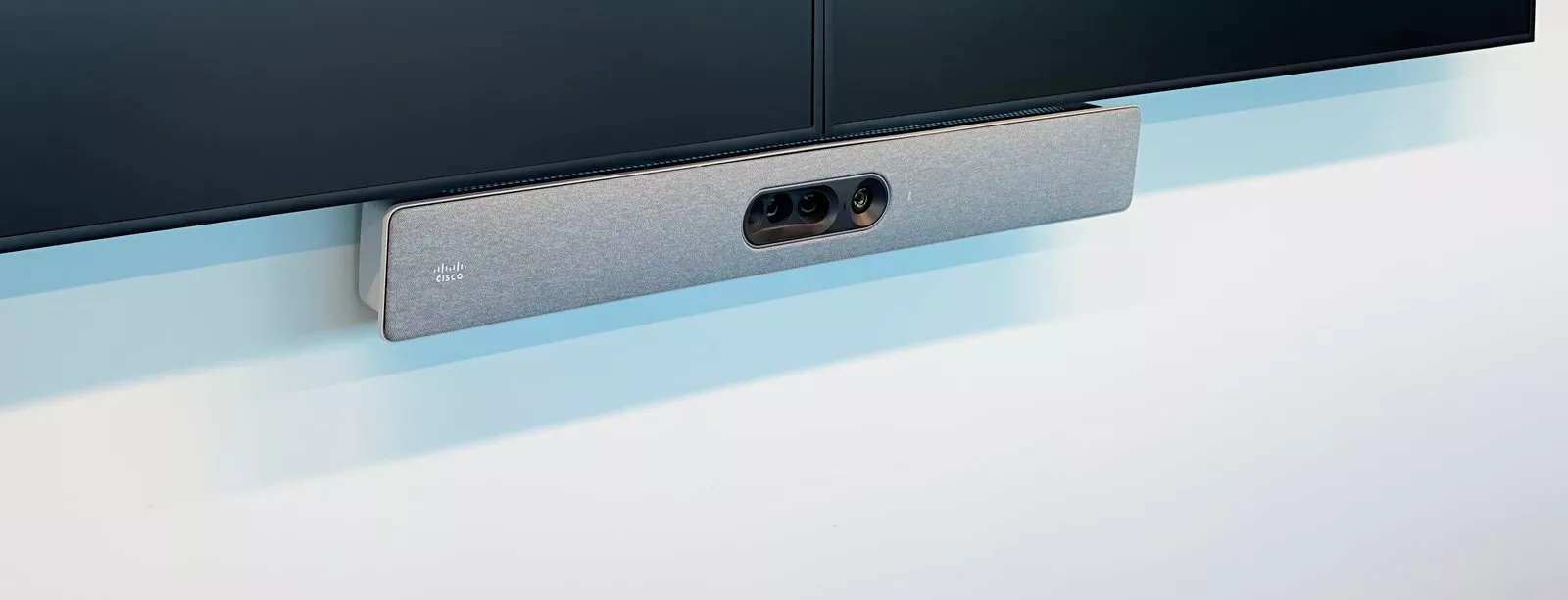
In the office fit out, the room with twin screens and the room with the green feature wall each have a grey Cisco video bar on the wall just below the screen, centred on it. With the camera at the bottom edge of the screen, people on a call look towards it when they look at the faces on the screen. Under the twin screens, the bar sits below the join between them.
A small room with acoustic panels
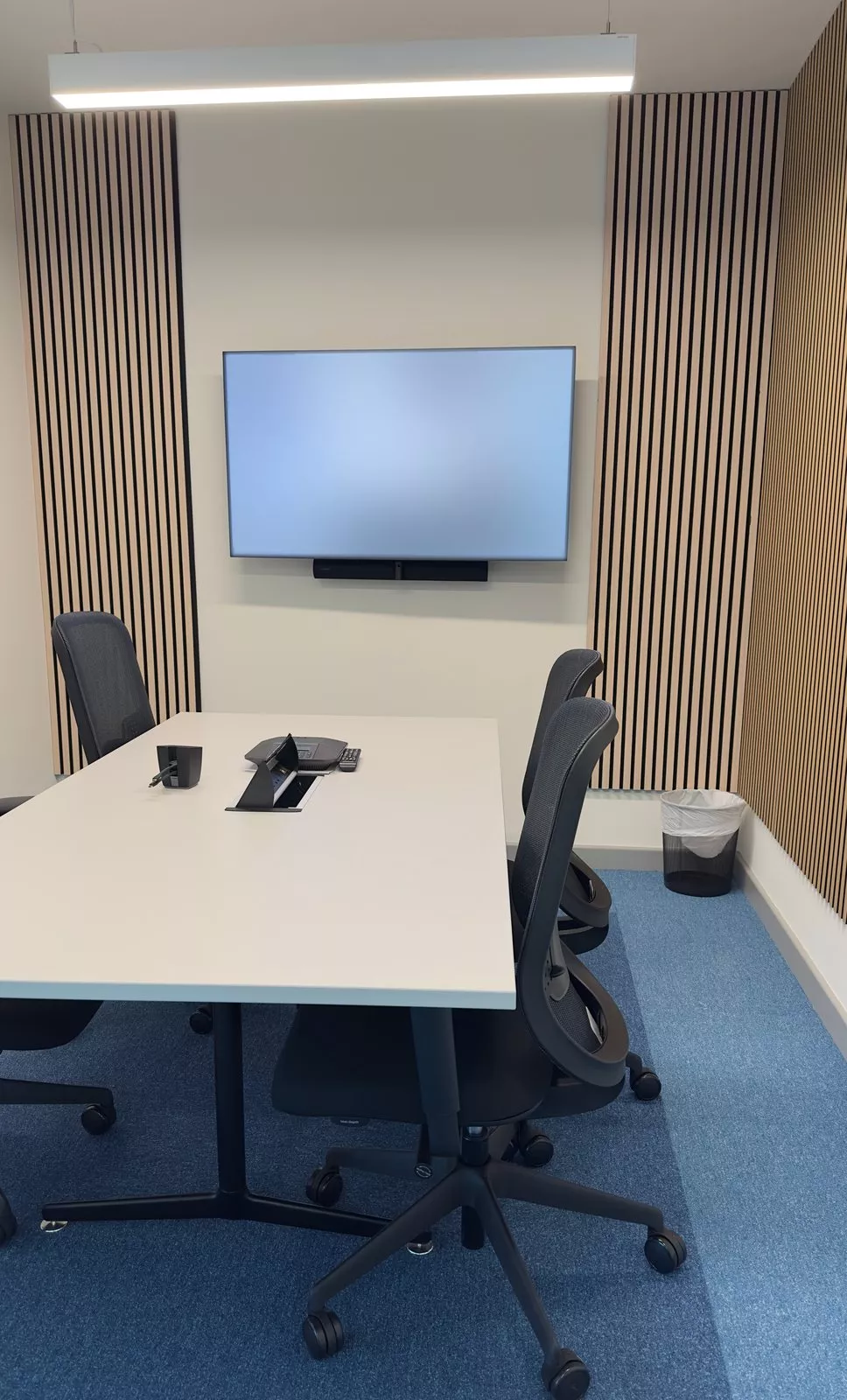
One of the small meeting rooms has timber slat acoustic panels on each side of the screen, which help to cut echo in a small space. It has a slim video bar under the screen, a Cisco conference phone on the table and ClickShare for sharing a laptop to the screen. The screen showed the client's own welcome page when we took the photo, so we have blurred it.
A meeting room with a green feature wall
Another room has a curved green feature wall, suspended acoustic panels under the ceiling and a long white table, with the screen and its Cisco video bar on the end wall.
Planning Cisco video conferencing
Choose a video bar that suits the size of each room, mount it centred on the screen, and plan the power and network points behind the screen before the walls are finished. In small rooms, add acoustic panels so the microphones pick up voices rather than echo, and give people a simple way to share a laptop. Cisco lists its video bars and room kits by room size, which is a useful place to start.
Our pages on video conferencing, meeting room installation and huddle rooms explain the options, and our boardroom video conferencing post shows a larger boardroom in Dublin city centre.
The rooms in pictures
More finished rooms are in our Gallery.
Upgrading your meeting rooms?
Tell us about your rooms and the meeting service you use, and we will help you choose the right video bar for each one. Get in touch, or ring 01 906 9326 in Dublin or 021 202 8107 in Cork.
- Log in to post comments